
Operation & architecture
How DiKAS runs – local, in the cloud or fail-safe
You decide where your register runs: fully local on your own network, as pure cloud operation without your own server hardware, or as a multi-server cluster for maximum failover.
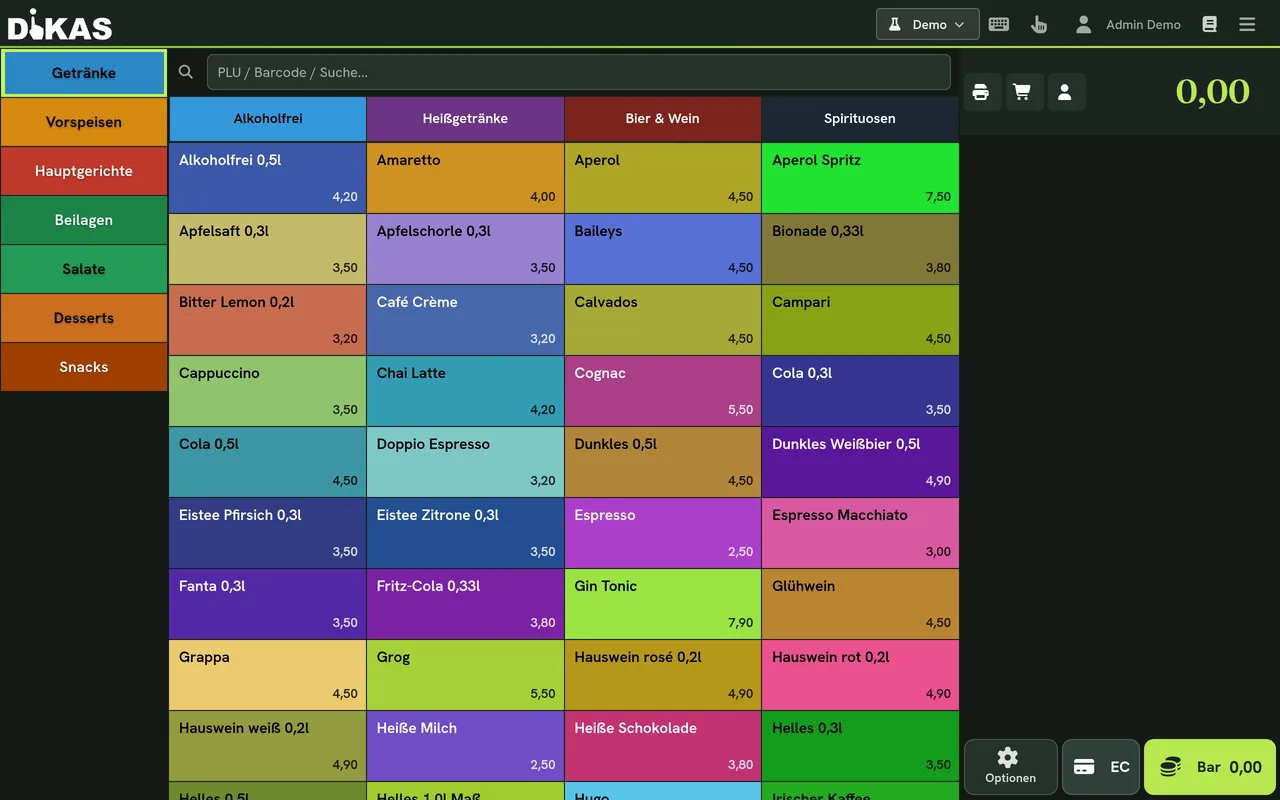
Three ways, one register
Choose your operating mode
The same software, three operating models – compared directly. You can switch at any time, for example start in cloud operation and later continue locally or with multiple servers.
Local
Local on a PC or Android tablet
DiKAS runs right on site on your own network – with its own POS server in your venue.
- Internet goes down
- Keeps ringing up sales – everything runs on your own network.
- Server fails
- The register offers switching to the cloud (cloud failover, see below).
- TSE
- Cloud TSE – included in the plan at no extra charge
Cloud-only
Pure cloud operation
No local server hardware needed: the register runs from the cloud. You still connect your printers and your EC terminal (ZVT) on site as usual.
- Internet goes down
- Without a connection, operation pauses – the honest price of convenience.
- Server fails
- There is no server of your own that could fail.
- TSE
- Cloud TSE only – included in the plan at no extra charge
Multi-server
Multiple servers in a cluster
Several local servers work together as a cluster: if one fails, another takes over – operations continue without interruption.
- Internet goes down
- Keeps ringing up sales – the cluster runs fully locally.
- Server fails
- Another server takes over automatically – no standstill.
- TSE
- Cloud TSE – included in the plan at no extra charge
Cloud failover
If the local server fails, you simply keep selling
In local operation your register does not depend on the internet – but what if the server in your venue itself fails? Then the registers switch to the cloud at the push of a button: same interface, same settings, business keeps running.
- The register detects the failure and offers switching to the cloud – at the push of a button, with your settings carried over.
- EC terminal (ZVT) and receipt printing keep running via the hardware agent in your venue.
- Once the server is reachable again, you switch back to local operation.
Tax-office-proof in every variant
Which TSE when?
Every transaction is TSE-signed – KassenSichV-compliant, no matter how you run DiKAS. Which TSE is possible depends only on whether local hardware is present.
- Cloud TSE: runs in every operating mode, included in the plan at no extra charge (introductory offer; €9/month per till afterwards) – no extra hardware.
- Cloud TSE: included in the plan at no extra charge (introductory offer; €9/month per till afterwards) – no hardware, nothing to plug in, in every operating mode.
- Pure cloud operation: here only the Cloud TSE is available (no local server for the hardware TSE).
Hardware & peripherals
Printers, display & card payment
You connect peripherals flexibly – via network, USB or Bluetooth.
Card payment (ZVT)
Your own EC terminal via ZVT at the bank conditions you negotiated yourself – no surcharge by DiKAS, no lock-in to a payment provider. Works in every operating mode.
Receipt printers – also via Bluetooth
You connect receipt and kitchen printers via network (LAN) or USB – and just as easily via Bluetooth. That way you print even where no cable reaches.
Customer display / amount display
The guest sees the amount in real time. On the local Android register you pair the amount display via Bluetooth too; on a PC it runs over the network.
Decision aid
Which mode fits you?
Three simple rules of thumb – and don't worry, you're not locked in.
Start fast, maintain nothing
Want to get going right away and not worry about any hardware? Then pure cloud operation is your path.
Cloud-onlyIndependent & offline-capable
Unstable internet or full control wanted? Local operation keeps running on your own network, even without a line.
LocalNo downtime allowed
Large venue, peak times, no risk? Several servers in a cluster keep operations running, even if one fails.
Multi-serverFrequently asked questions about operation
Can I switch between operating modes later?
Yes. DiKAS stays the same application – you can start in cloud operation, for example, and later upgrade to a local server or a multi-server cluster without setting up the register again.
Which TSE fits which operating mode?
The cloud TSE works in every operating mode and needs no extra hardware. It is currently included in every plan at no extra charge – an introductory offer; once it ends it costs €9/month per till (plus VAT). We do not currently offer the Swissbit hardware TSE.
Do I still need hardware on site for the cloud variant?
Only the peripherals you need anyway: receipt printer, customer display and – if you accept cards – your EC terminal. You do not need a server of your own for cloud operation.
Does DiKAS really run without internet?
In local operation, yes: the register keeps working on your own network, even if the internet line goes down. With pure cloud operation a connection is required.
However you start – DiKAS grows with you
Try DiKAS for free – cancel monthly, no minimum term.