
POS systems compared
DiKAS puts its cards on the table
DiKAS next to four common POS systems – feature by feature, fair and open. Our substance: cancel monthly, runs on any hardware with a browser and brings features you won't find elsewhere.
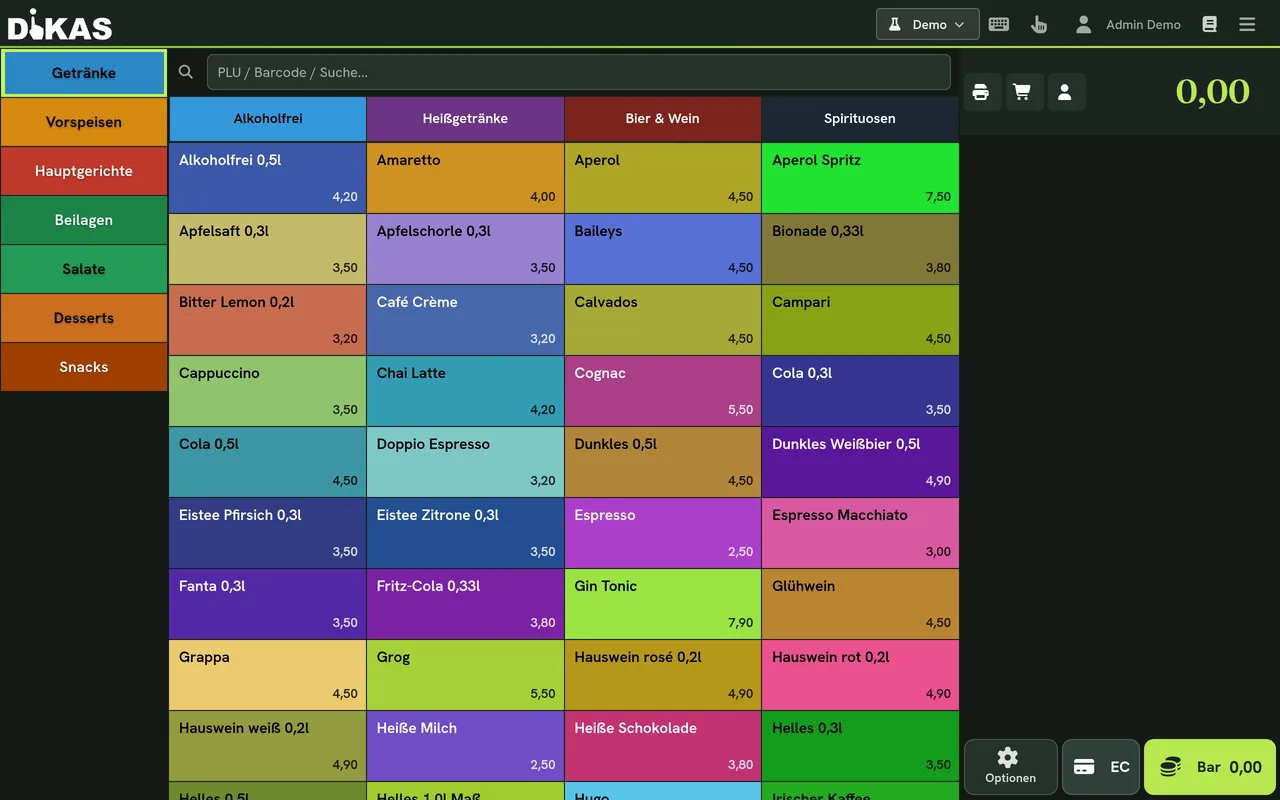
Feature by feature
The direct comparison
Five providers, one grid: contract, tax-office compliance, features, technology. What the individual DiKAS plans cost is shown transparently on the pricing page.
| Feature | Our POS DiKAS | POS System A | POS System B | POS System C | POS System D |
|---|---|---|---|---|---|
| Contract & freedom | |||||
| Contract term | cancel monthly | 12 months | none | monthly | 12 months |
| Free choice of card payment | Yes | No | No | Yes | No |
| Use your own card terminal (ZVT) | Yes | No | No | Yes | No |
| Runs on any device (no iPad lock-in) | Yes | No | basic | Yes | No |
| Tax office & security | |||||
| TSE / KassenSichV compliant | Yes | Yes | Yes | No | Yes |
| Features | |||||
| Kitchen display (real-time) | Yes | basic | No | No | Yes |
| Club / disco module | Yes | No | No | No | No |
| Customer points & balance incl. | Yes | No | No | No | extra cost |
| Tap system integration | Yes | No | No | No | No |
| Invoices & dunning | Yes | No | No | No | extra cost |
| Technology & independence | |||||
| Self-hosted (Linux appliance, Windows server & client) | Yes | No | No | No | No |
available not available Third-party details to the best of our knowledge, without guarantee.
Free choice of card payment
Card fees apply with every POS system – the decisive question is whether you can influence them. Pure SaaS POS systems usually hard-wire a fixed rate that you can neither negotiate nor switch. DiKAS charges no surcharge of its own and gives you the free choice: your own card terminal at your self-negotiated bank conditions. You decide who you settle through.
Basic plan per month (plus VAT)
months minimum term – cancel monthly
client per plan included (Club: 2)
on the market for nearly 20 years
Our own substance
Four table rows where only DiKAS has a checkmark
Features you'll search for in vain with the others – or only get for an extra charge.
Disco & admission module
Admission, cashless NFC card, cloakroom and billing – for clubs, water parks & indoor playgrounds.
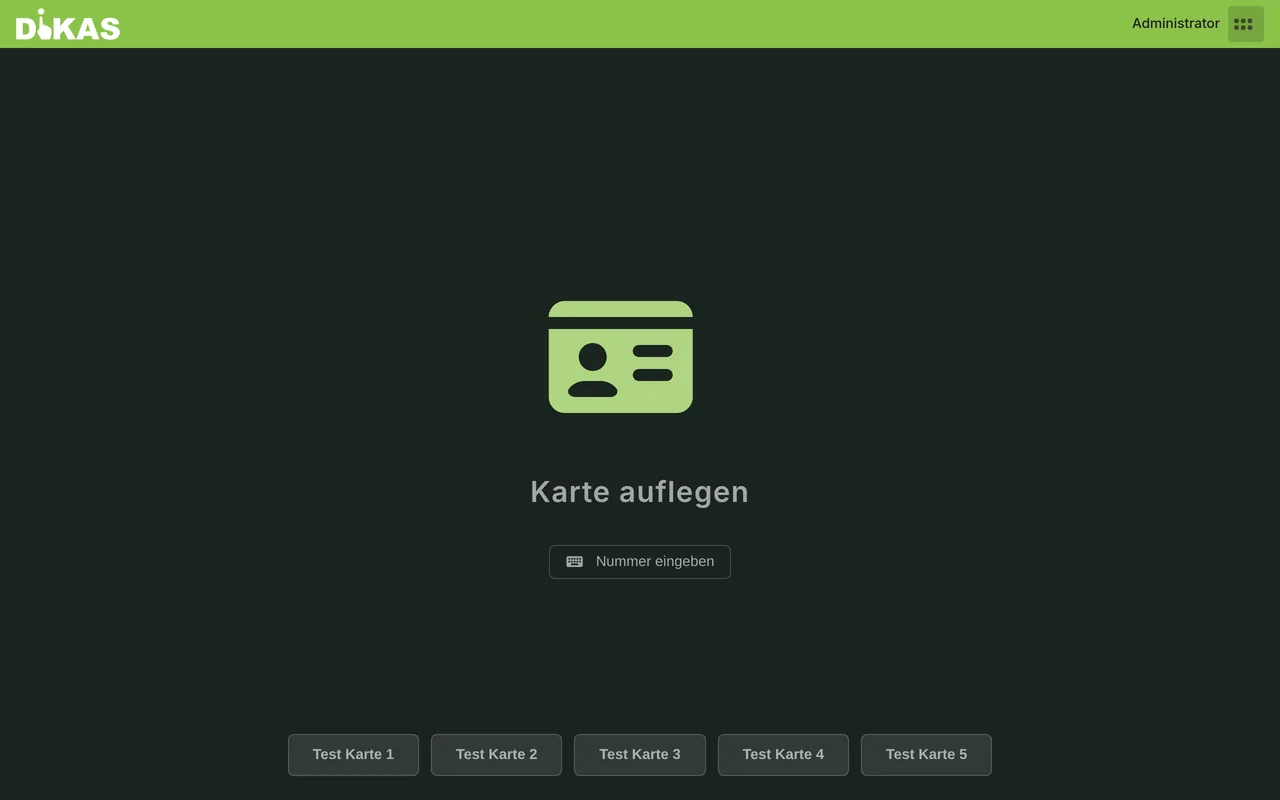 To the disco module
 Invoices, subscriptions & dunning
Write customer invoices, bill subscriptions, 3-stage dunning – bookable as a module, without second software.
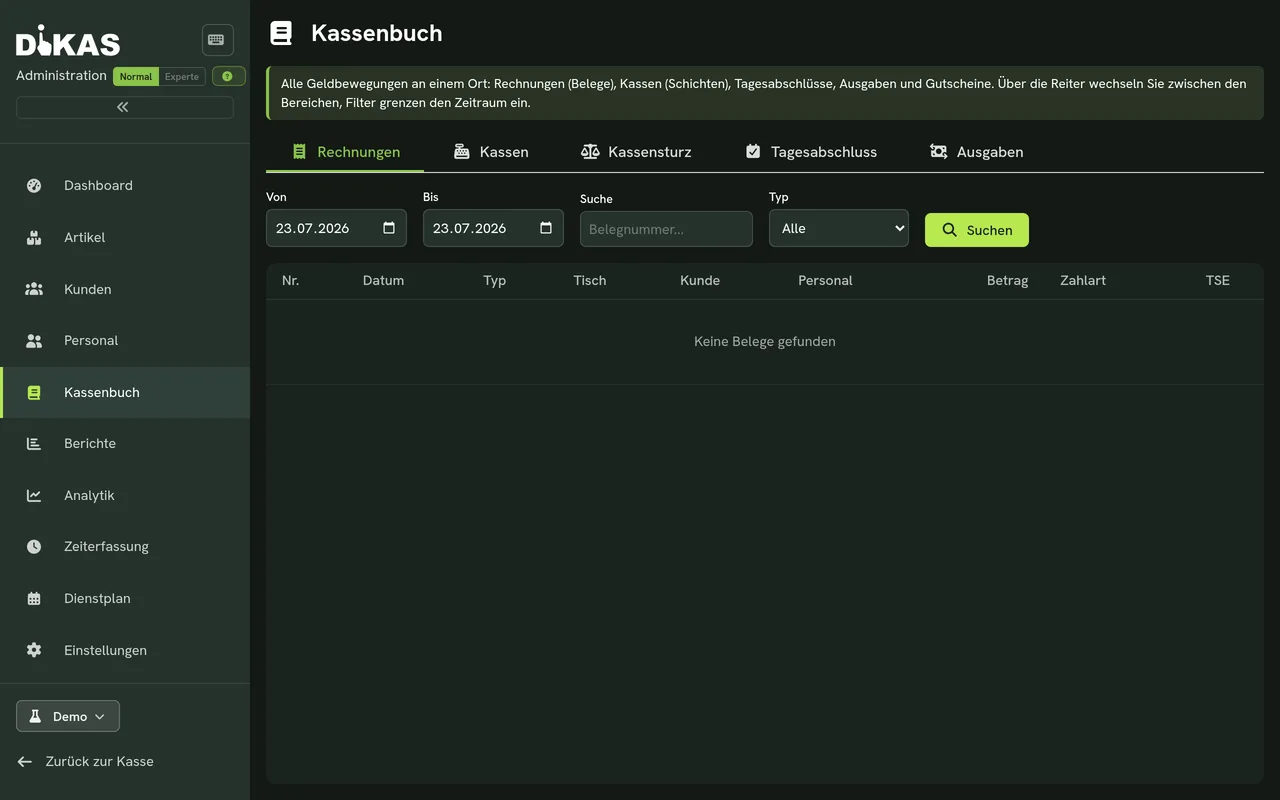 All features
 Beverage tap integration
The beverage tap system right at the POS: every pour is captured and billed automatically – less shrinkage, exact accounting.
To the beverage tap pageSelf-hosted / Linux appliance
On request, DiKAS runs on your own hardware – local-first on your own Wi-Fi, with a REST API and plugin system. No vendor lock-in.
API & developersSwitch without a weekend project
Switch over in one afternoon
-
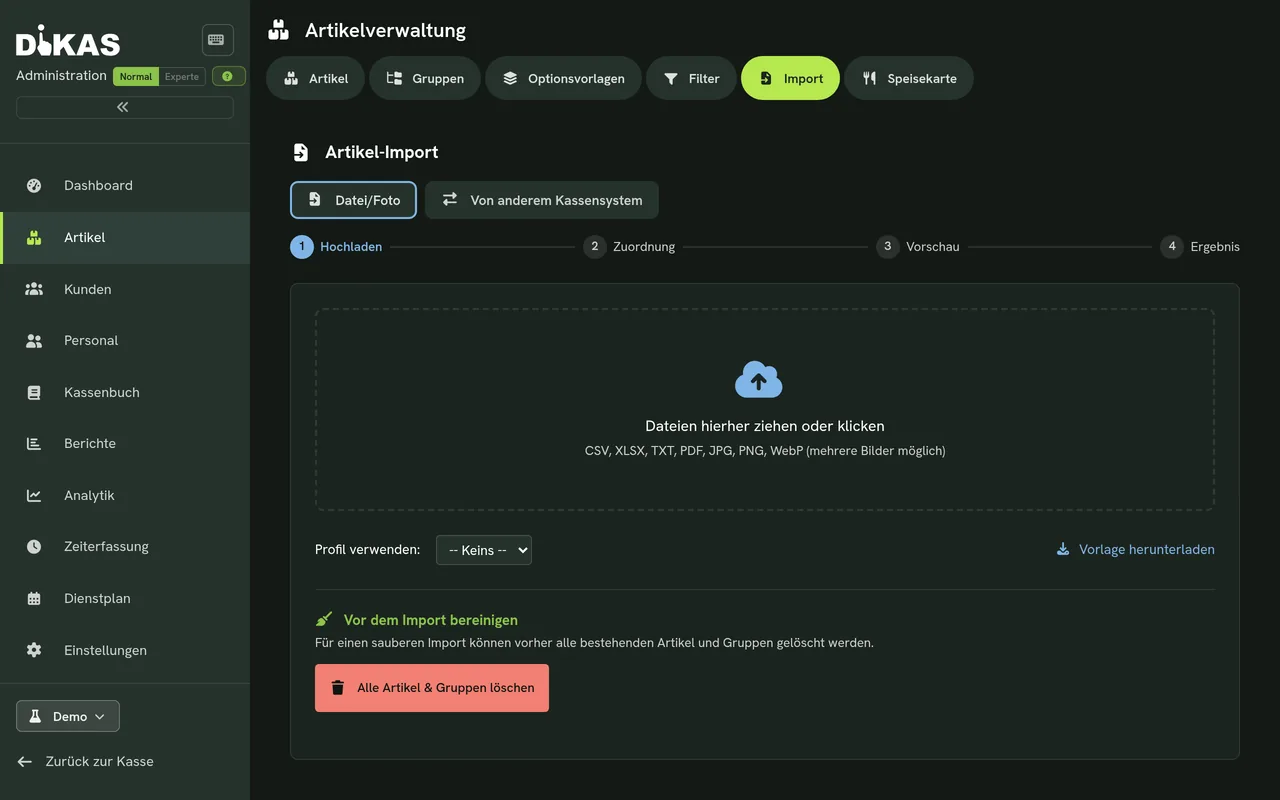
1. Import your menu with AI
Upload your menu as a photo or PDF – the AI recognises items, prices, options and allergens and sets everything up automatically. No typing in 200 items.
-
2. Set up your table plan
Click together tables and service areas in the graphical editor – exactly how your venue really looks.
-
3. Get going – on your existing hardware
DiKAS runs in the browser on PC, tablet or smartphone. With self-installation there are no setup costs – and you can still cancel monthly.
The most honest comparison: try it yourself
Try DiKAS for free – cancel monthly, no hidden costs.