
Printer routing
Every receipt to where it belongs
Drinks to the bar, food to the kitchen, dessert to the right service area – DiKAS controls where things print, via item groups or per item. With item options on the kitchen ticket, collective receipt, extra and cancellation receipts, service areas and virtual printers. Especially in a busy service, that saves walking, errors and nerves.
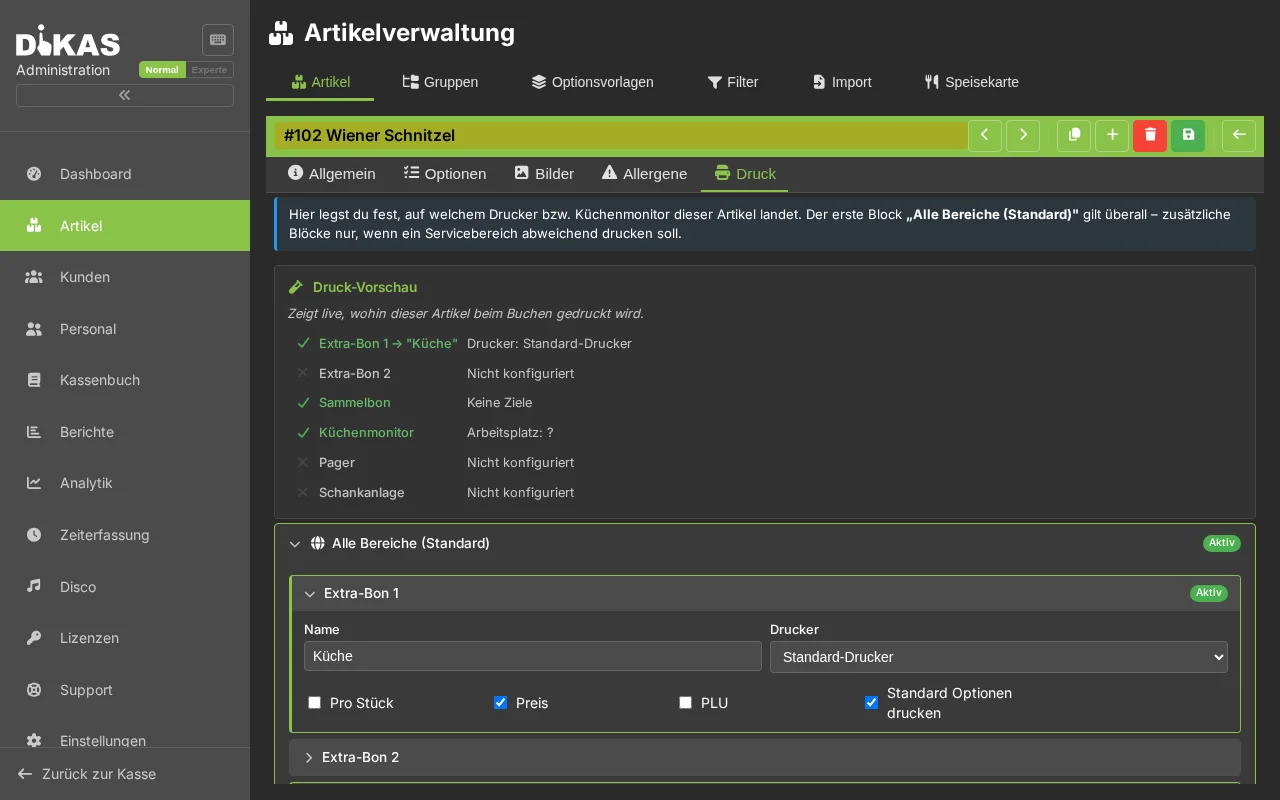
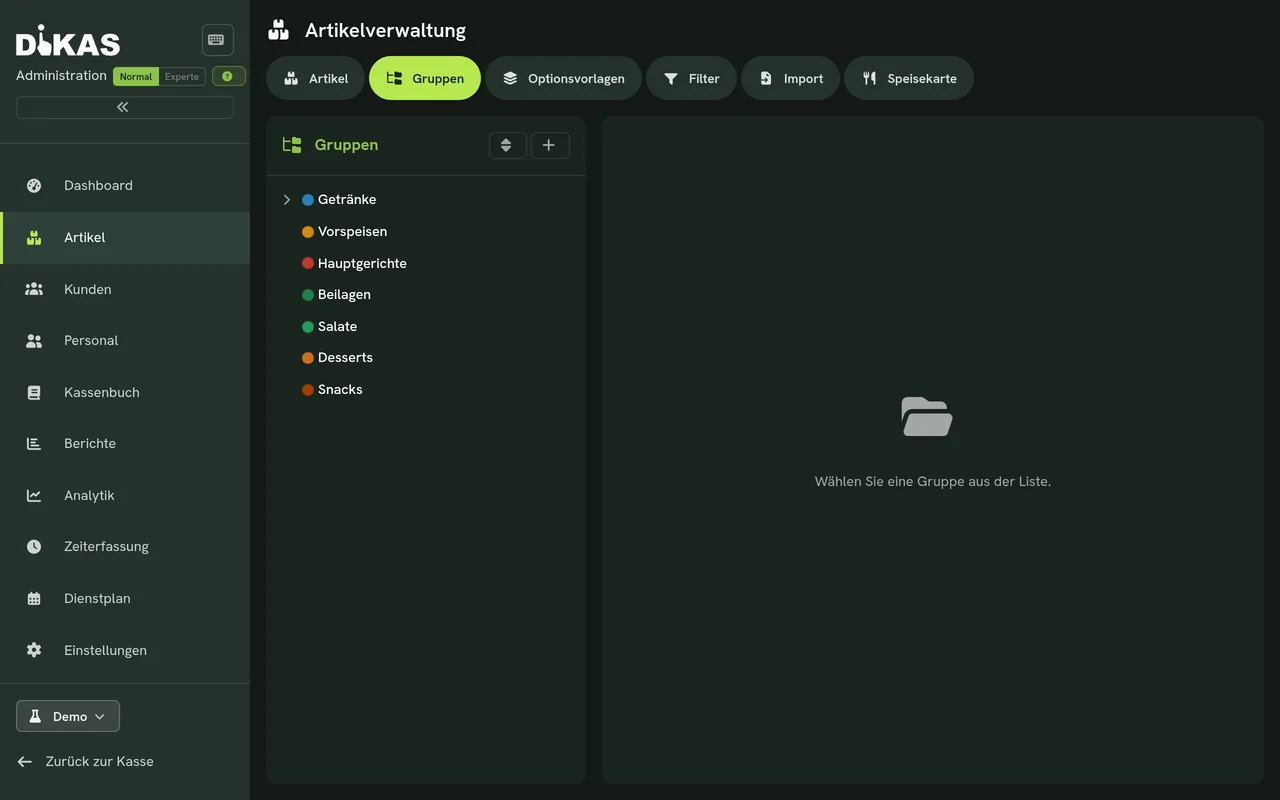
Receipt routing via item groups
Set it once on the group – all items inherit it
The most convenient way to control routing is centrally via the item group: all drinks to the bar, all food to the kitchen. New items in the group take on the target automatically. When needed, you override it precisely per individual item. So in a busy service everything lands at the right printer – without anyone having to sort.
How an order flows
One order, three receipts – each in the right place
The service enters the order once – DiKAS distributes it the same moment to the bar, kitchen and service area. Nobody sorts, nobody walks.
Table 12 orders
One tap on “Book” – nothing more happens at the till.
Bar
All drinks – the moment they are booked.
BAR · TABLE 12 · 19:42
2× Pils
Kitchen
Food with all special requests – nothing gets lost.
KITCHEN · TABLE 12 · 19:42
1× Schnitzel
» no onions
1× Burger
» medium · fries instead of salad
Service area
The dessert prints where it is served – e.g. on the terrace.
TERRACE · TABLE 12 · 19:42
1× Tiramisu
Optionally on top: a collective receipt with the complete order, an extra receipt for special requests, a cancellation receipt for clean documentation.
Item options
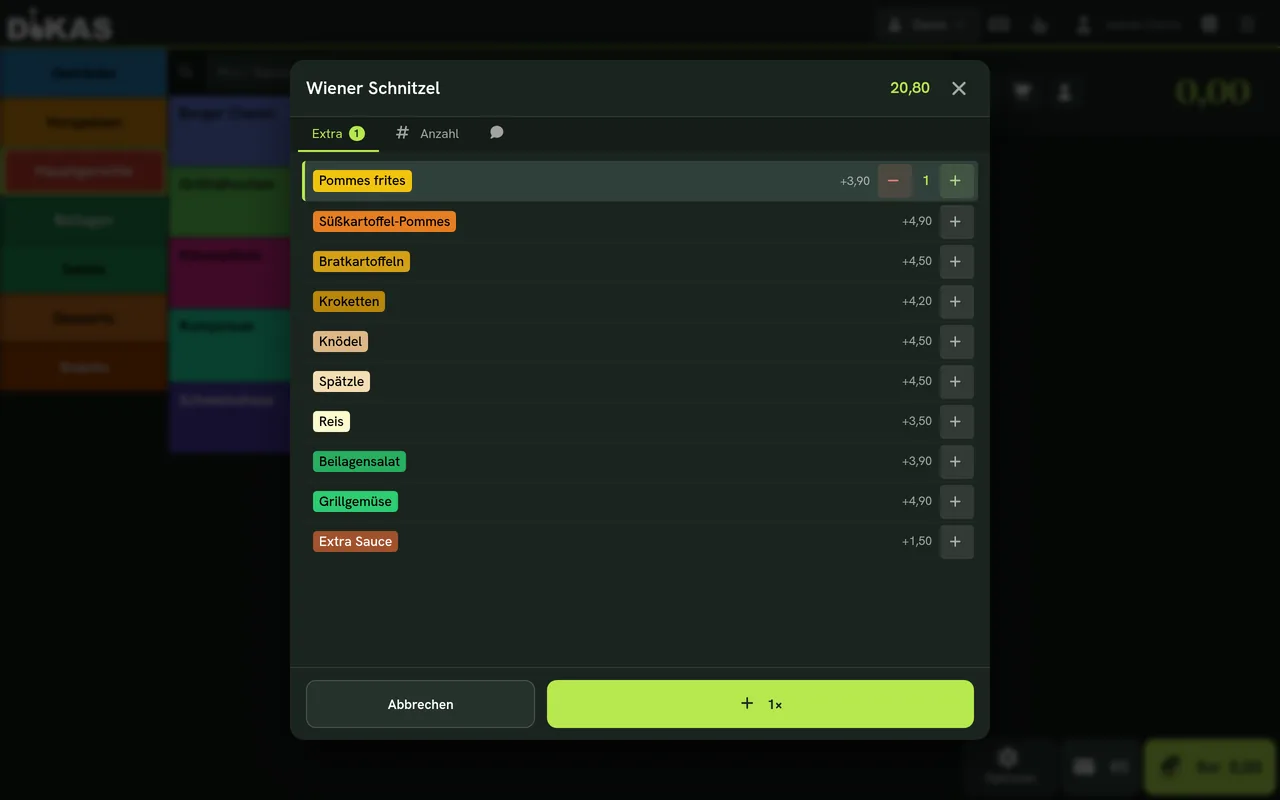
Special requests that reach the kitchen
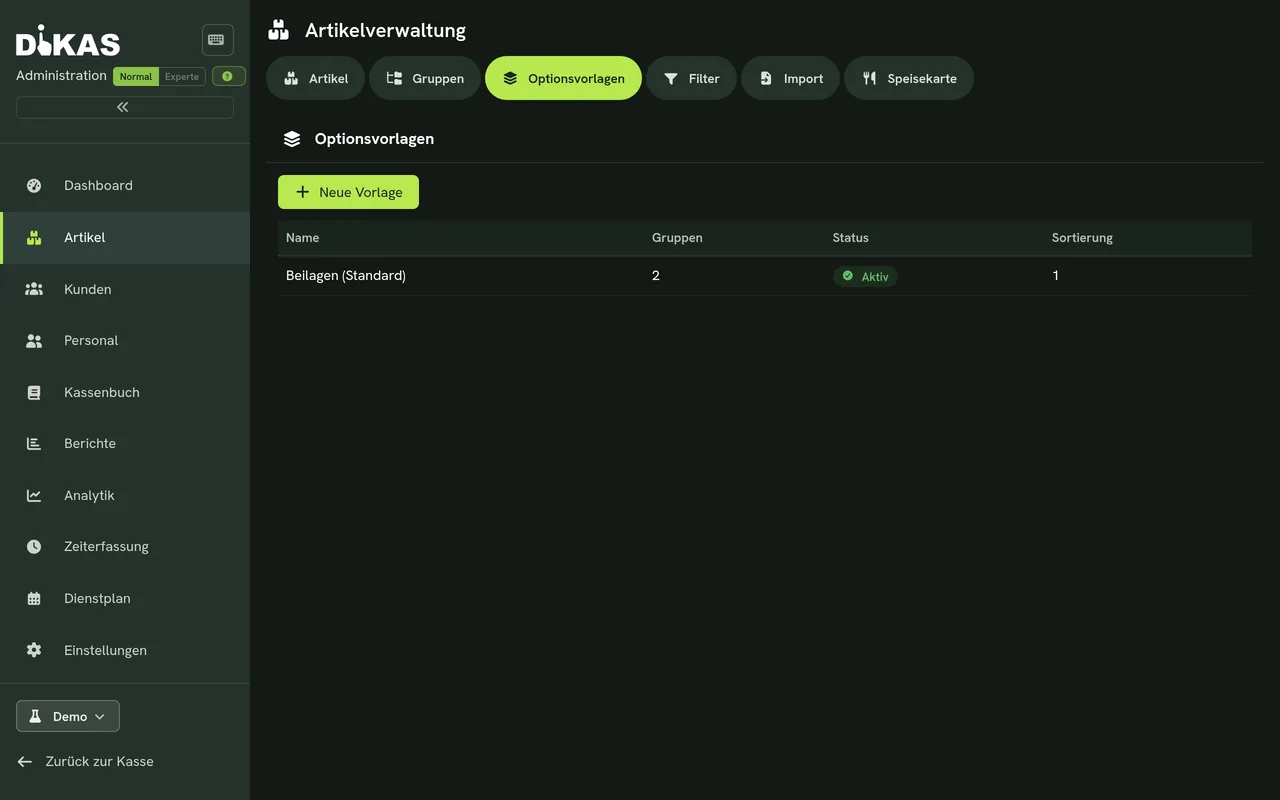
Sides, extras, preparation, sizes – item options capture every special request and print it onto the kitchen ticket. So the kitchen knows exactly what is wanted: “medium, no onions, fries instead of salad”. You create option templates once and reuse them across many items; surcharges flow into the price automatically.
Receipt templates
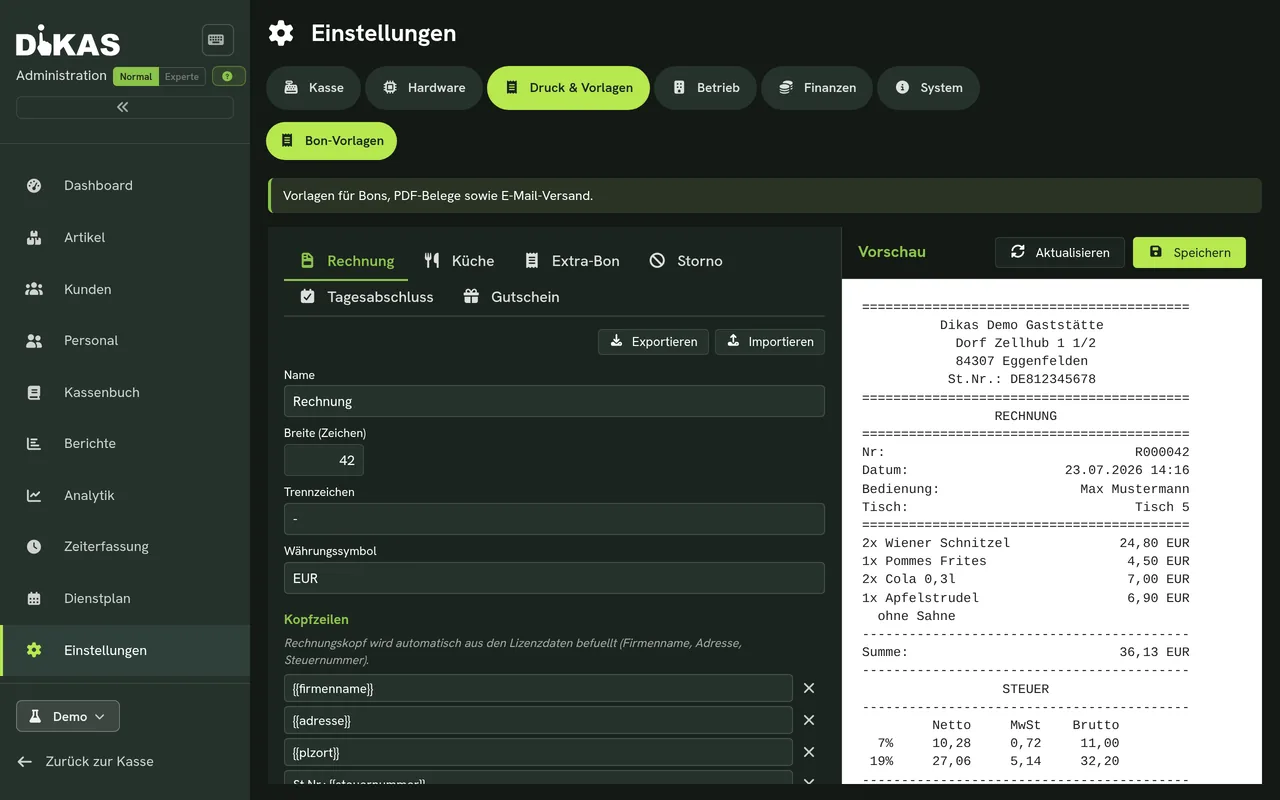
Collective receipt, extra receipt & cancellation receipt
Different receipt types for different purposes: the collective receipt sums up an order, the extra receipt highlights special requests, the cancellation receipt documents cancellations cleanly. Layouts are freely designable.
Service areas
Print separately by area
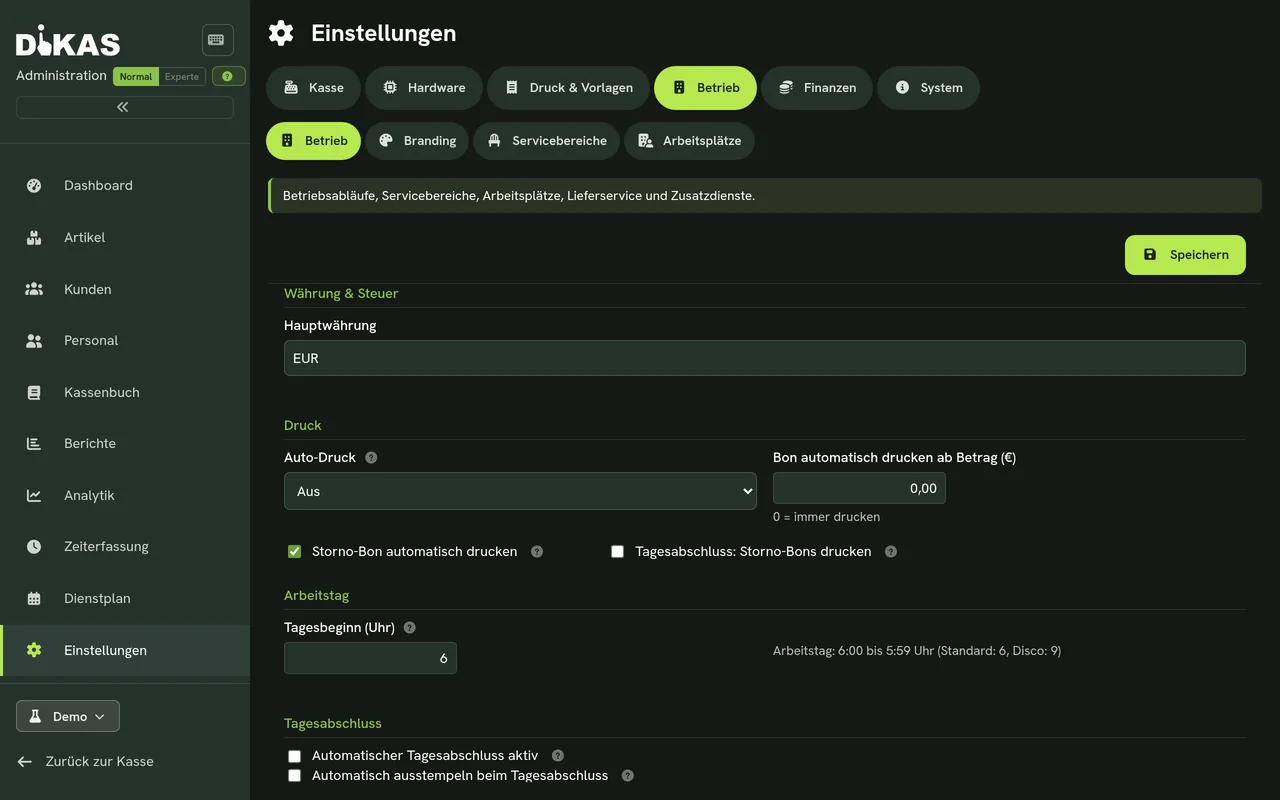
Define service areas – restaurant, terrace, bar, event room – and control which area is served at which printer. So everything stays clear even with several stations.
Printers & hardware
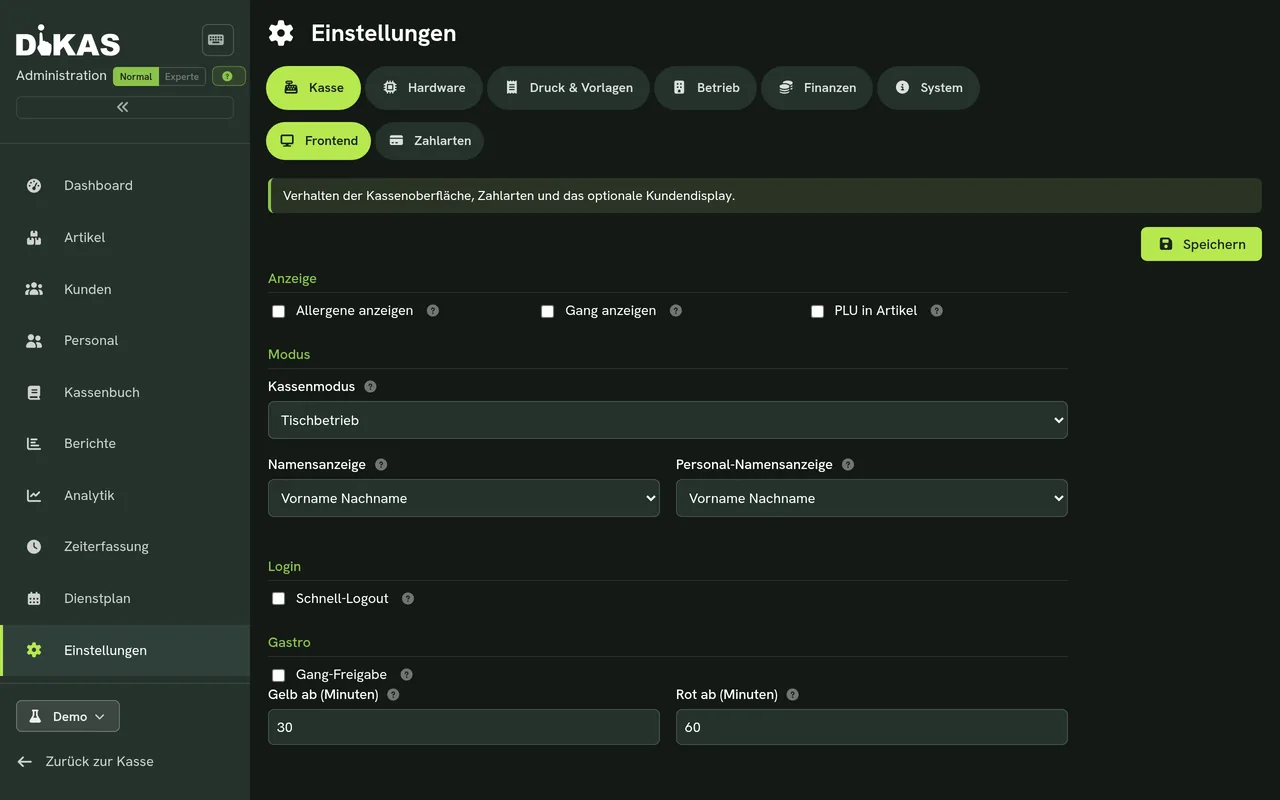
Real and virtual printers
Connect your receipt printers and work with virtual printers that bundle several physical devices or fallbacks. If a printer fails, the rule kicks in – service carries on.
A printer fails? Service carries on.
Virtual printers bundle several devices and fallbacks: if a printer does not respond, the backup target takes over automatically – without anyone at the till having to change a thing.
Saturday night, 7:30 PM
A full house – with and without receipt routing
Without routing
- Every receipt is carried to the kitchen by hand – walking instead of serving
- Special requests travel on slips of paper – and get lost in the rush
- “Was that with or without onions?” – queries hold everyone up
- Cancellations without a record – arguments at the end of the day
With DiKAS routing
- Drinks at the bar, food in the kitchen – the moment they are booked
- “No onions” is there in black and white on the kitchen ticket
- The cancellation receipt documents every cancellation automatically
- The service stays with the guests – the till does the distributing
Thinking further
It all plays together
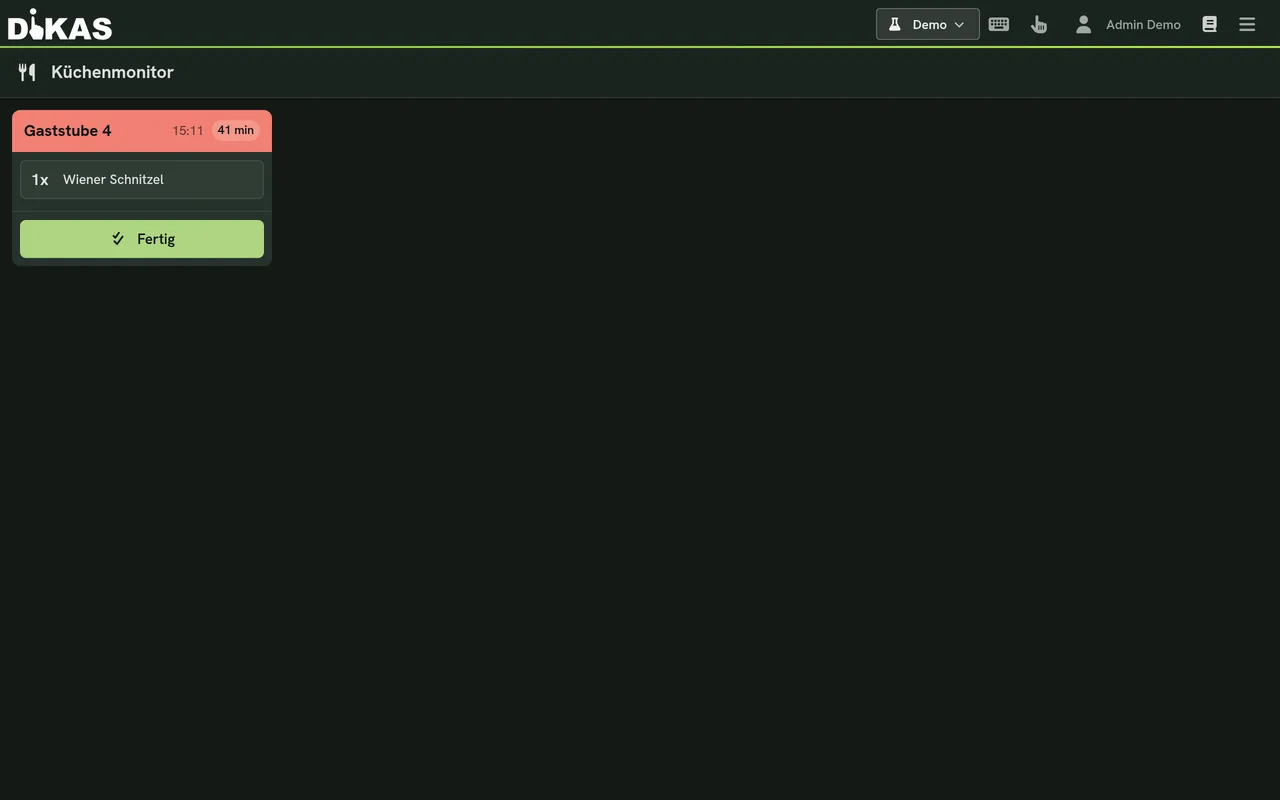
Prefer to go fully paperless?
The kitchen monitor shows orders in real time and is included from Basic, also for direct sale. Table course control starts with Gastro.
Learn more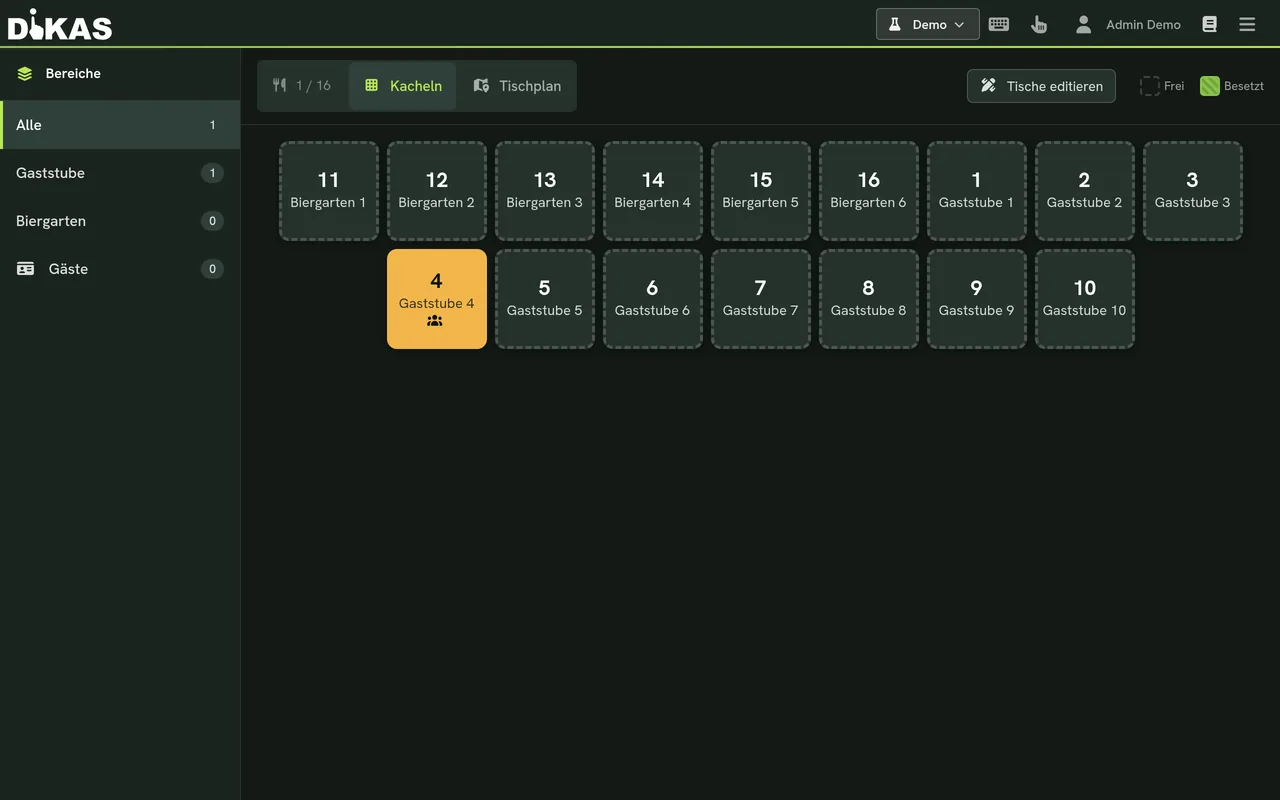
Where the receipts come from
Floor plan, service areas and booking right at the table – the heart of the hospitality POS.
Learn more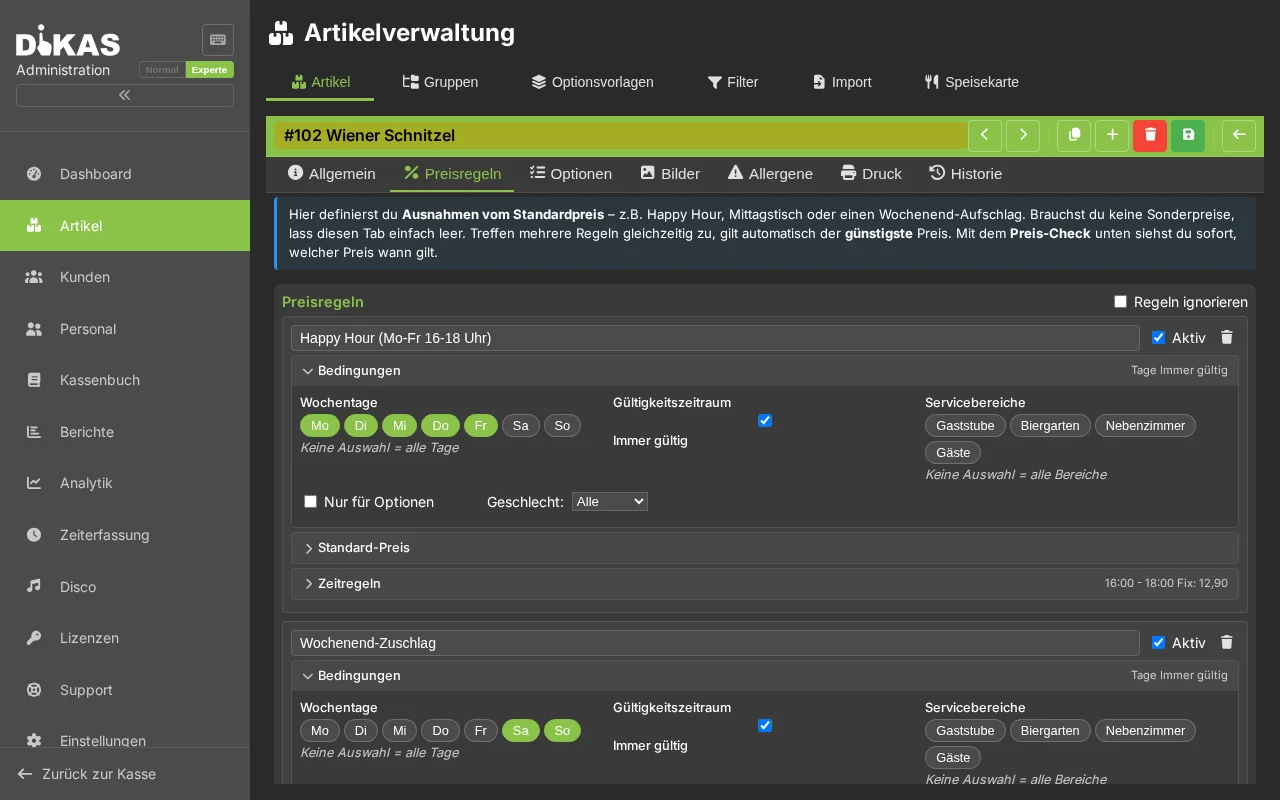
The price knows the area too
Terrace price, happy hour, lunch deal – price rules apply automatically, with no extra step.
Learn moreSee printer routing live
In the demo you can watch receipt routing in action.