Skip to content

Tour · A shift with DiKAS

DiKAS in pictures

Follow a shift through your business – from the first receipt at 5 pm through a full house and the kitchen to the figures the day after. Over 30 real screenshots from the register and administration.

Tip: every image on this page can be enlarged with a click.
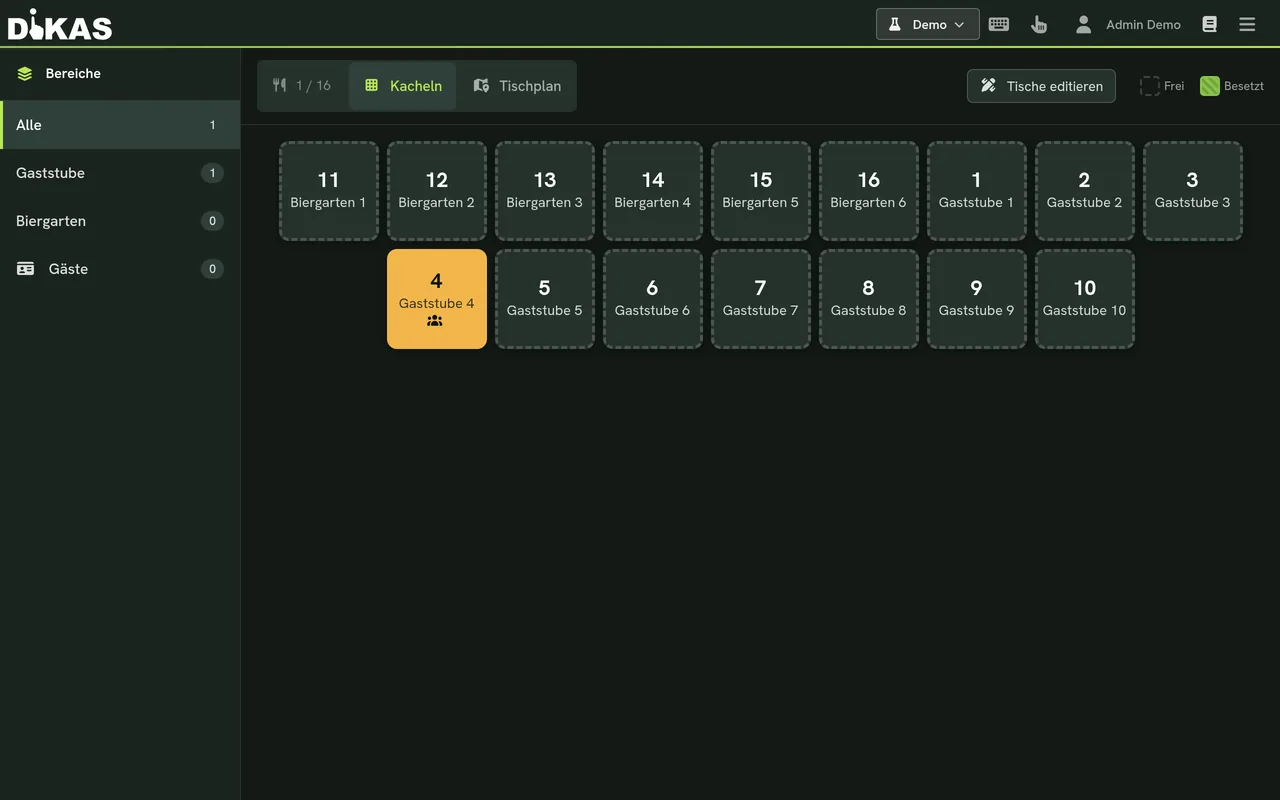
DiKAS table plan with live occupancy

5:00 pm · Shift starts

Register & receipt

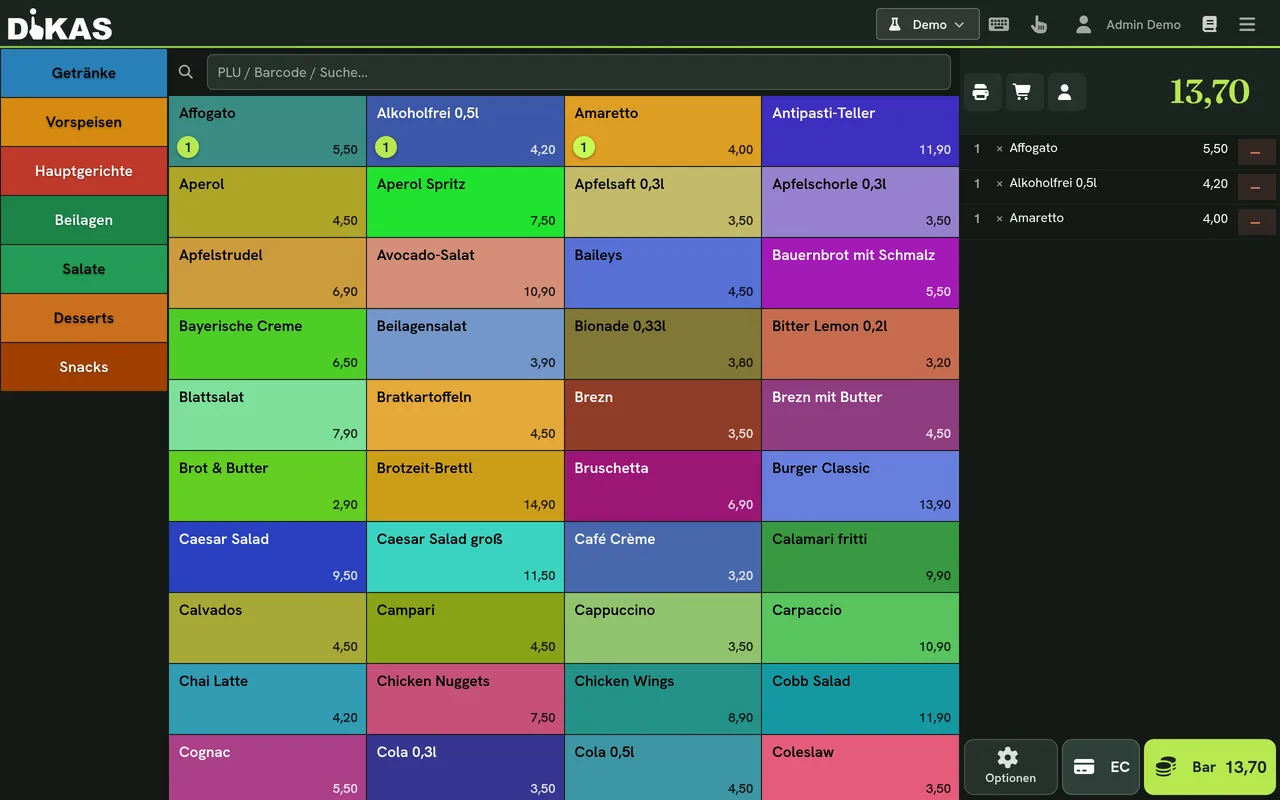
The first guests arrive: tap items, the receipt grows along, several payment methods – with or without a table.

More on direct sales
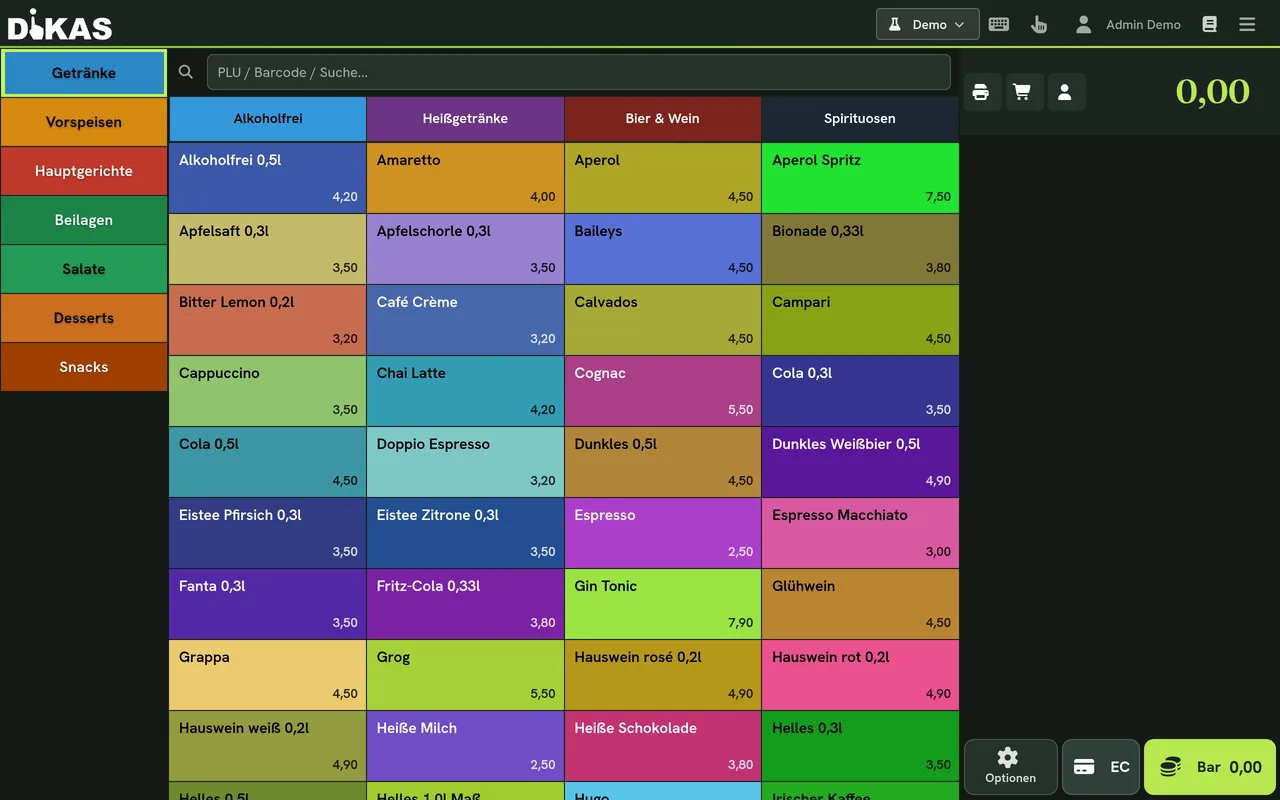
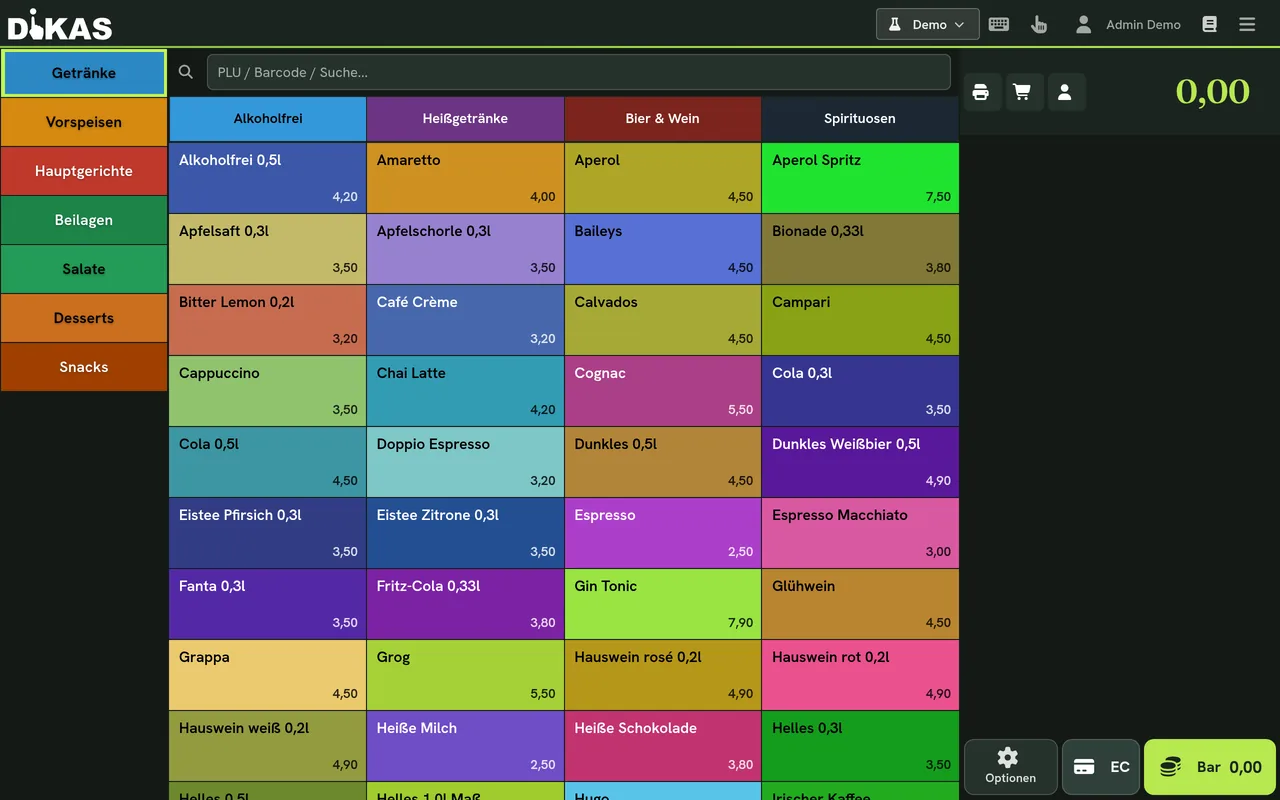
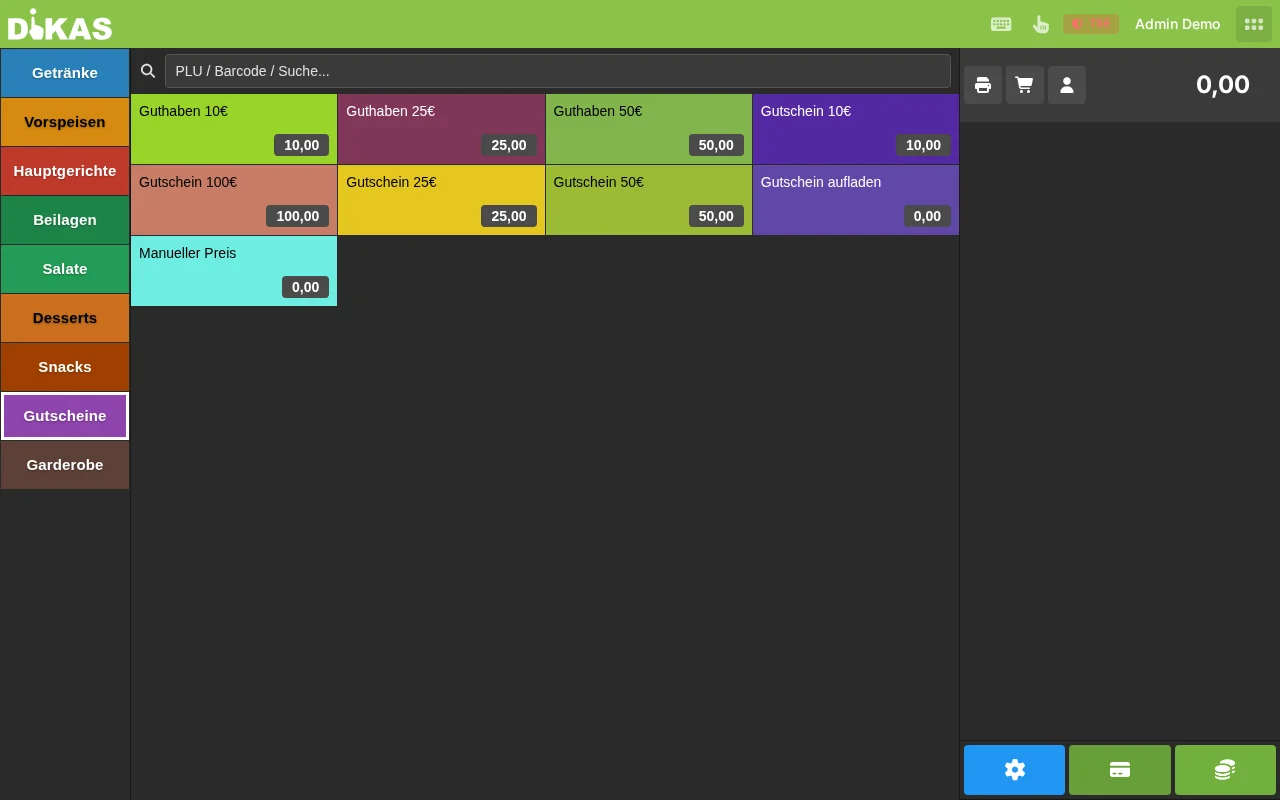
The register interface: tap items, the receipt grows along
Direct sales: charging without a table – for counter & snack bar
Drinks booked – every item instantly on the receipt
Dishes with options – requests land on the kitchen ticket

7:00 pm · Full house

Tables & service

Create, seat, rebook and merge tables – see at a glance what is open. Any number of service areas.

To the table plan
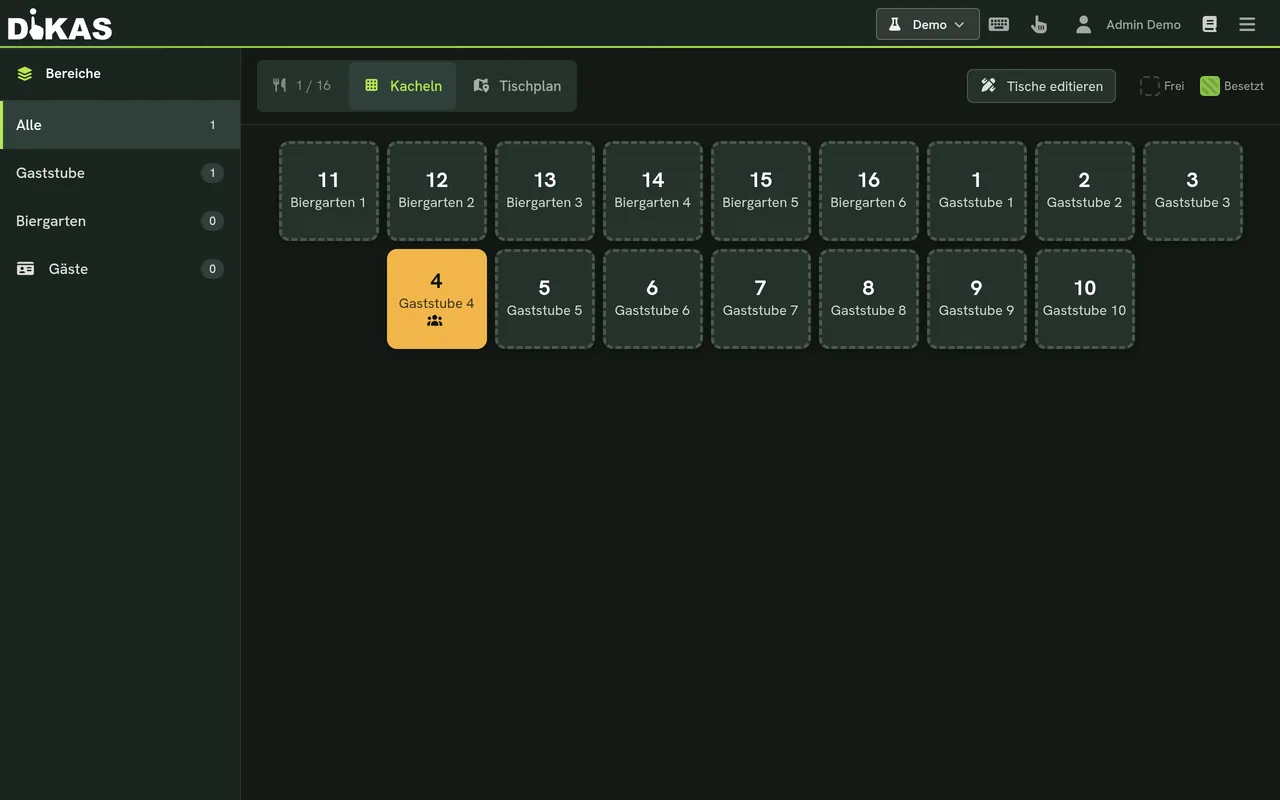
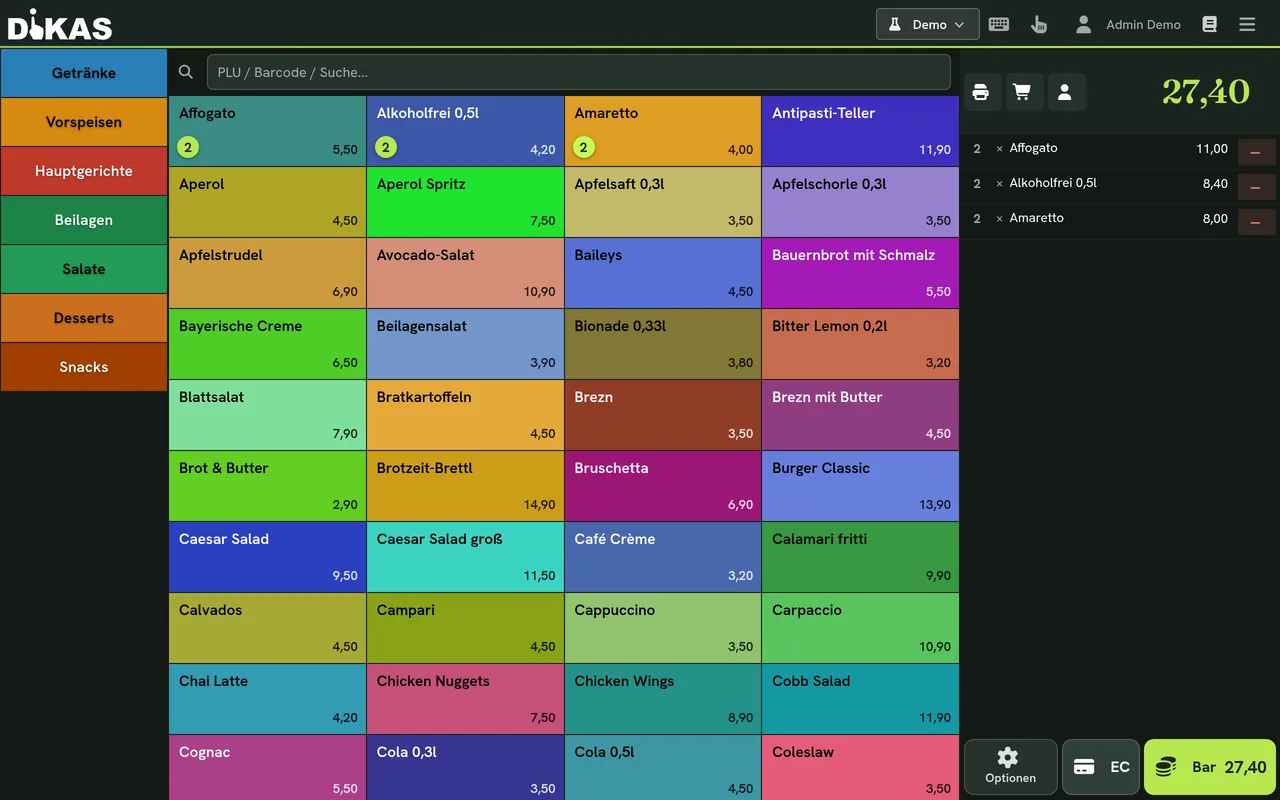
All tables and open receipts at a glance
Live occupancy in the graphical table plan
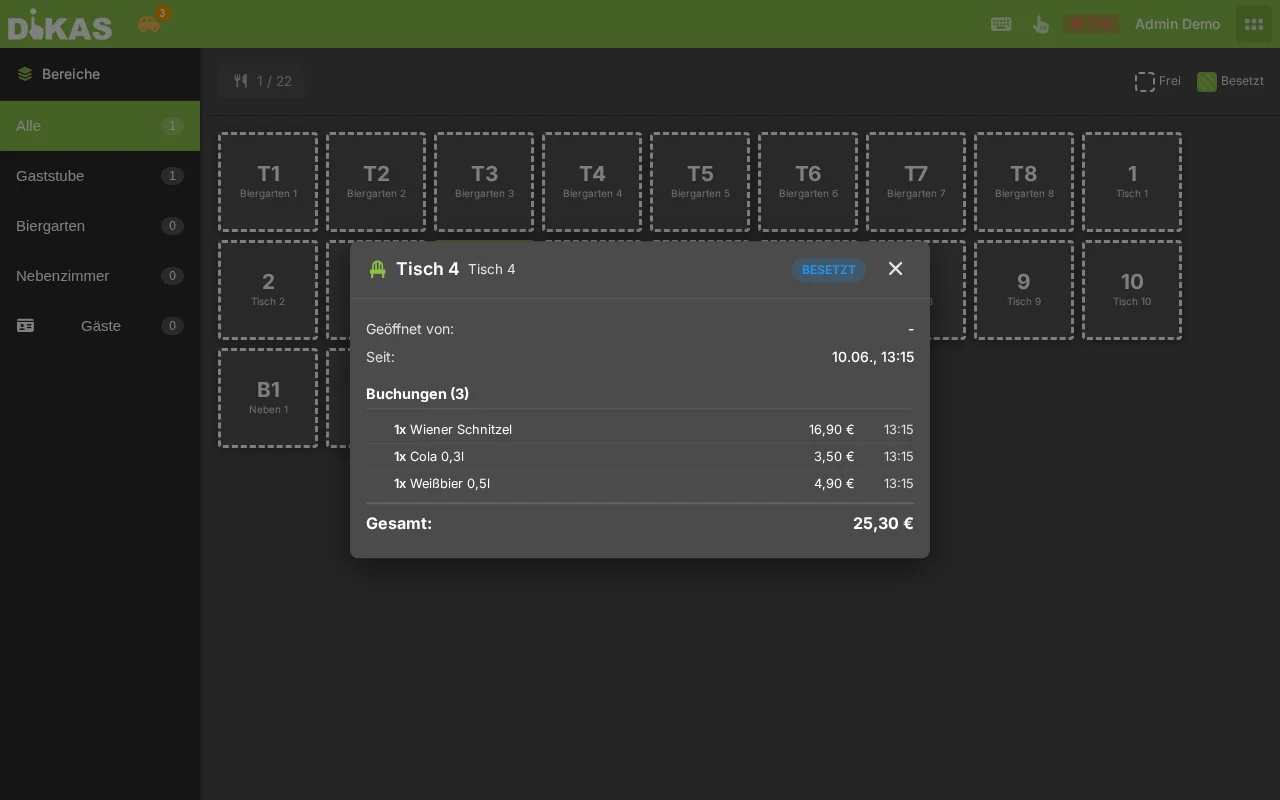
Table opened: all items on the table
Table info in one click

7:30 pm · Rush in the kitchen

Kitchen monitor

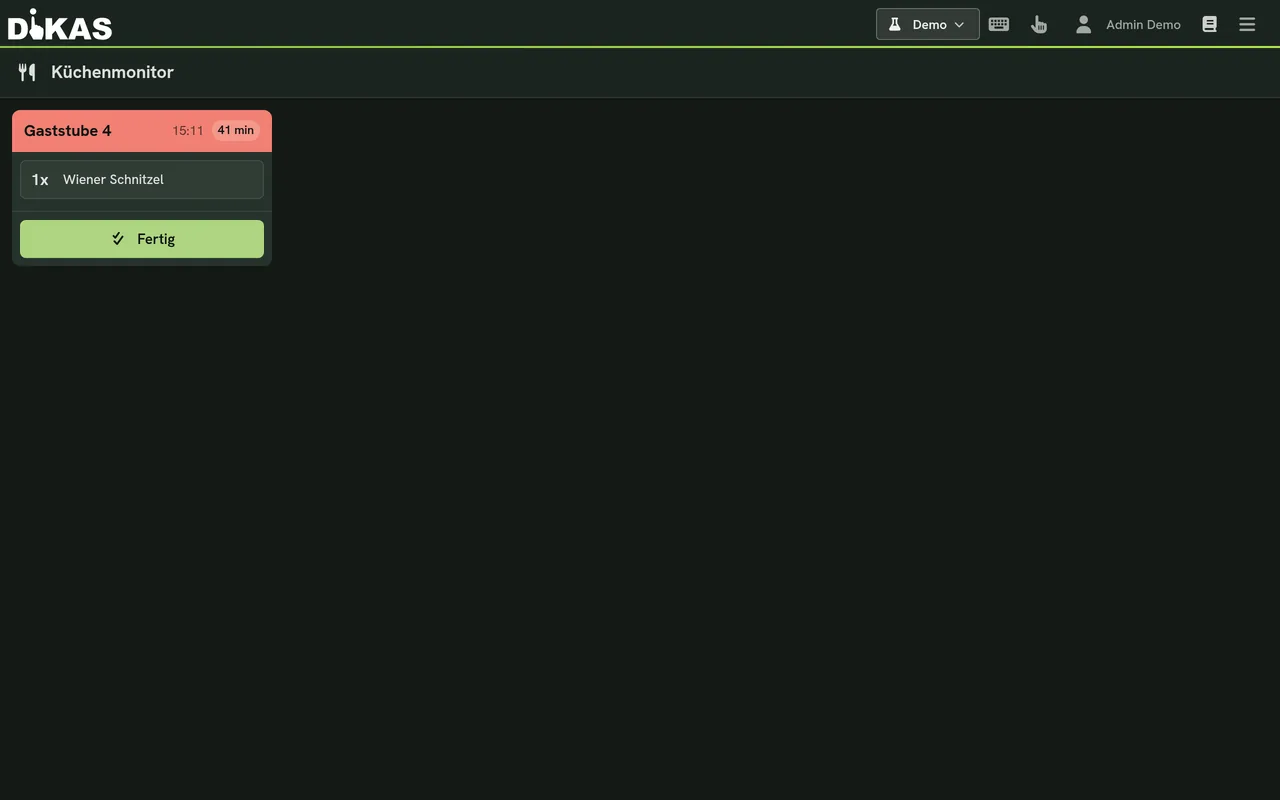
Orders land in the kitchen instantly – with course control, no paper chaos at all.

All register features
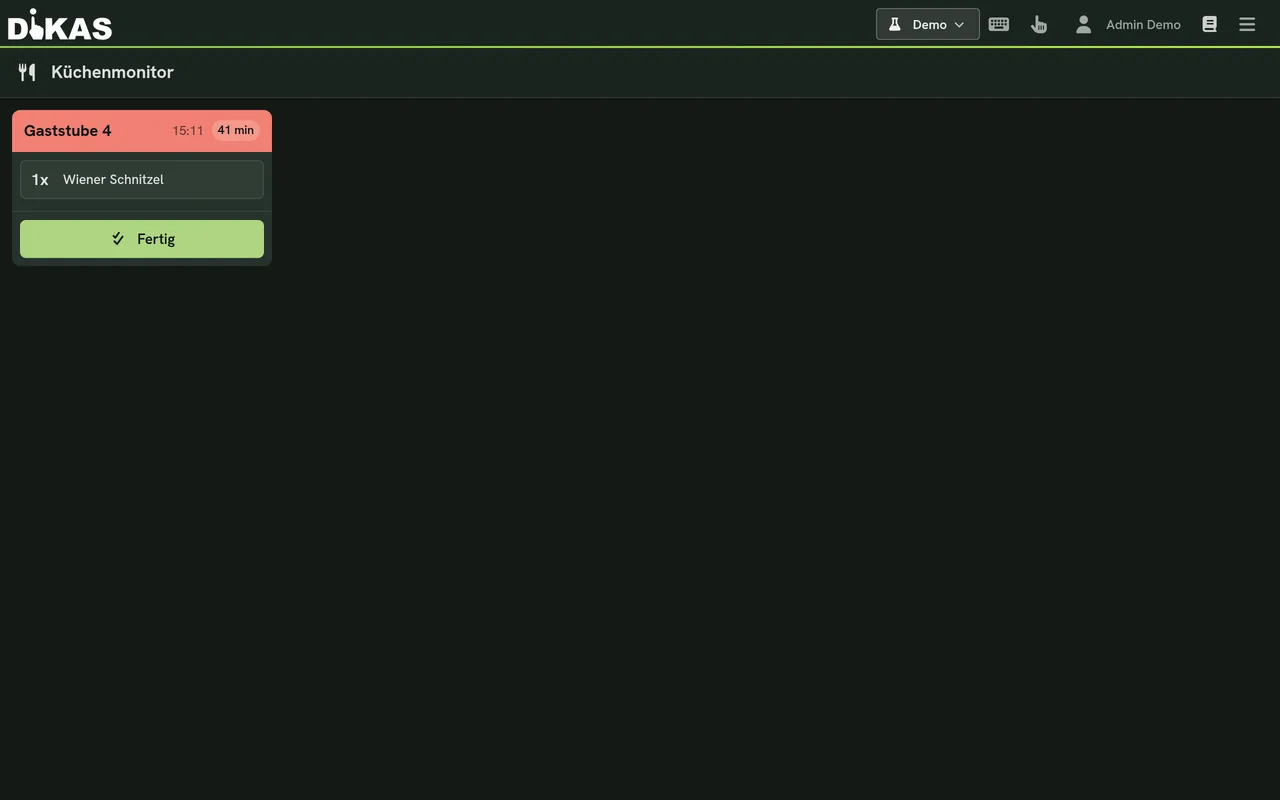
New orders appear instantly – no paper chaos
Status “In preparation”: the kitchen keeps the overview
Ready to serve – the service sees it immediately

9:00 pm · Regulars

Customer loyalty

Vouchers, credit and points – what others sell as an add-on module is included with DiKAS at no extra charge.

More on customer loyalty
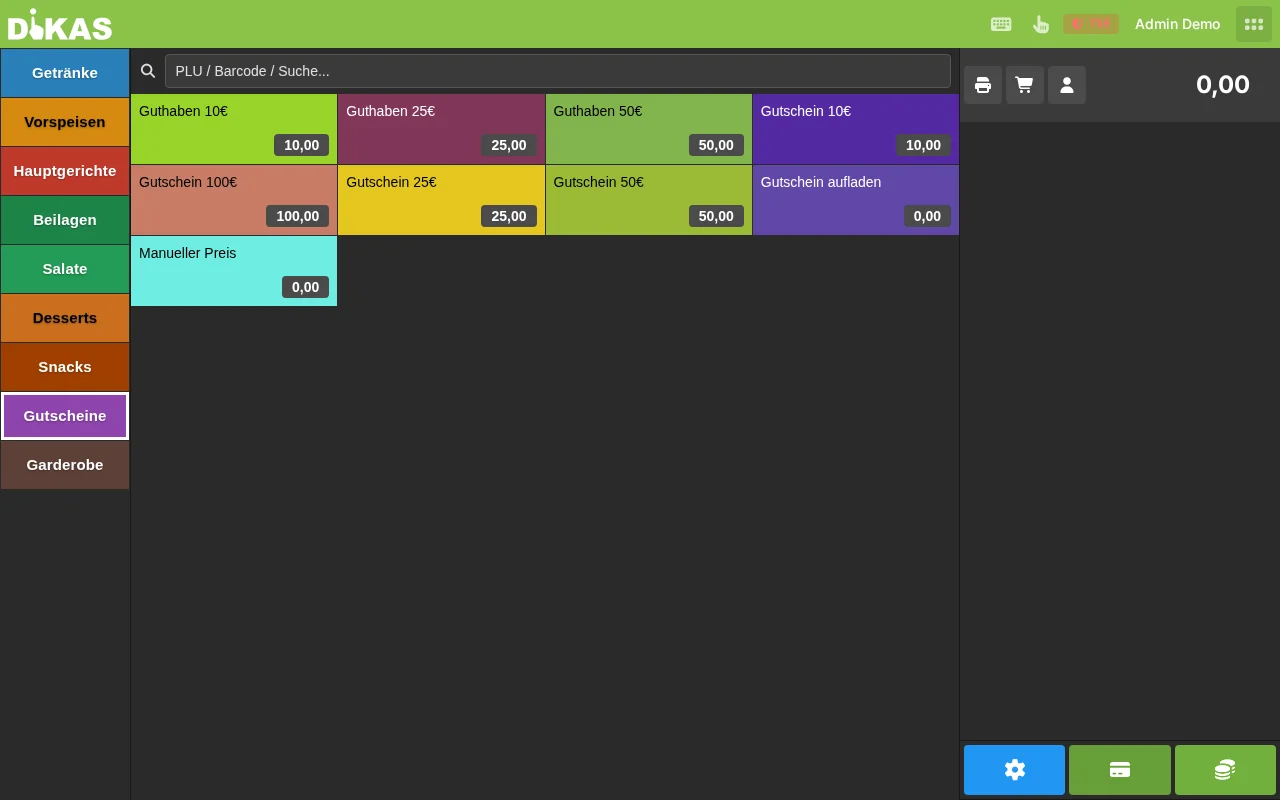
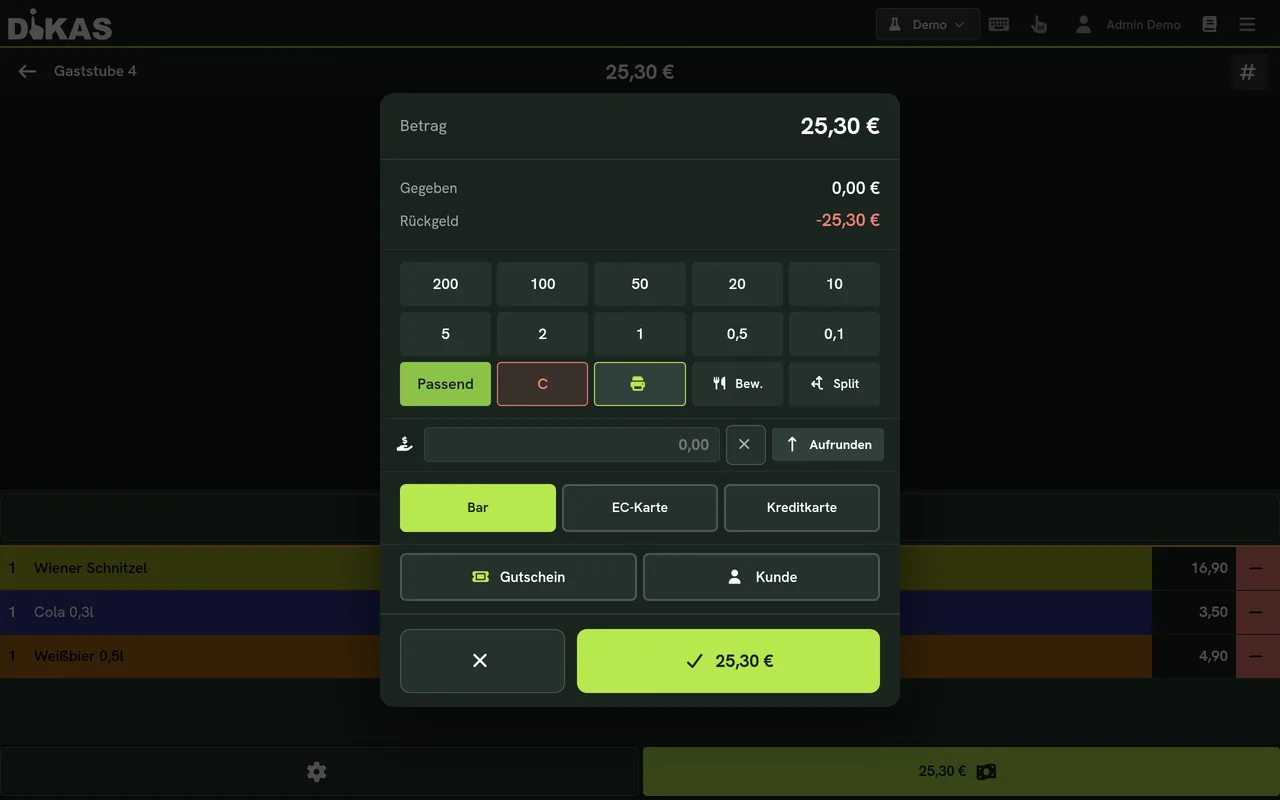
Credit topped up – mapped cleanly for tax purposes
Pay cashless with credit
Voucher sold – revenue today, service tomorrow
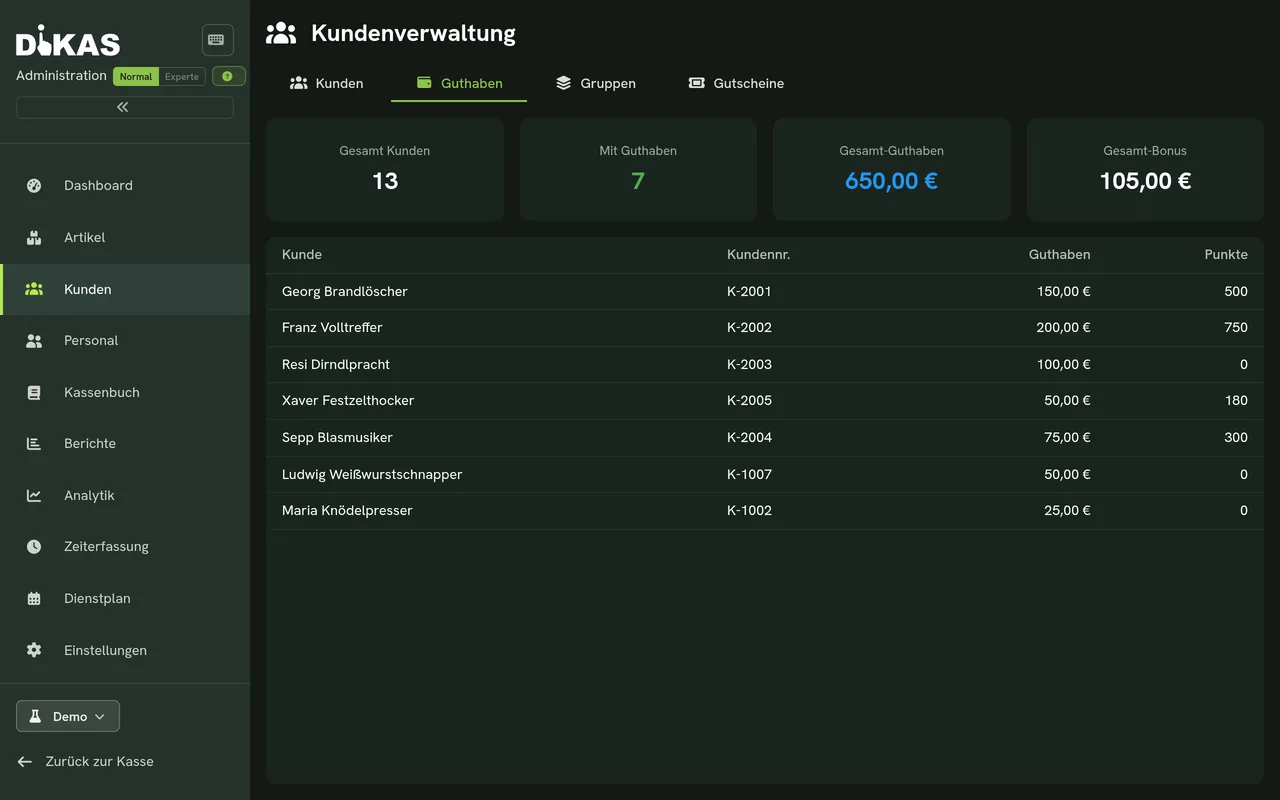
Credit & points per customer in the administration

11:00 pm · End of shift

Day-end closing

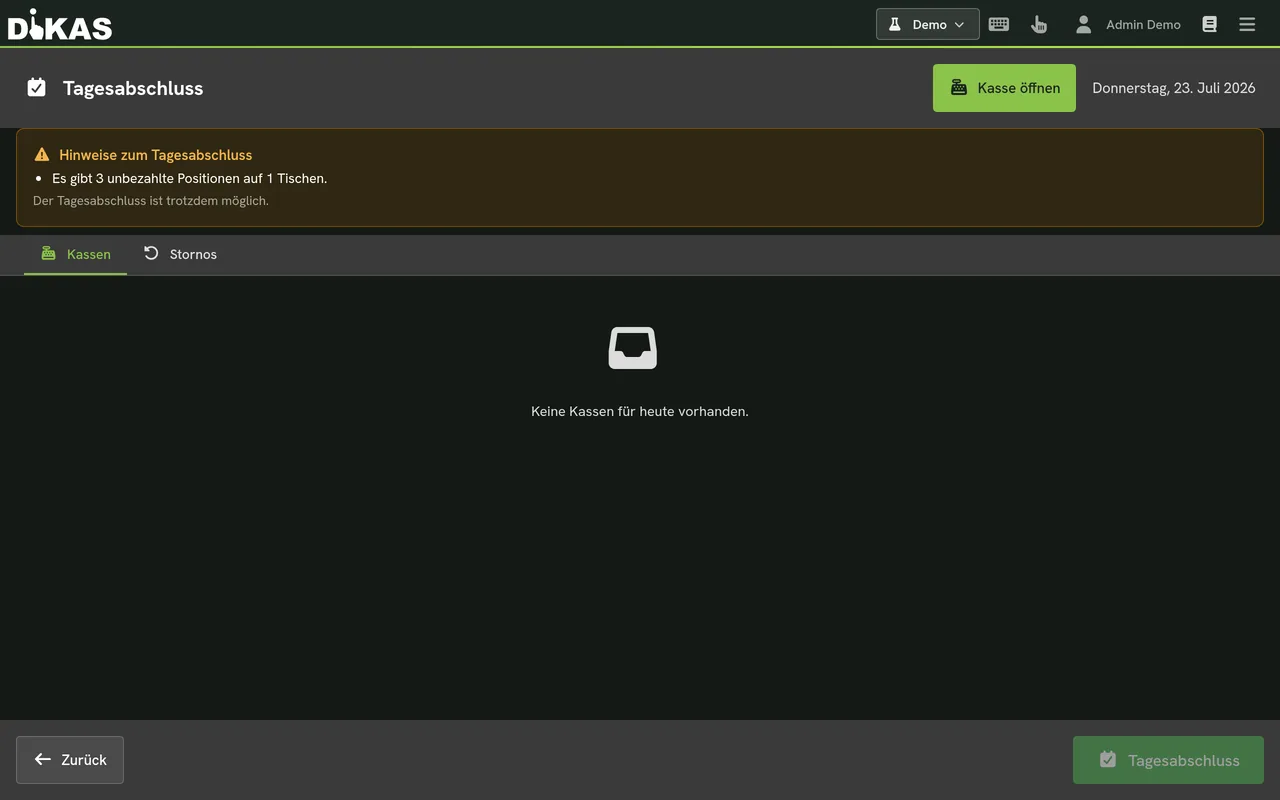
Day-end closing and working hours right at the register – cleanly documented for the tax office and payroll.

More on the recording obligation
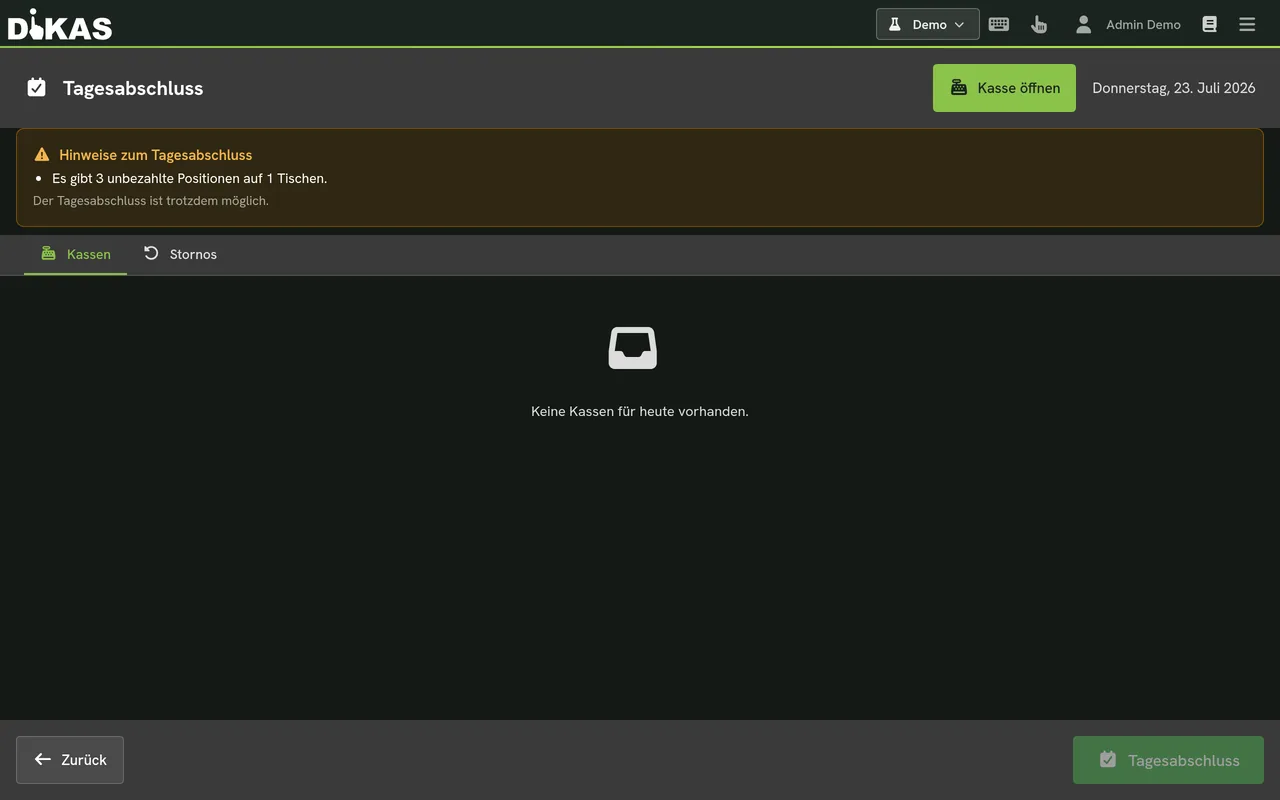
Start the day-end closing – right at the register
Closing done – cleanly documented for the tax office
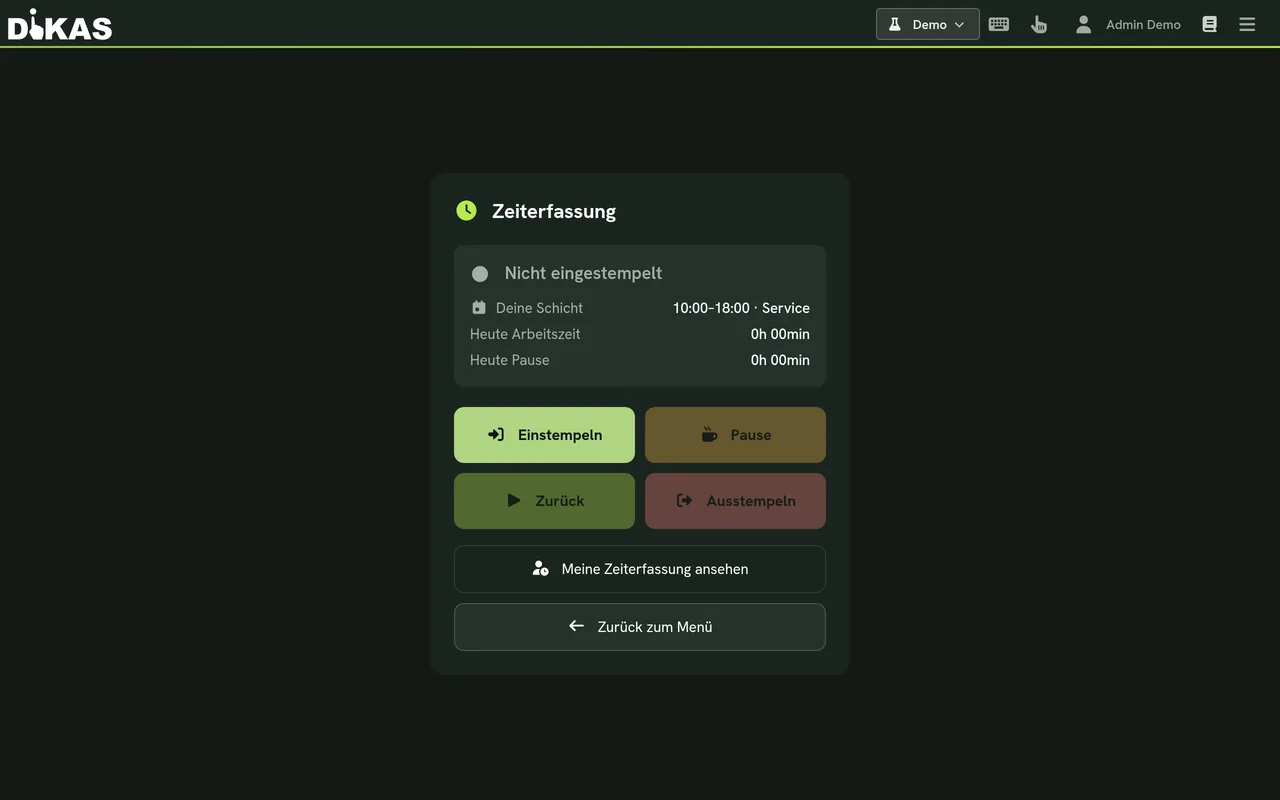
Clock in/out with one click – time tracking included

Halftime

Prefer to click yourself instead of scrolling?

The live demo runs directly in the browser – no installation.

12:00 am · Next door in the club

Disco & Club

Entry, cloakroom, bar and card accounts – with a fully fledged nightlife module.

To the Disco module
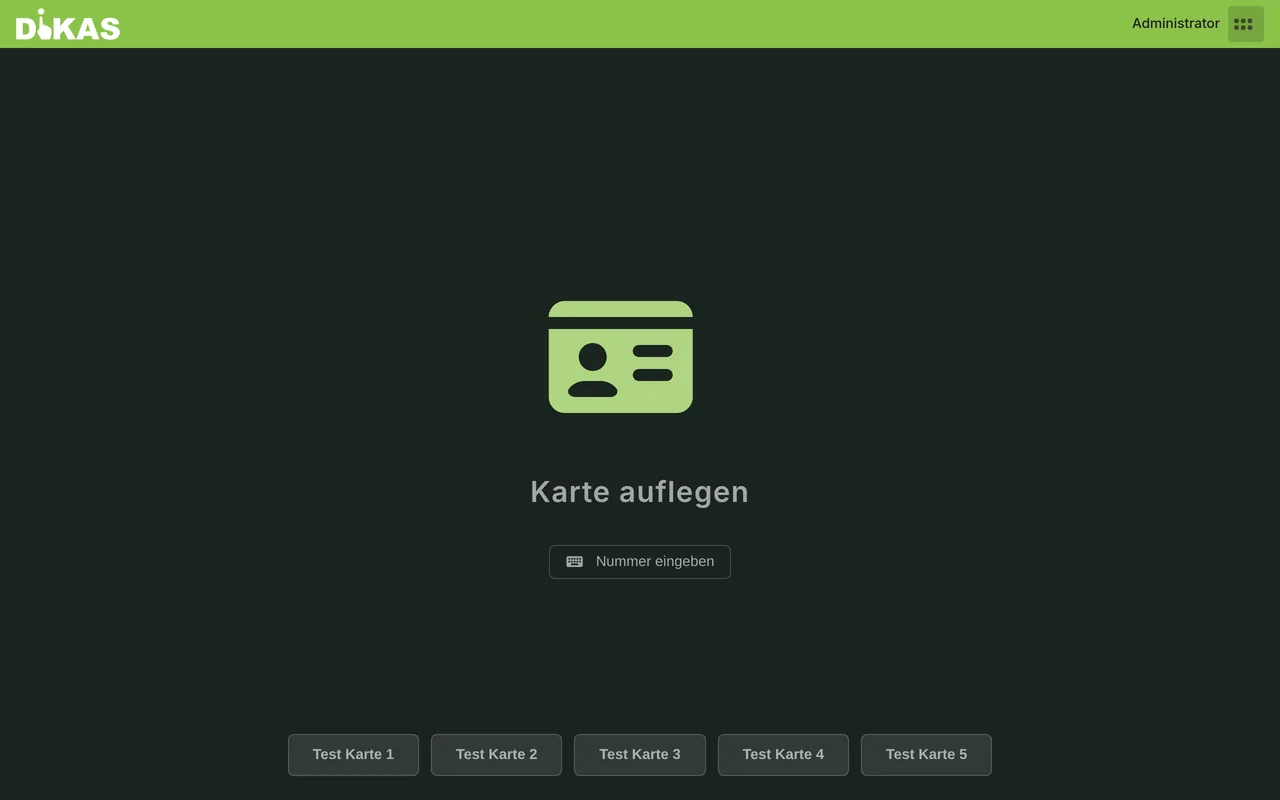
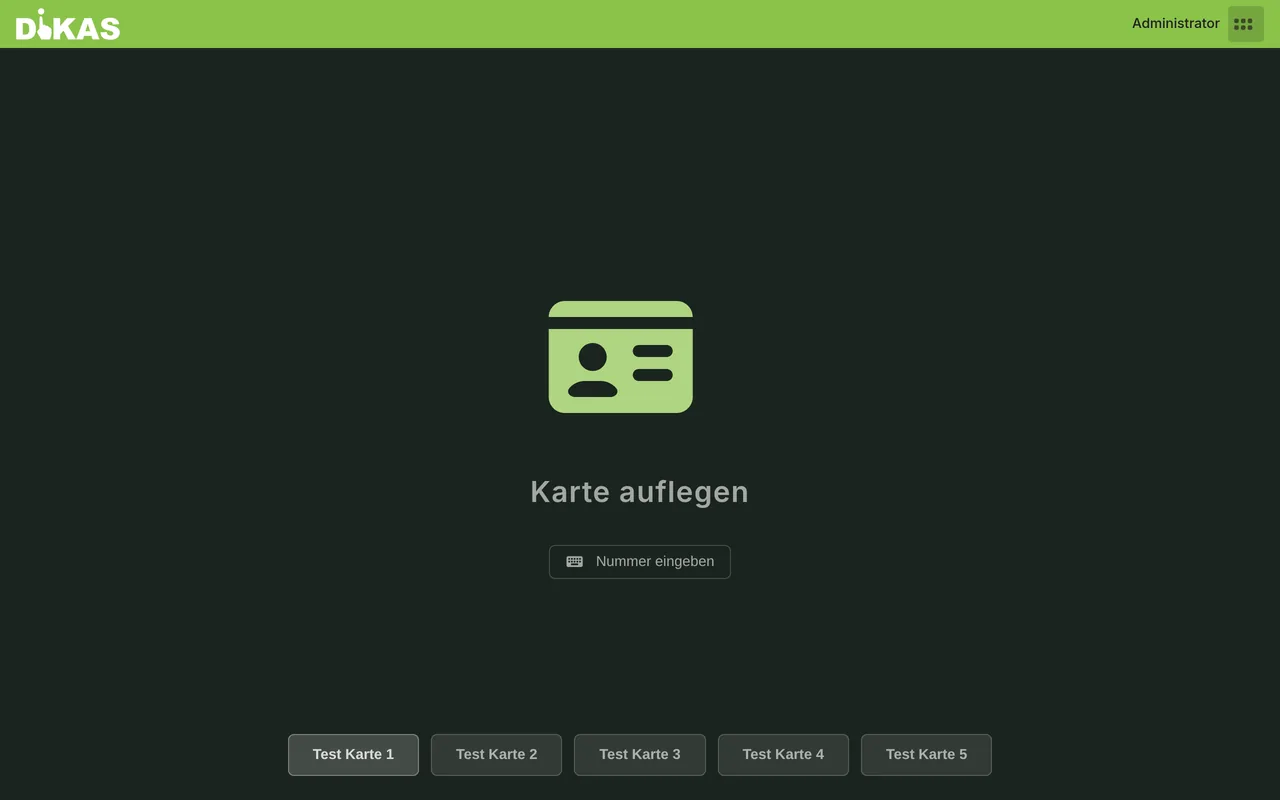
The disco register – built for the night
Bar: cashless via NFC card account
The night’s statistics at a glance

In parallel · At the delivery service

Delivery service

Caller recognition via the Fritz!Box, driver assignment and optimised routes – without 25–30% platform fees.

To the delivery service solution
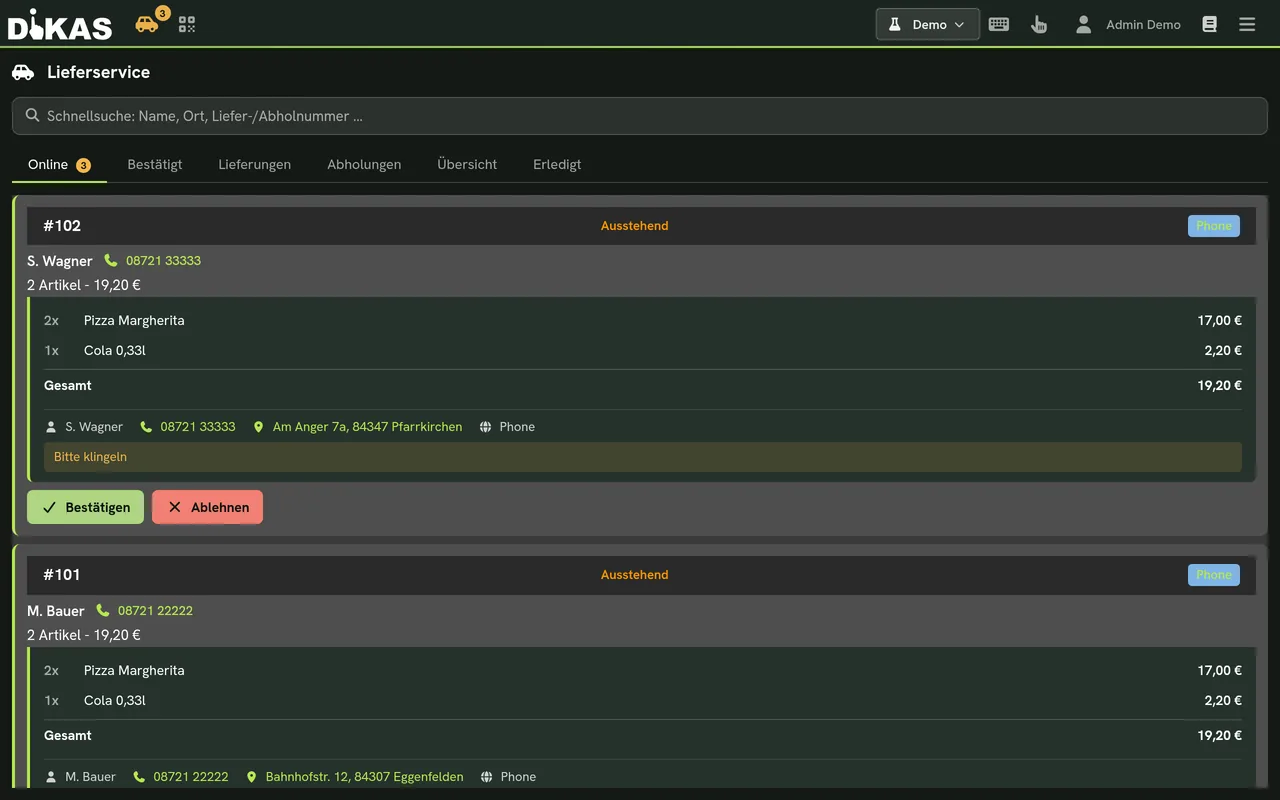
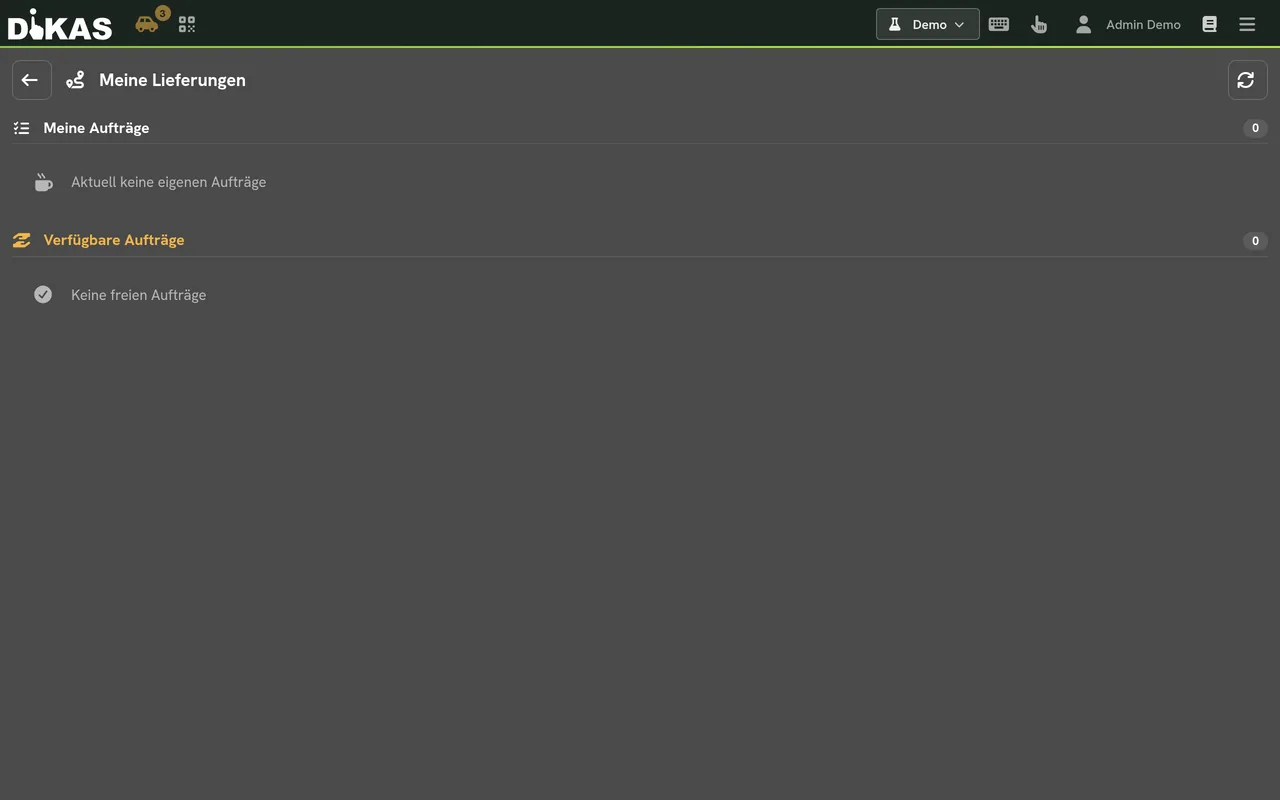
All deliveries in view – with driver assignment
Optimised route for your drivers

The day after · Administration

Admin & administration

Manage items, customers and staff centrally – including AI import of your menu.

All item features
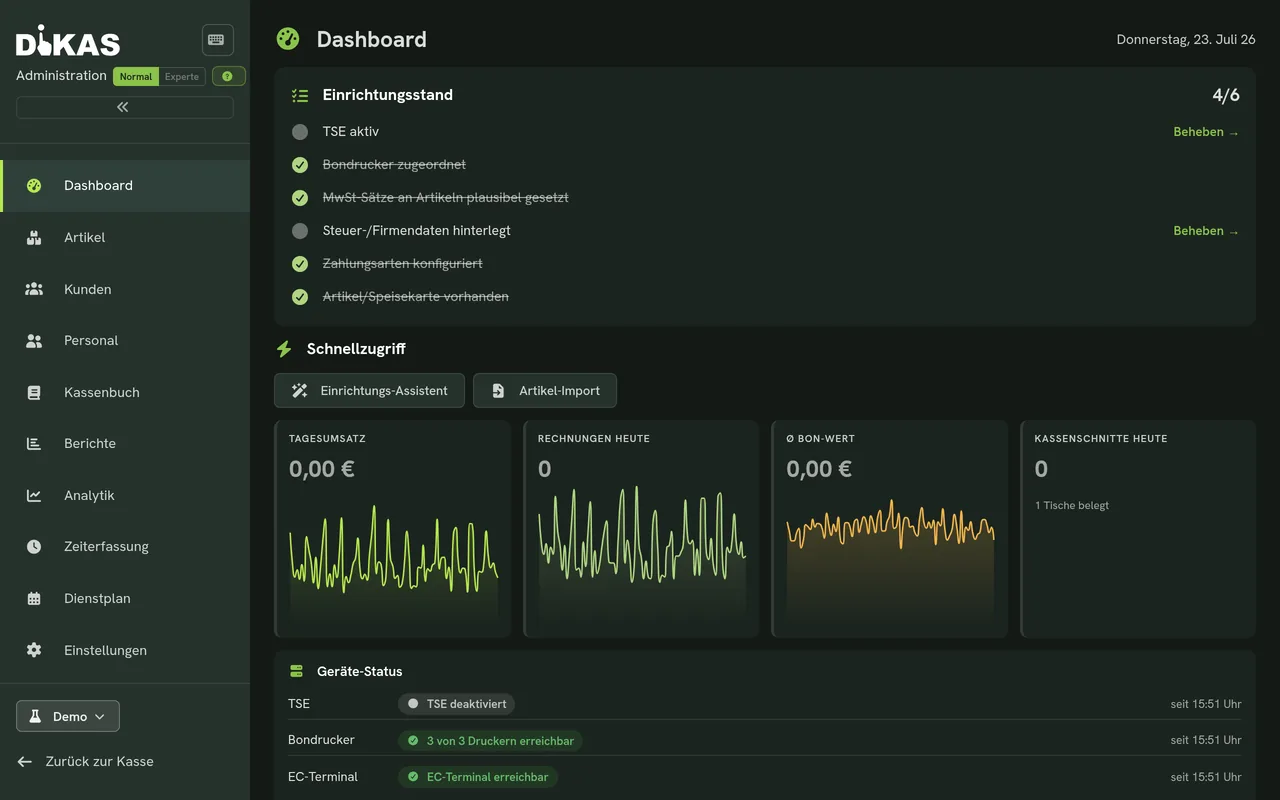
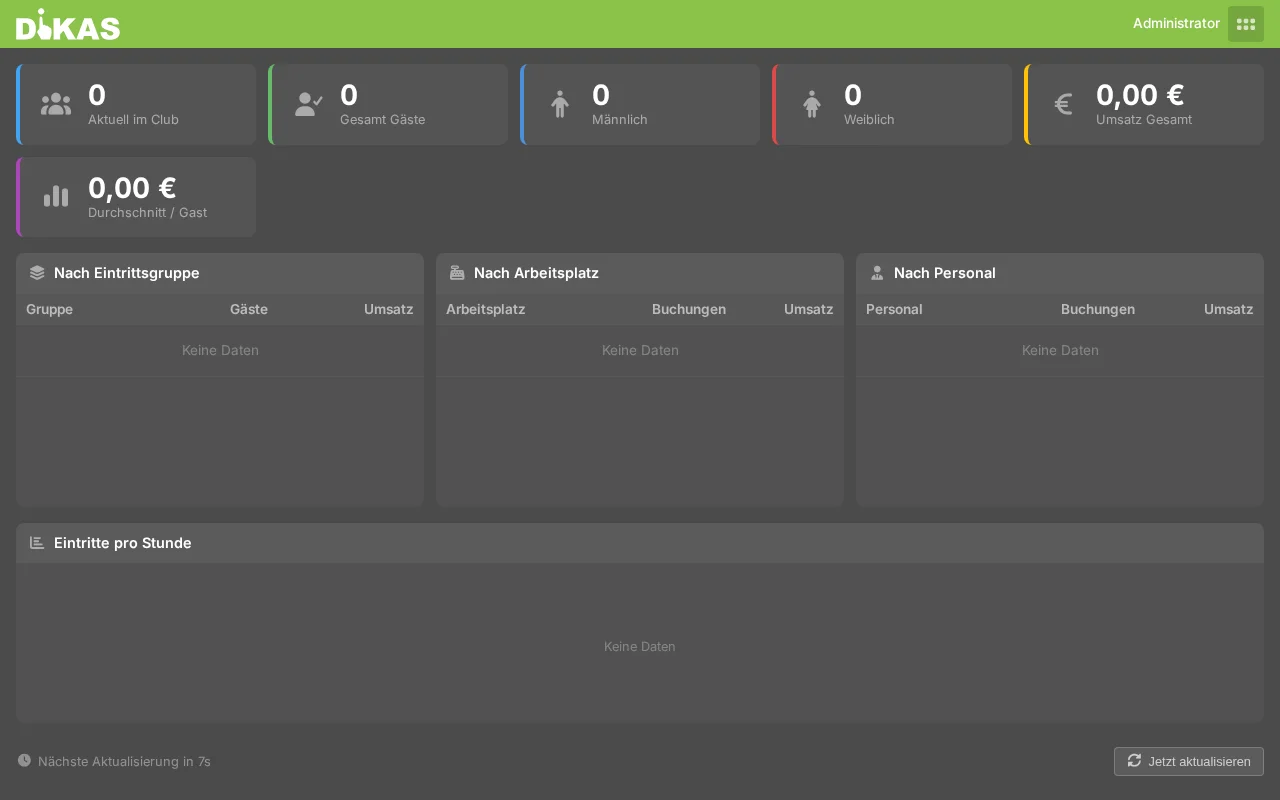
The dashboard: your business in figures
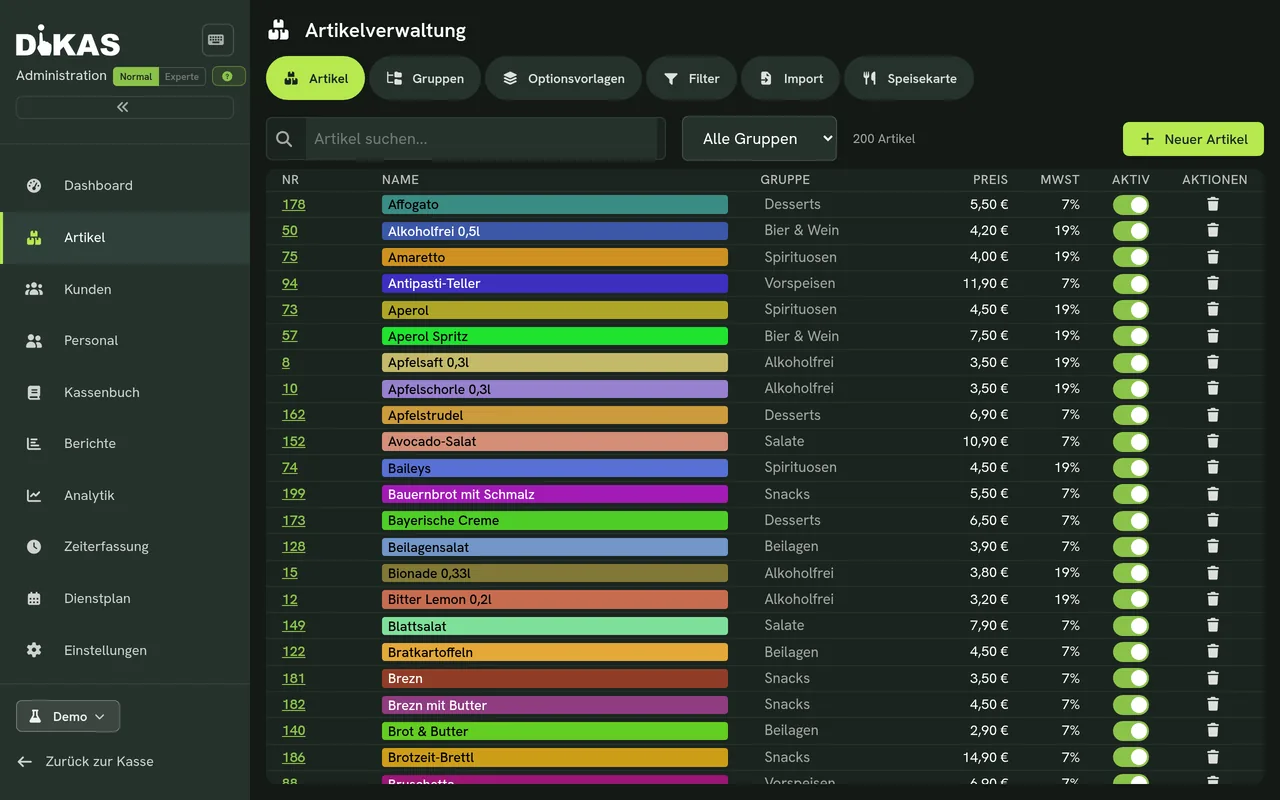
Items with groups, options and price rules
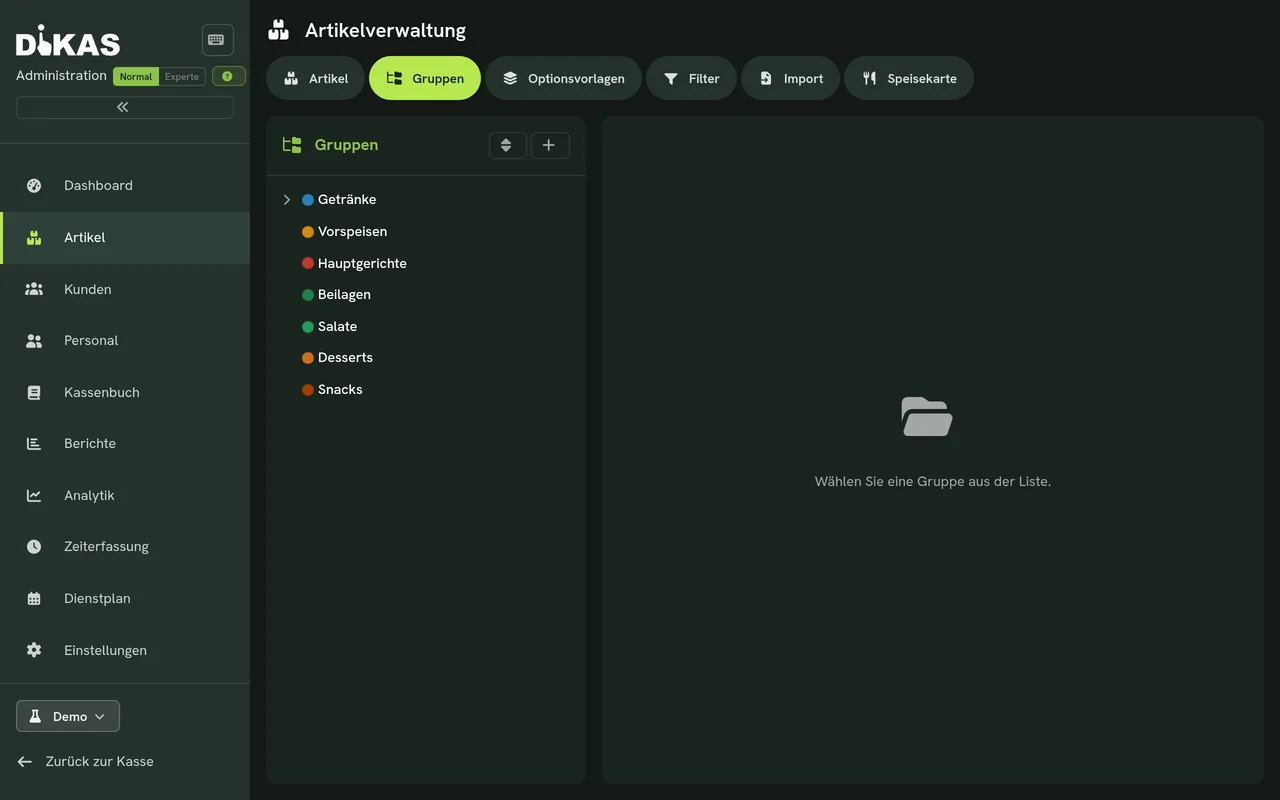
Groups & subgroups structure the menu
Sides, extras and sizes – with surcharges
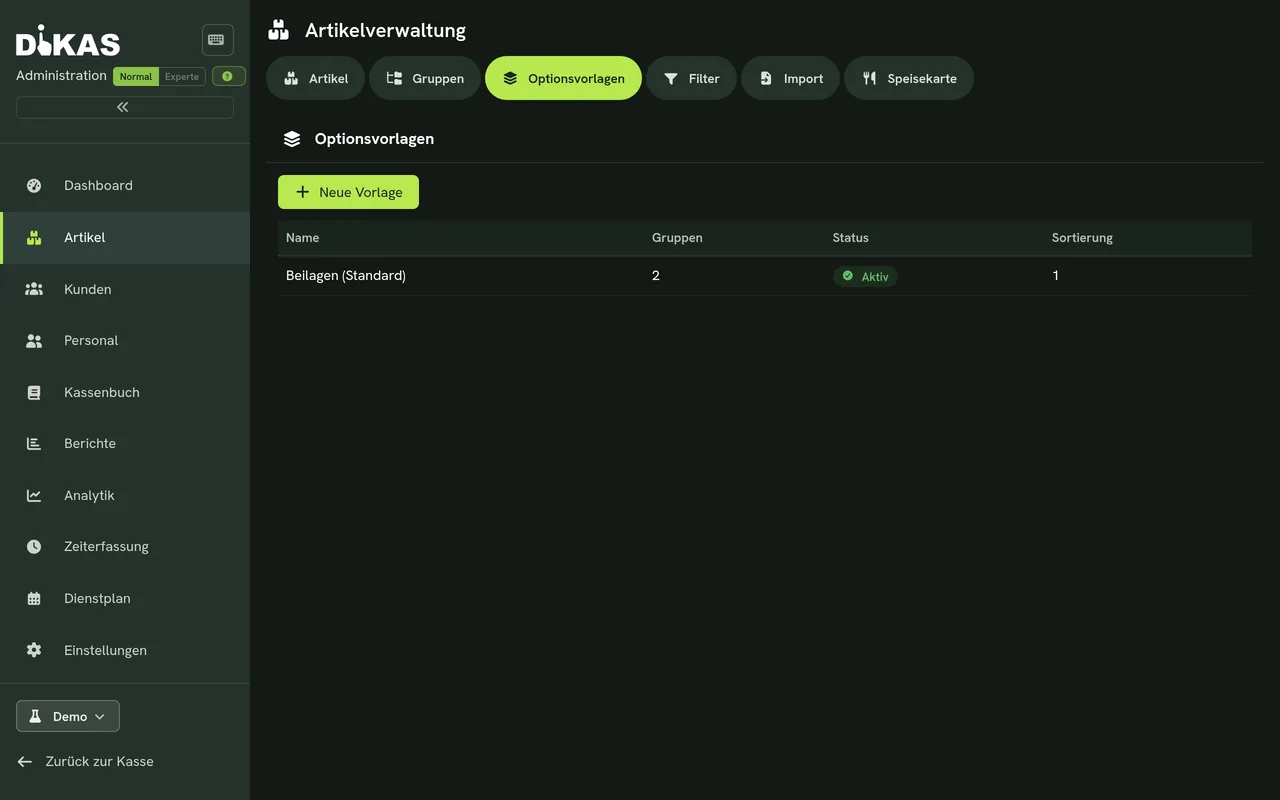
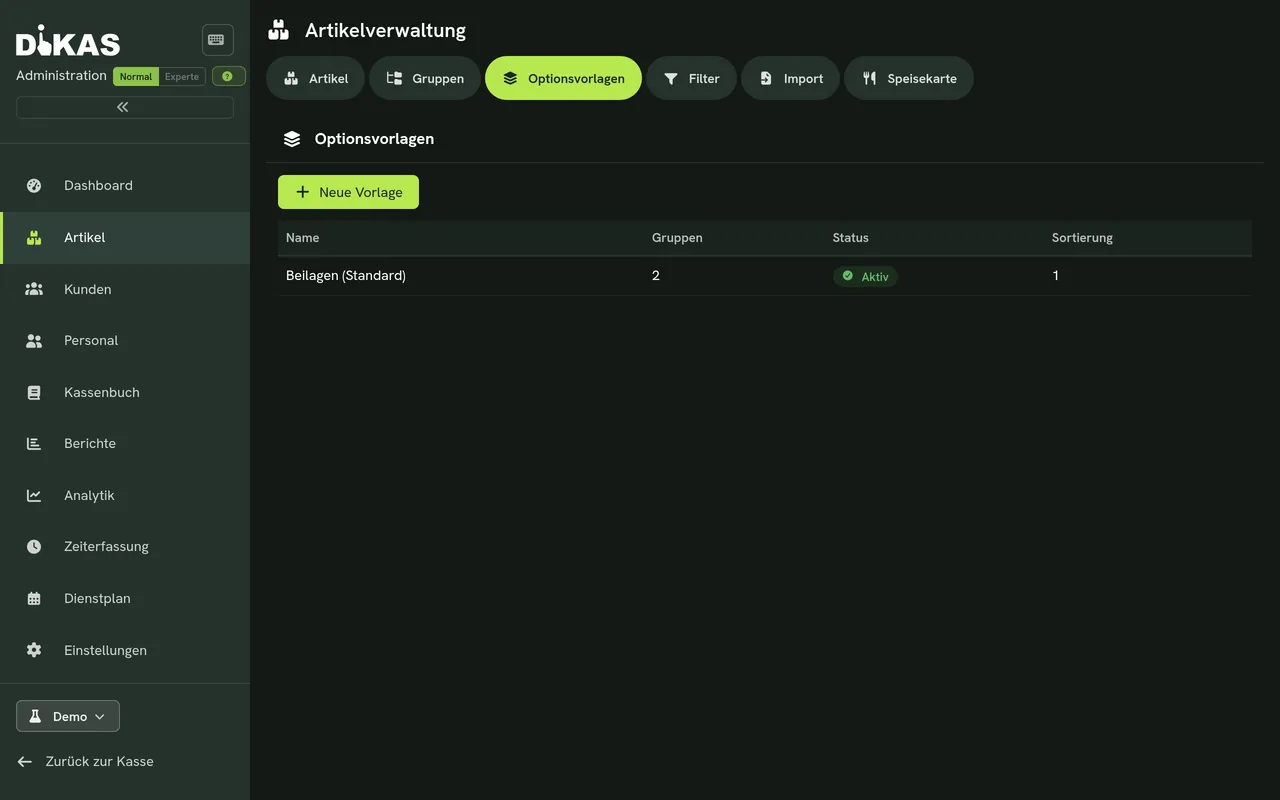
Option templates: create once, use everywhere
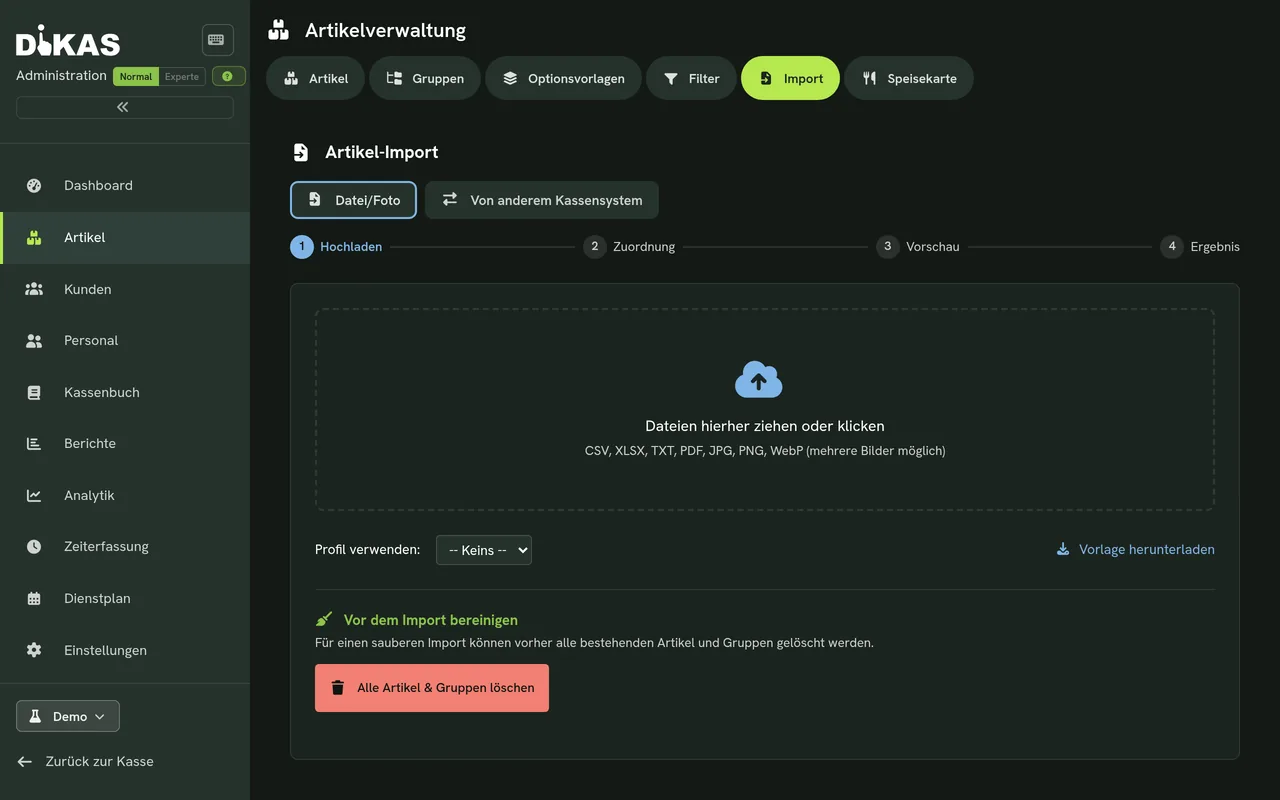
AI import: upload your menu as a photo or PDF
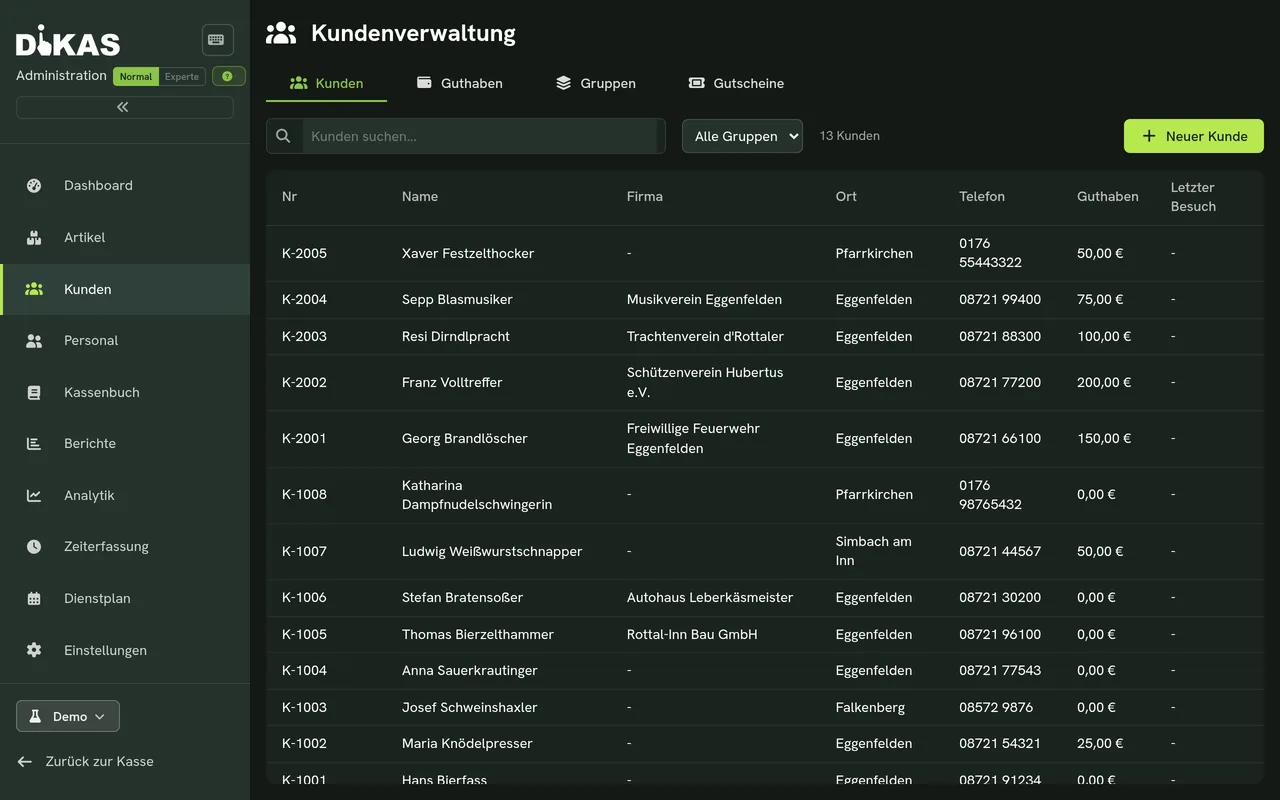
Customer database for regulars & invoices
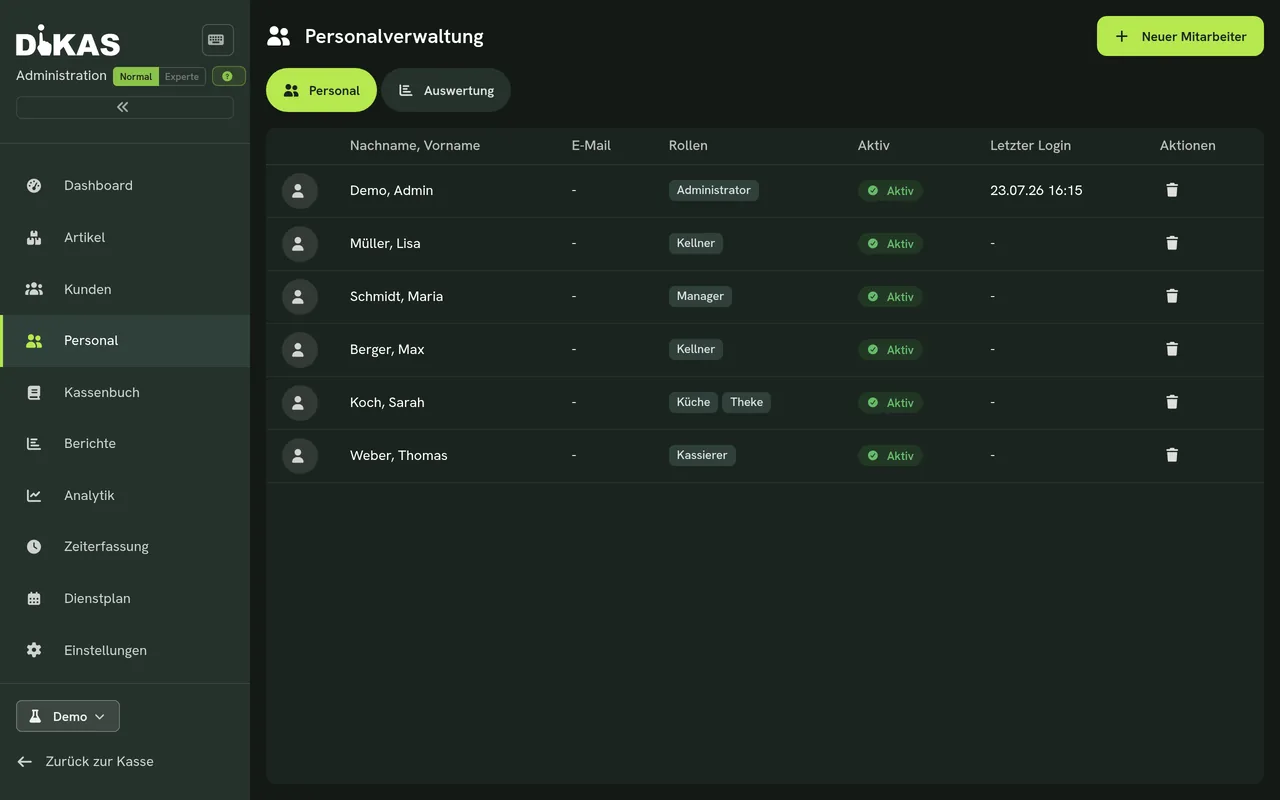
Manage staff & permissions centrally
Customer invoices & subscriptions – more than just a register

At month-end · Figures for the tax advisor

Cash book & reports

Cash book, day-end closings and analyses – with DATEV and DSFinV-K export for the tax advisor.

For tax advisors
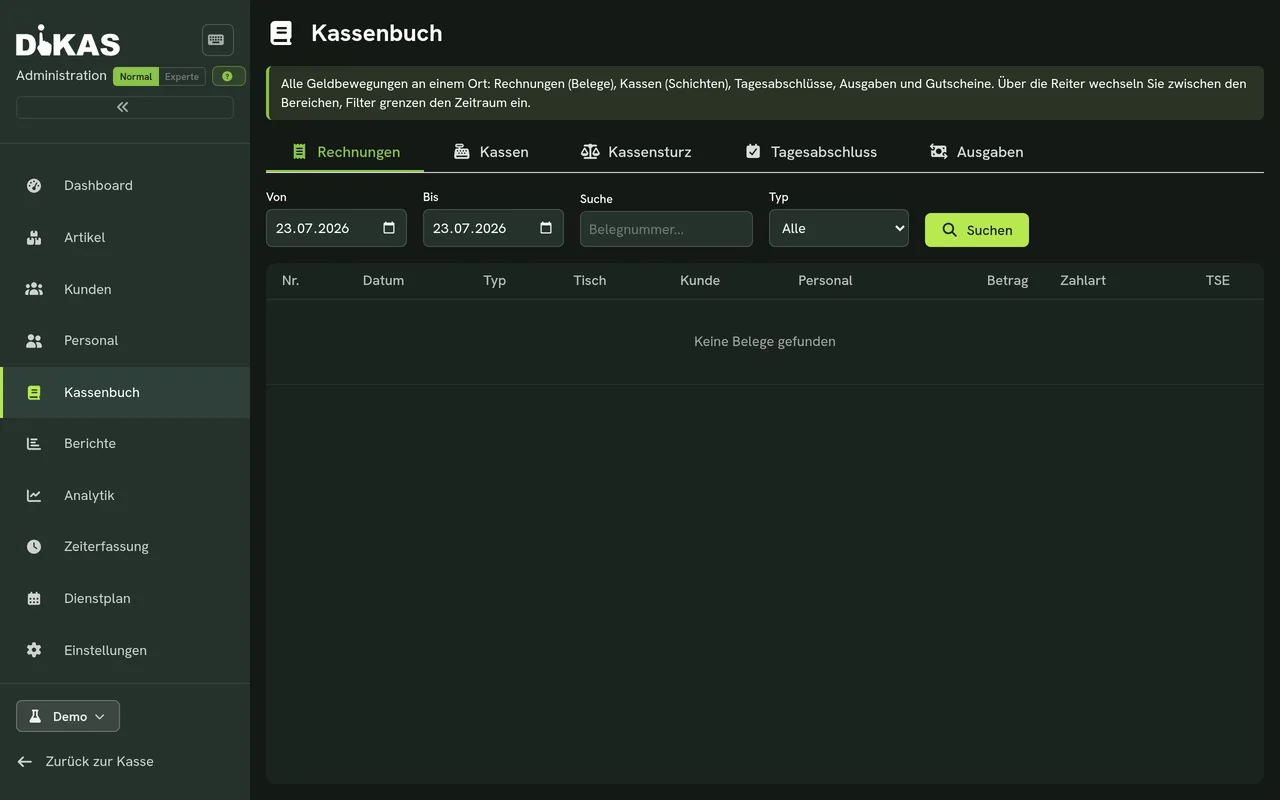
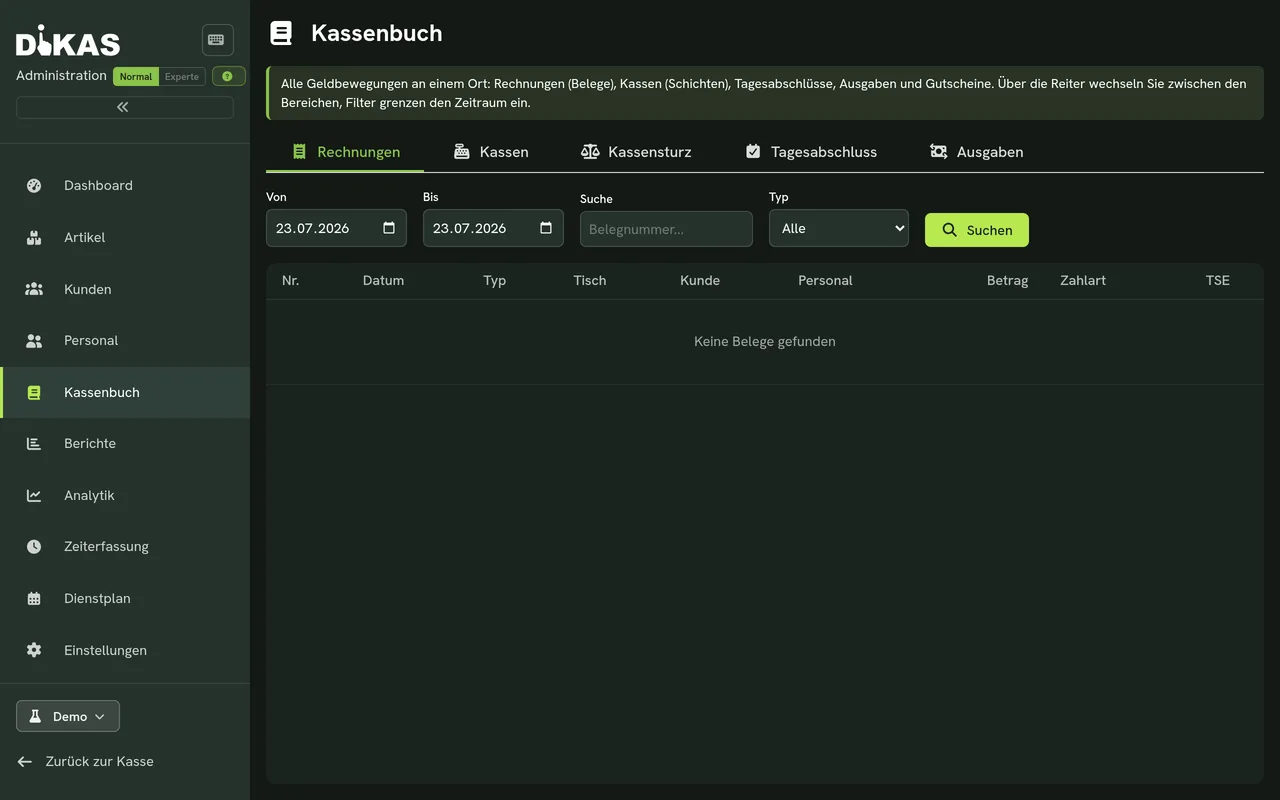
The cash book: every movement documented
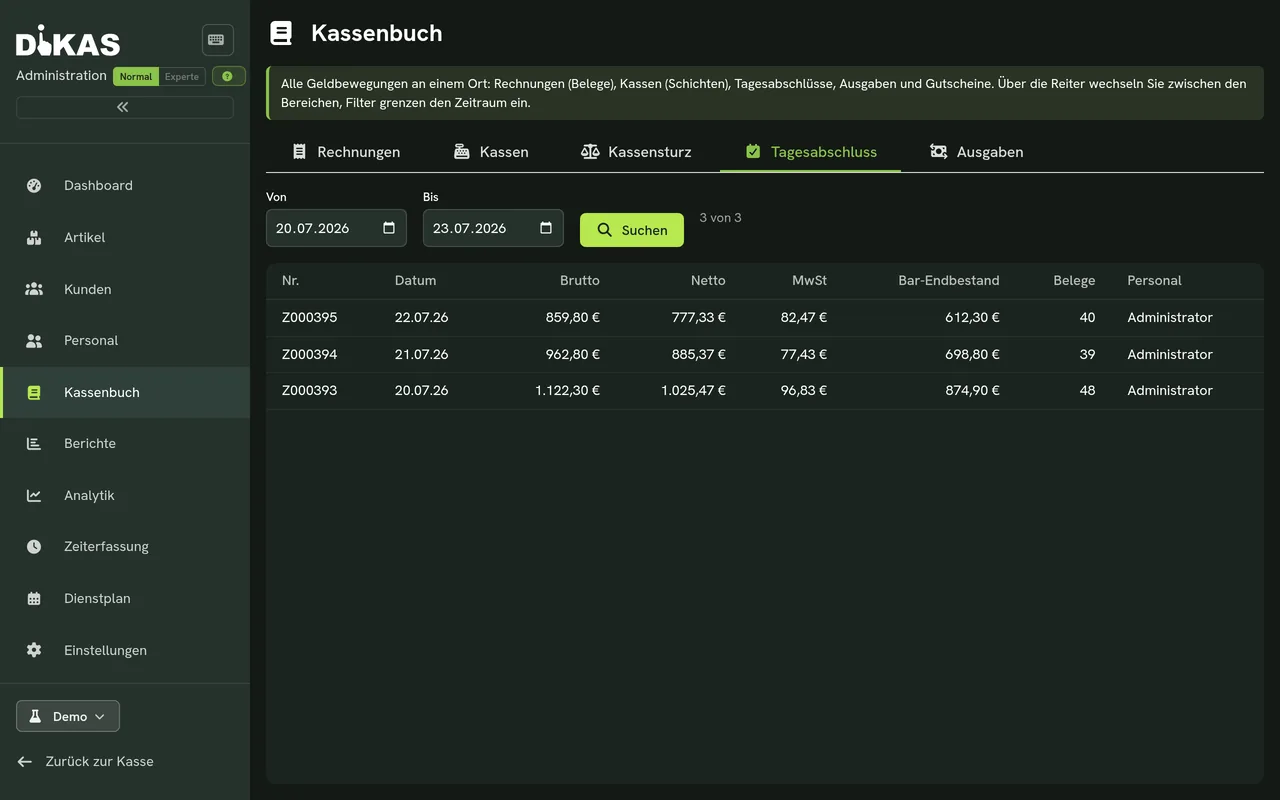
All day-end closings in one place
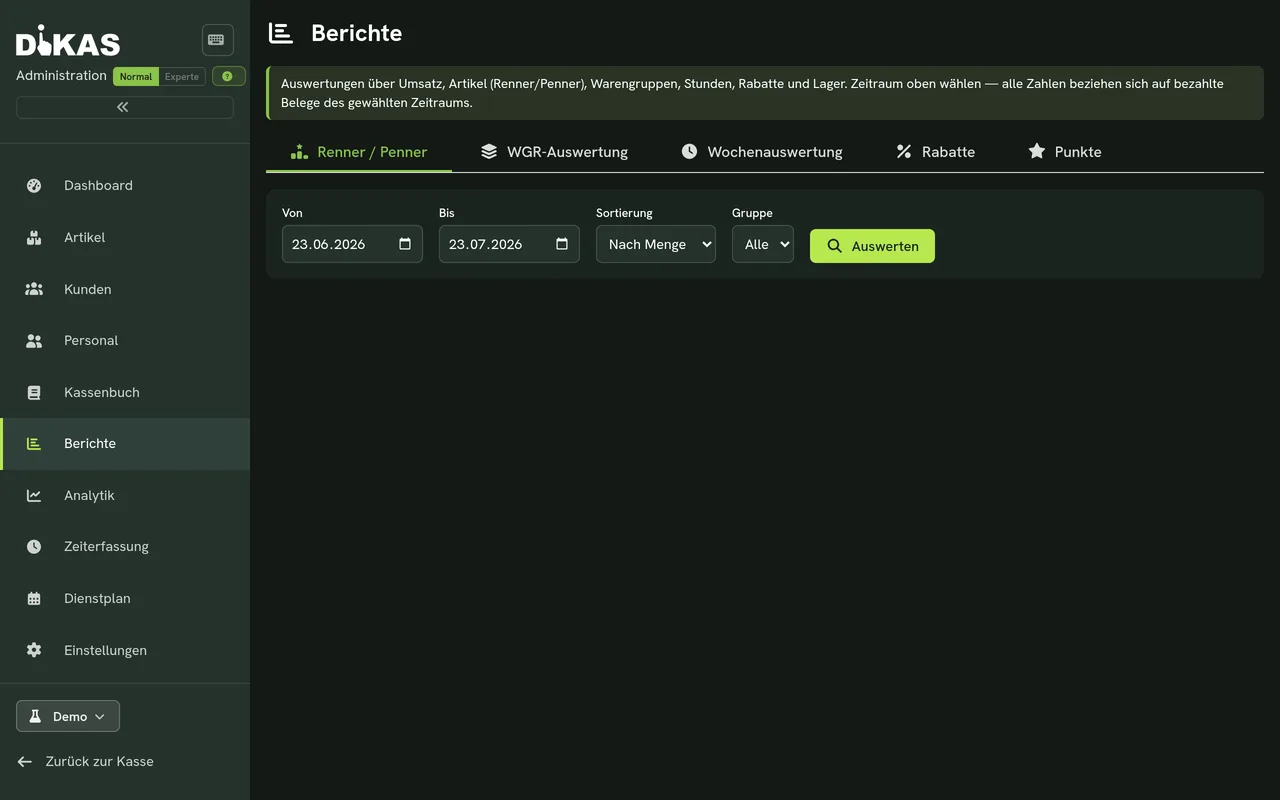
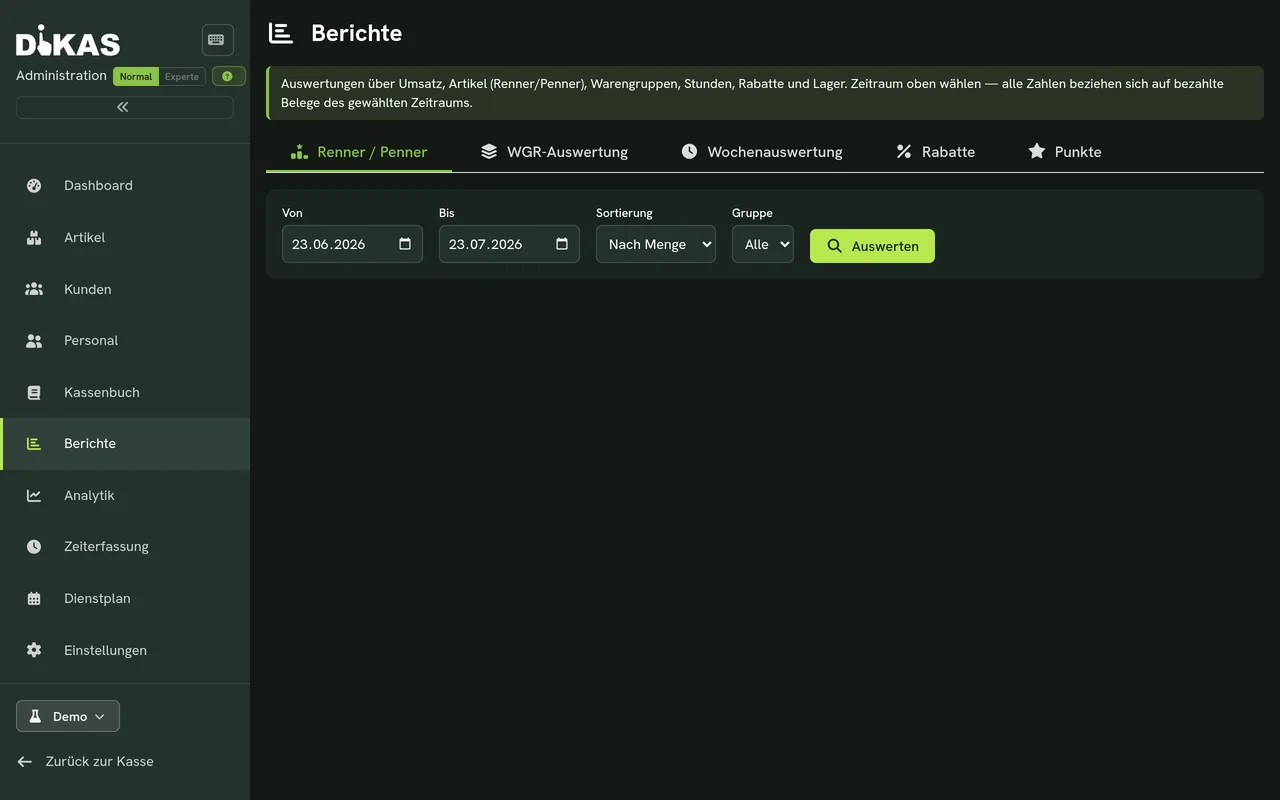
Best & worst sellers: see what really works
Weekly comparison – decisions with real figures

Set up once · Runs every day

Settings & printer control

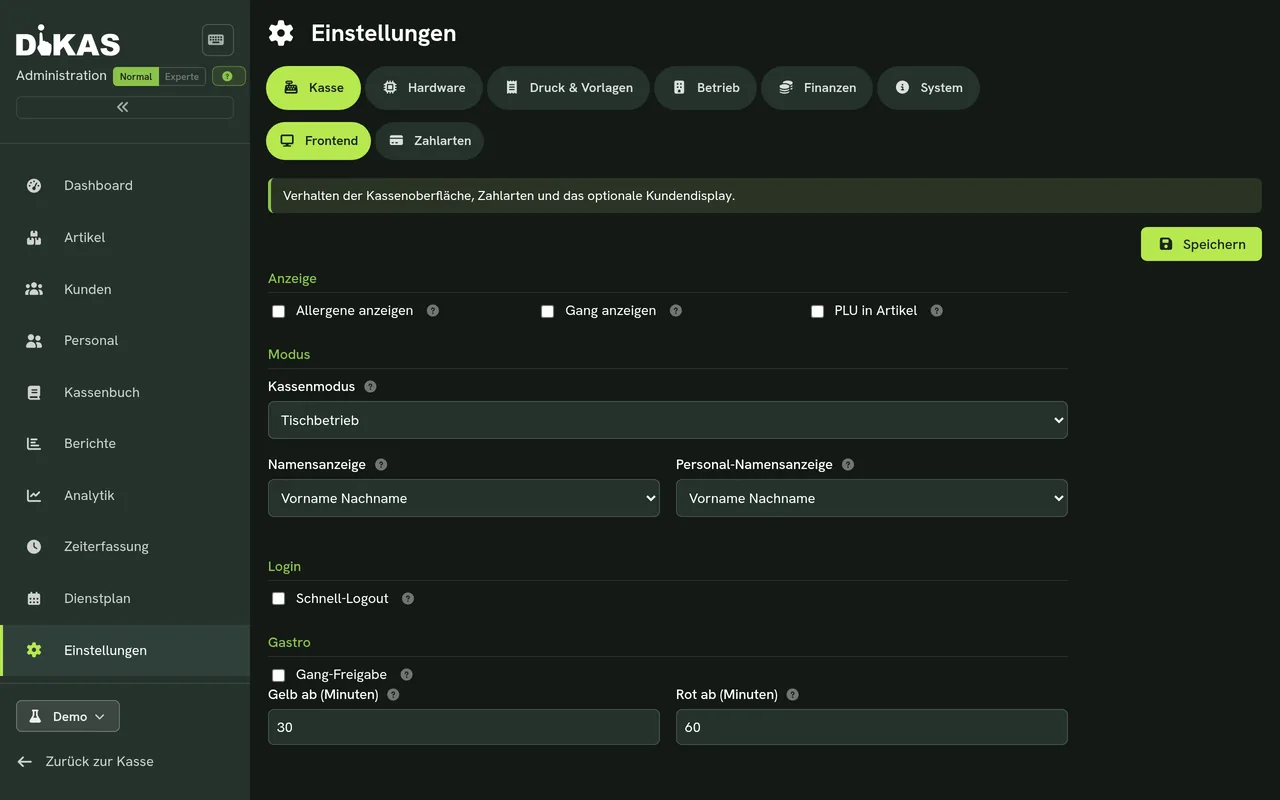
Control centrally where things are printed: counter, kitchen, service area – with receipt templates and any number of service areas.

To printer control
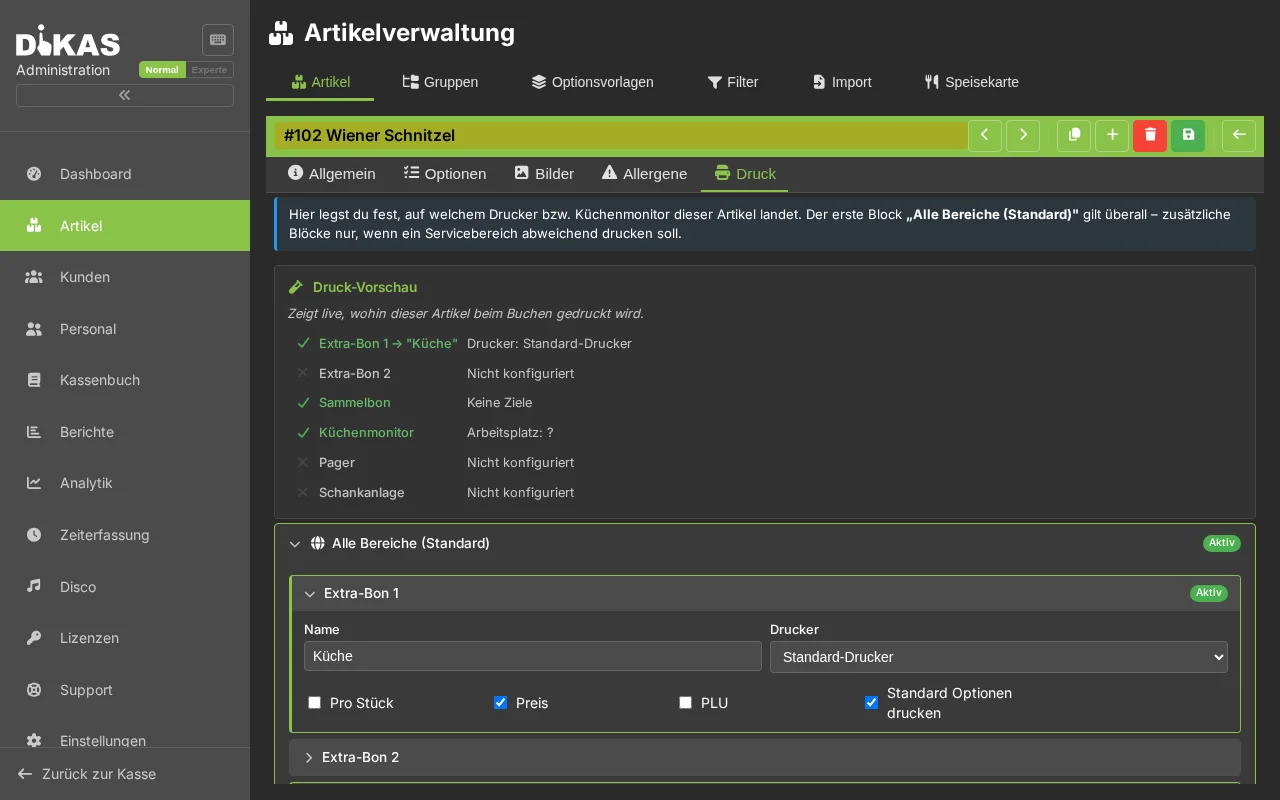
Receipt routing: every receipt goes where it belongs
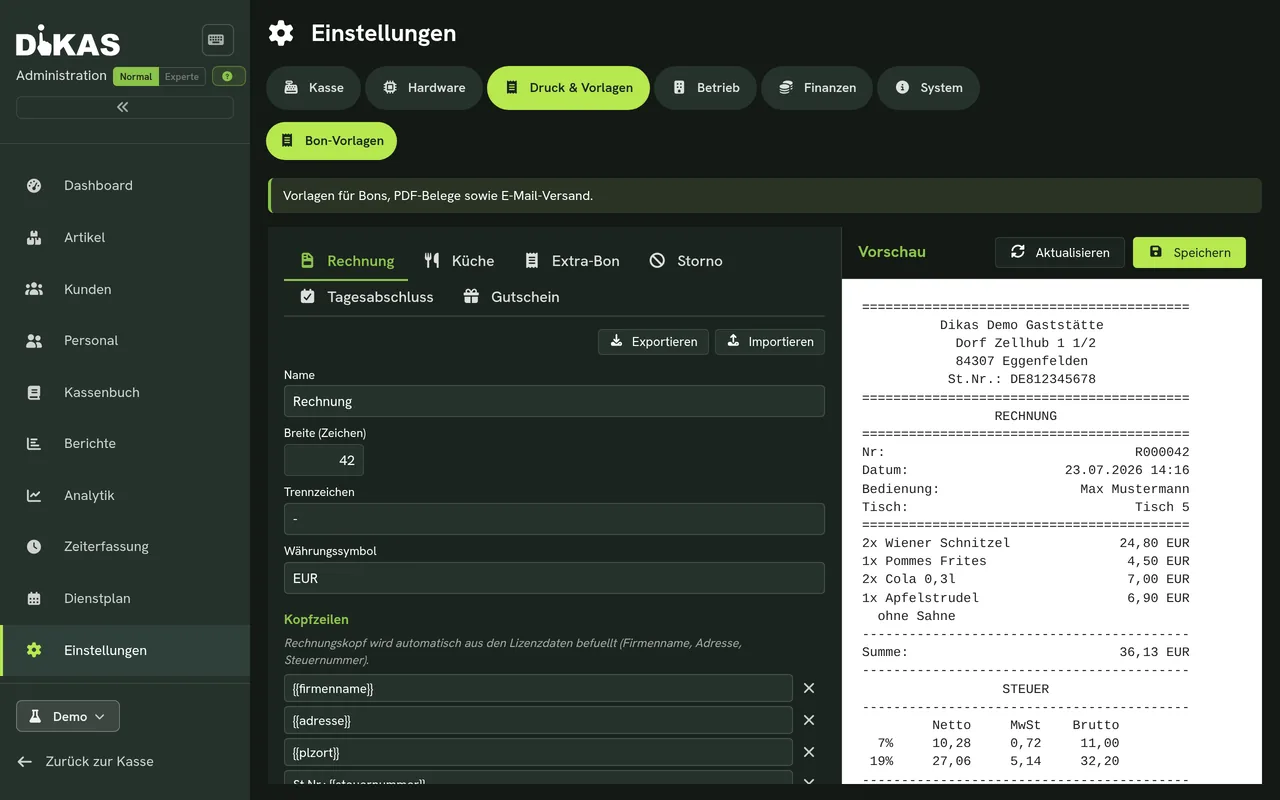
Manage receipt templates centrally
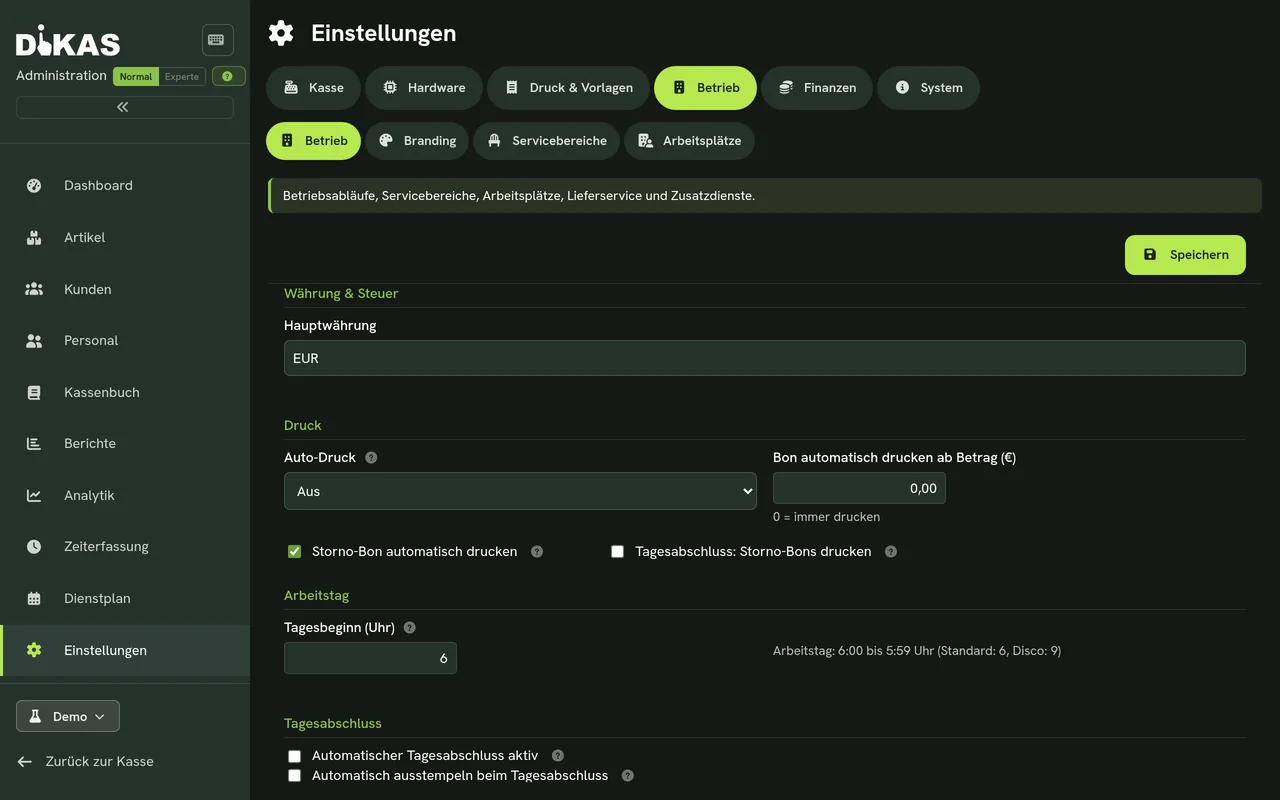
Any number of service areas
Set up printers: kitchen, counter, service

Best to try it yourself

The live demo runs directly in the browser – no installation.