
Tables & service areas
The floor plan that knows your business
Table management is the heart of every hospitality POS – with DiKAS it is graphical, fast and flexible. Map your dining room 1:1, set up as many service areas as you like and work right at the table – on the smartphone or tablet you already have: order, move, merge, split.
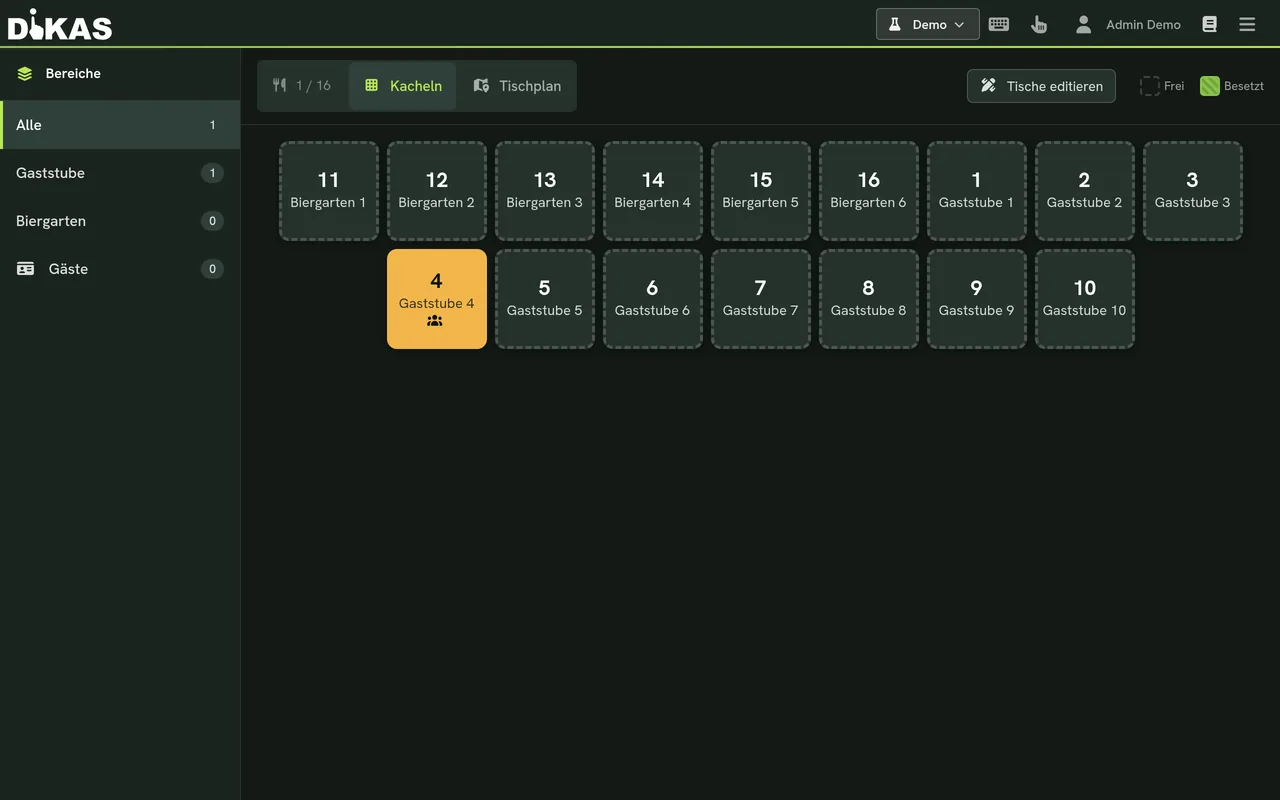
Service areas – without limit
Switch server via NFC card or PIN
Client included per plan (Club: 2)
Surcharge – the floor plan is in every plan
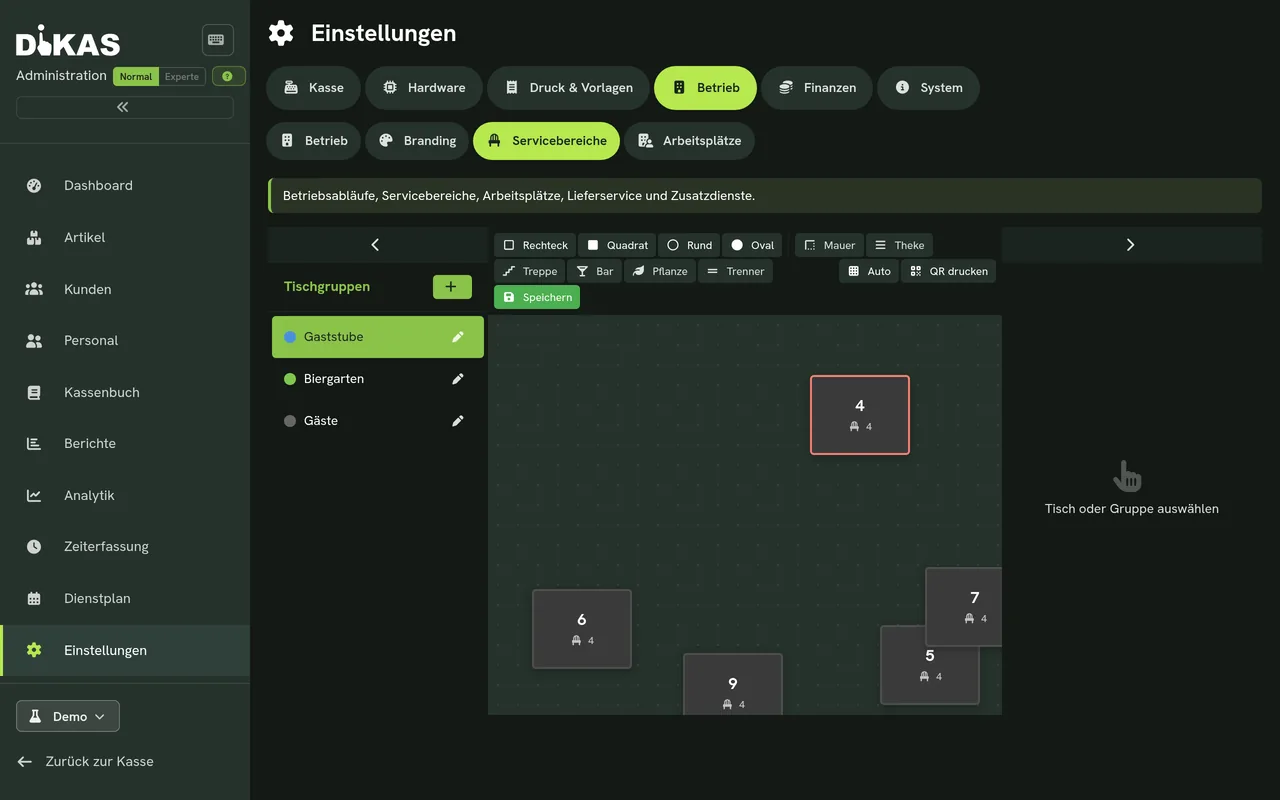
Graphical floor plan
Your venue, exactly as it really looks
Create tables in the floor-plan editor and arrange them just the way your room is laid out – round, square, large, small. Staff find their way instantly, because the plan matches the real dining room.
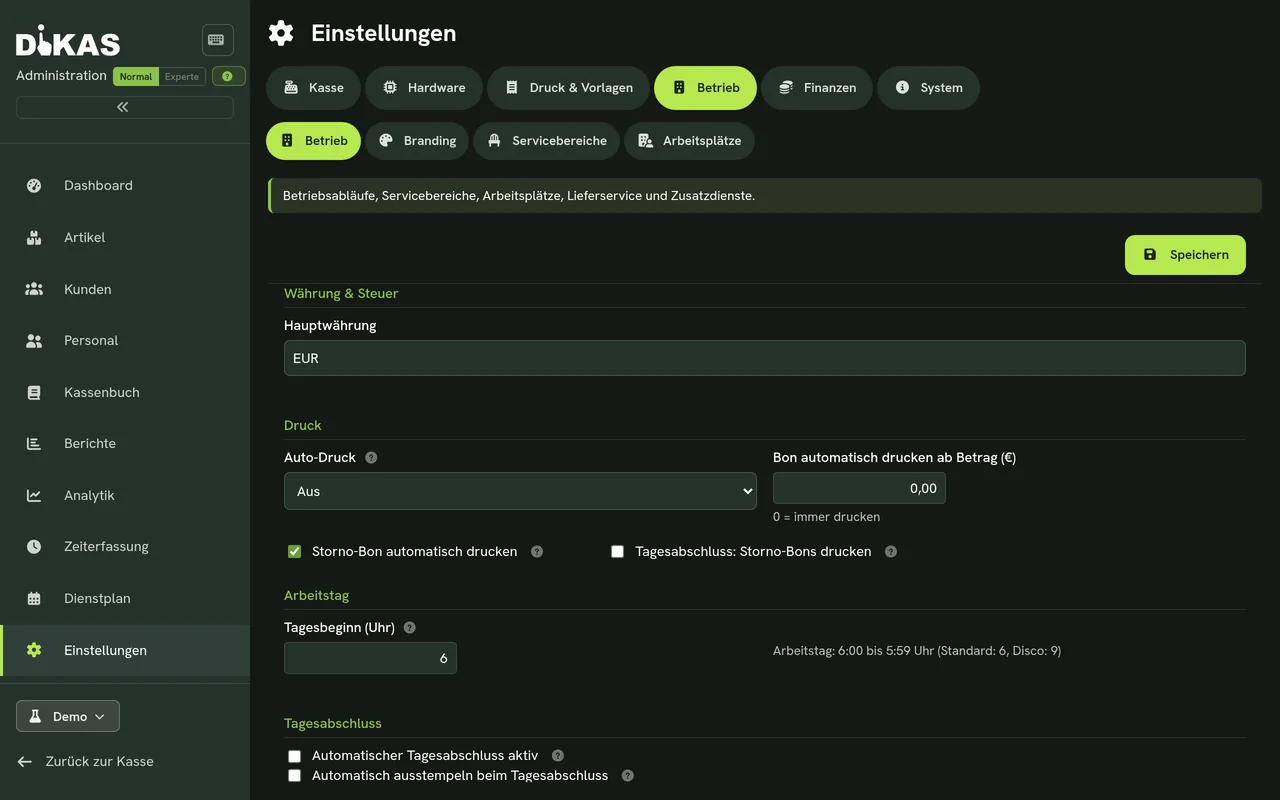
As many service areas as you like
Restaurant, terrace, bar, beer garden – as many as you want
Set up as many service areas as you need – with no upper limit. Each area has its own floor plan. And because printer routing and price rules know the area, terrace orders print at the right printer and can even carry their own price there.
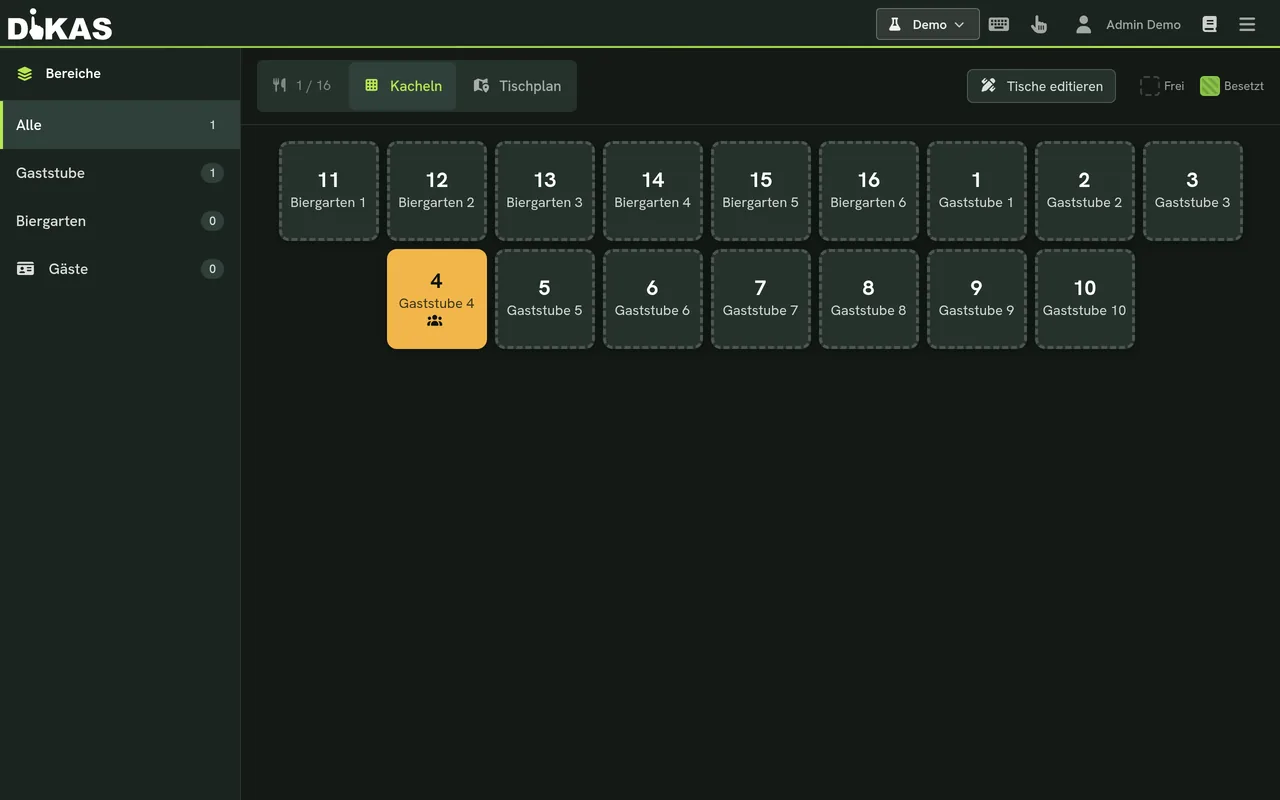
Occupancy in real time
See what is going on at a glance
Free, occupied, for how long, how high the open amount – all colour-coded at a glance. So everyone on the team knows instantly where there is still space and which table needs attention.
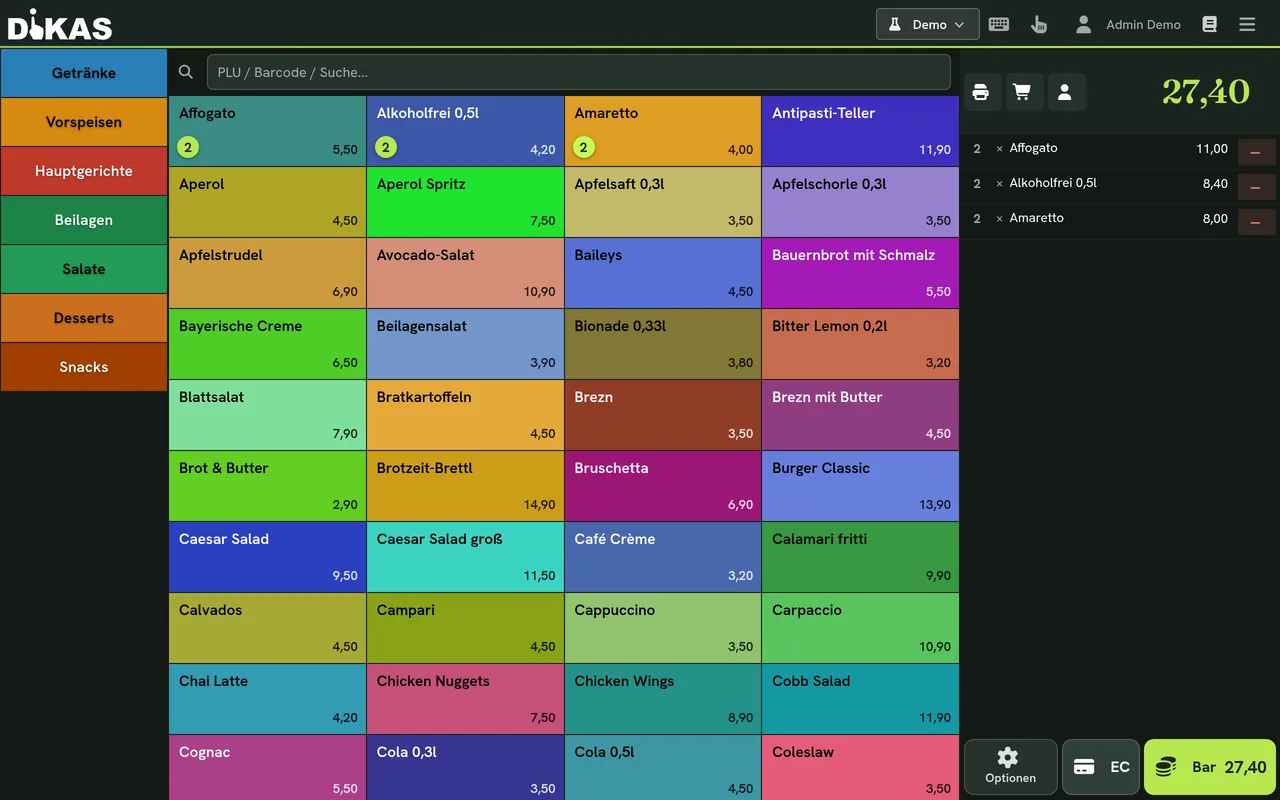
Working at the table
Order, move, merge, split
Guests change tables? Move them. Two tables become one party? Merge them. Everyone pays their own? Split billing. Plus course control, table notes and reservations – all right at the table.
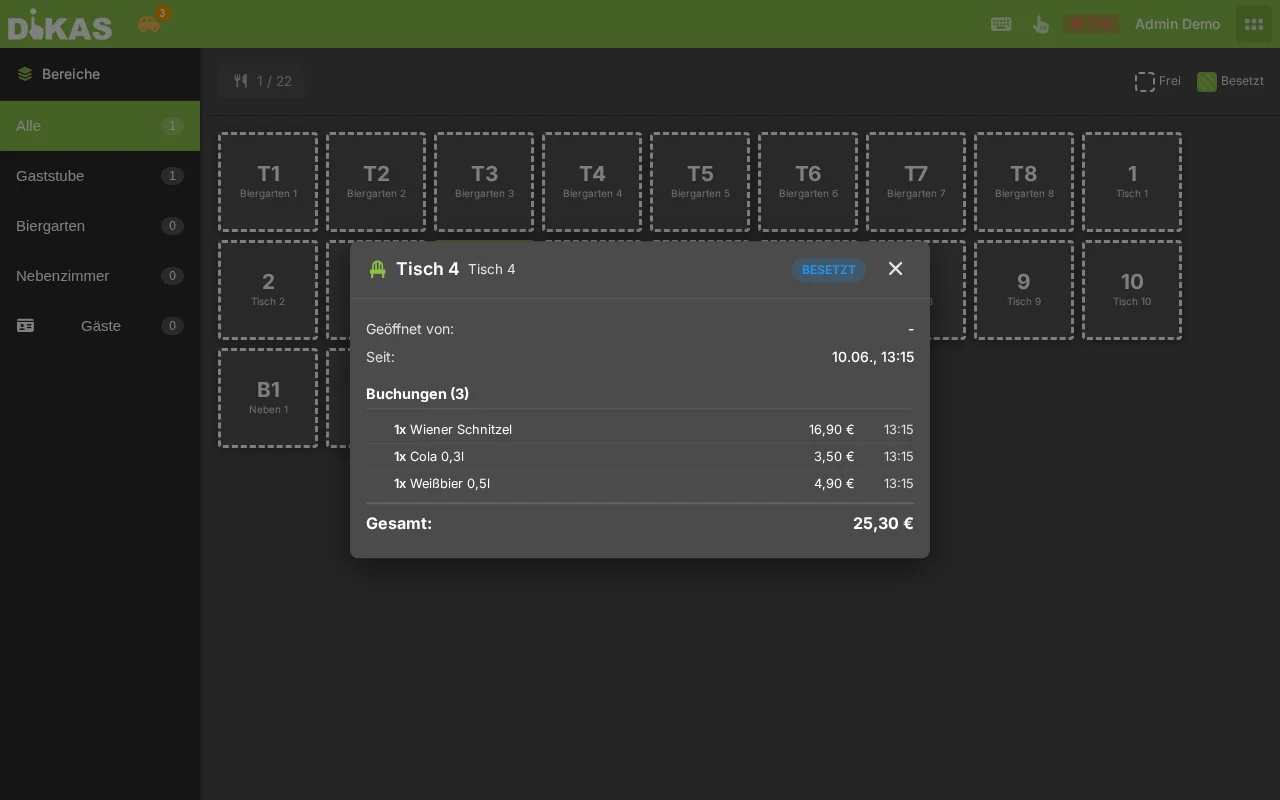
Table notes & table info
The details the service needs
Jot down notes right at the table – and open the table info for a quick overview: what is open, how high the amount is and how long the table has been occupied. That way you can hand over a table mid-shift without a long explanation.
Fast server switching
A shift begins in one second
Several people on the same device? With a PIN or NFC card, staff switch in seconds – without interrupting service. Hold the card to the reader, and the right server is logged in. Every booking, every receipt and every cancellation lands automatically with the right staff member.
And you are free to choose the card reader: DiKAS works with any common PC/SC card reader, with Baltech NFC readers, with the built-in NFC on the tablet and even with simple HID readers that send the card ID as keyboard input.
Built-in NFC
Smartphone & tablet (Android)
Any PC/SC reader
Standard card reader on the PC
Baltech NFC
Professional RFID reader
HID readers
Card ID as keyboard input
An evening in service
Four moments where the floor plan carries you
It is not individual features that win the evening – the flow does. Here is what it looks like with DiKAS.
The terrace fills up
One look at the plan shows where there is still space – each area has its own floor plan.
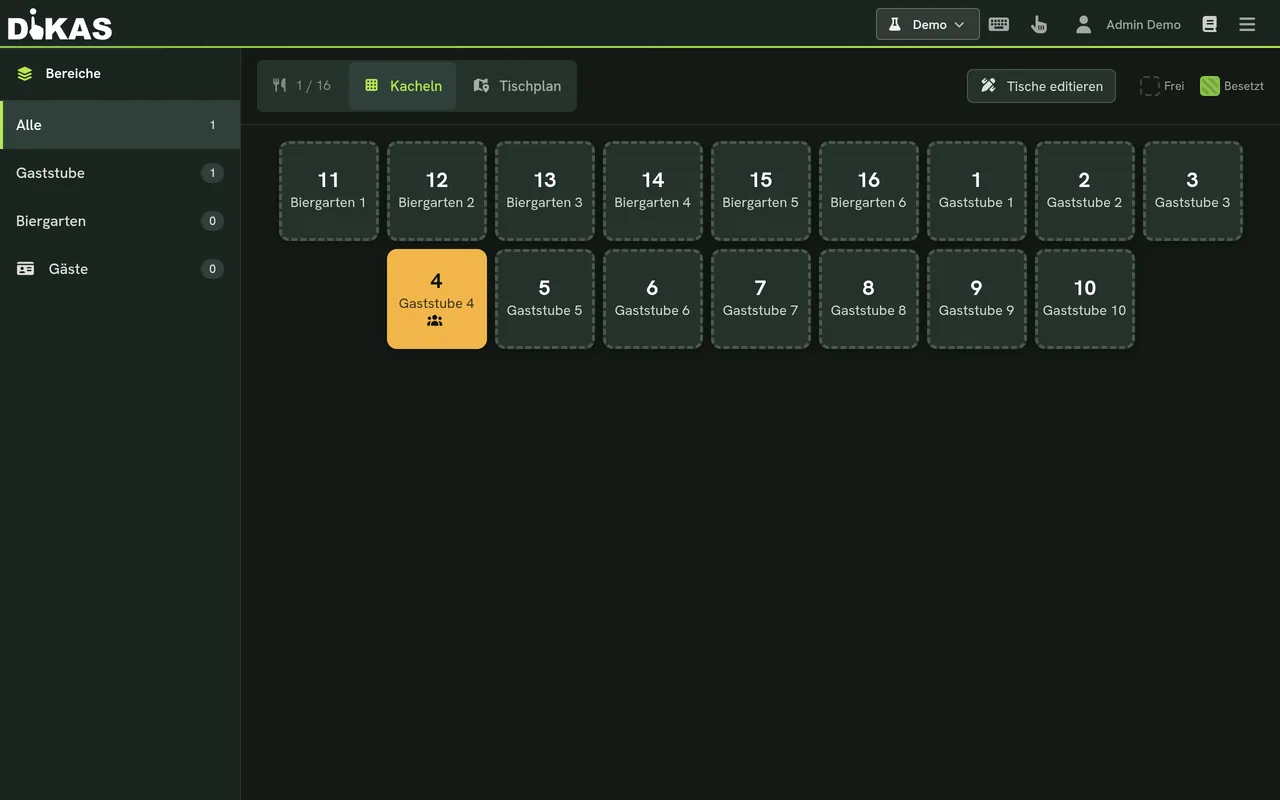
Table 12 orders
You book right at the table, the tab grows with it – bar and kitchen get the order immediately.
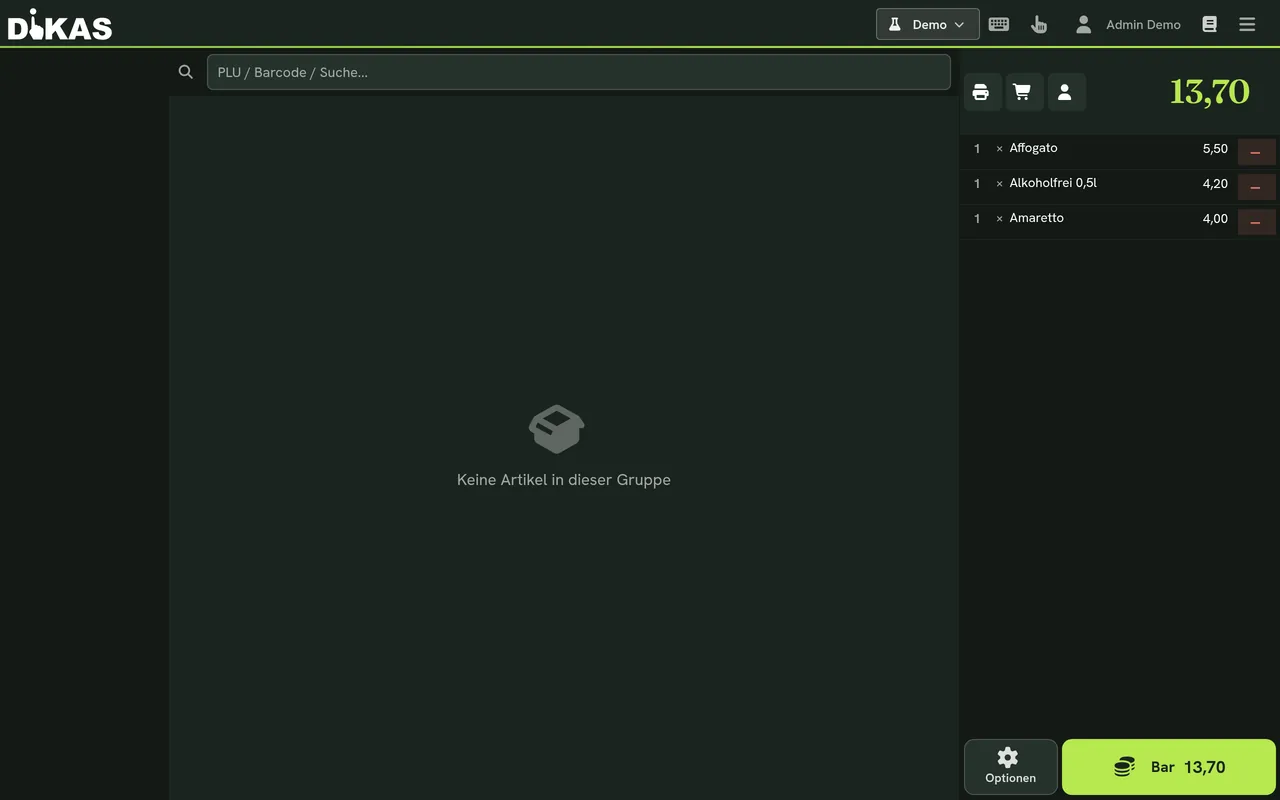
Two tables become one party
Merge, done: one bill, nothing lost. And if a guest changes seats, you simply move them.
Everyone pays their own
Split billing divides the bill cleanly – cash, card or mixed.
Everything the service needs
At the table you can …
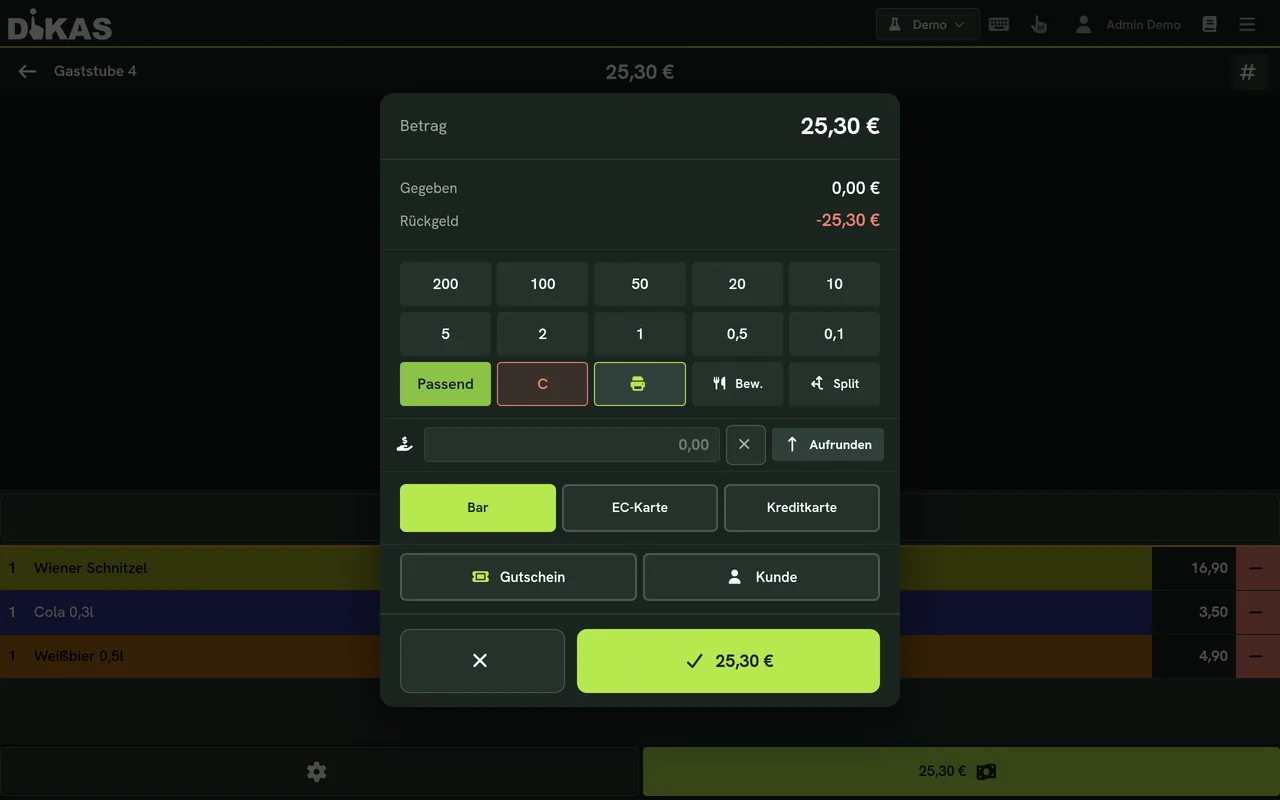
Split billing & dividing
“Everyone pays their own” without doing the maths in your head: the bill is split across any number of guests – item by item.
Merge tables
Two tables become one party? Merge them – one bill, all bookings preserved.
Move a table
Guests change seats – one tap, and the entire tab moves with them.
Course control
Starter, main, dessert – the kitchen knows what goes out and when.
Reservations
Record reservations before the house is full.
Your own tables
Every server sees their tables – every booking lands automatically with the right staff member.
Table notes & table info
Note specifics at the table, open details with a tap.
Per area: printing & prices
The terrace prints at its own printer – and may carry its own price.
Thinking further
What happens at the table carries on
Order, receipt and price belong together – DiKAS connects all three.
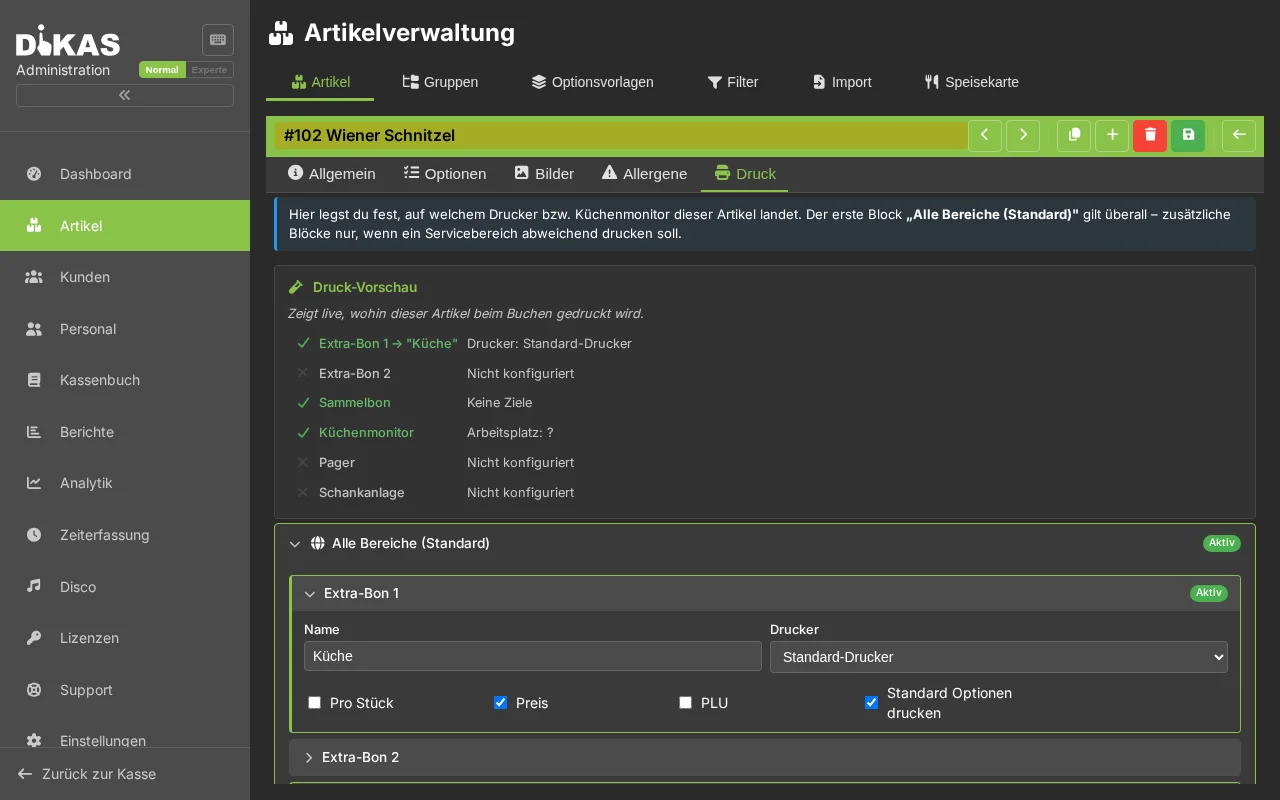
Printer routing
Ordered at the table, printed in the kitchen and at the bar – the same moment, on the right device.
Learn more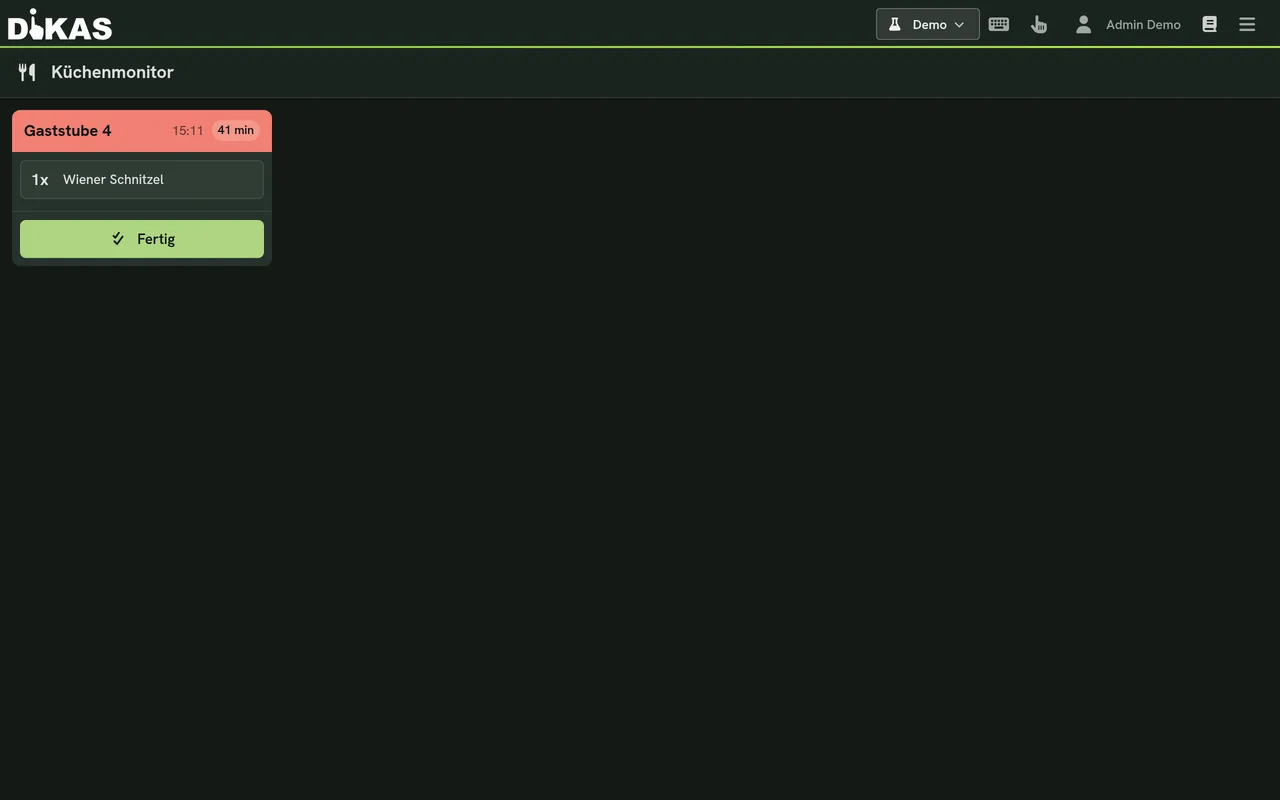
Kitchen monitor
Prefer to go fully paperless? Orders appear in real time on the kitchen monitor – with course control.
Learn more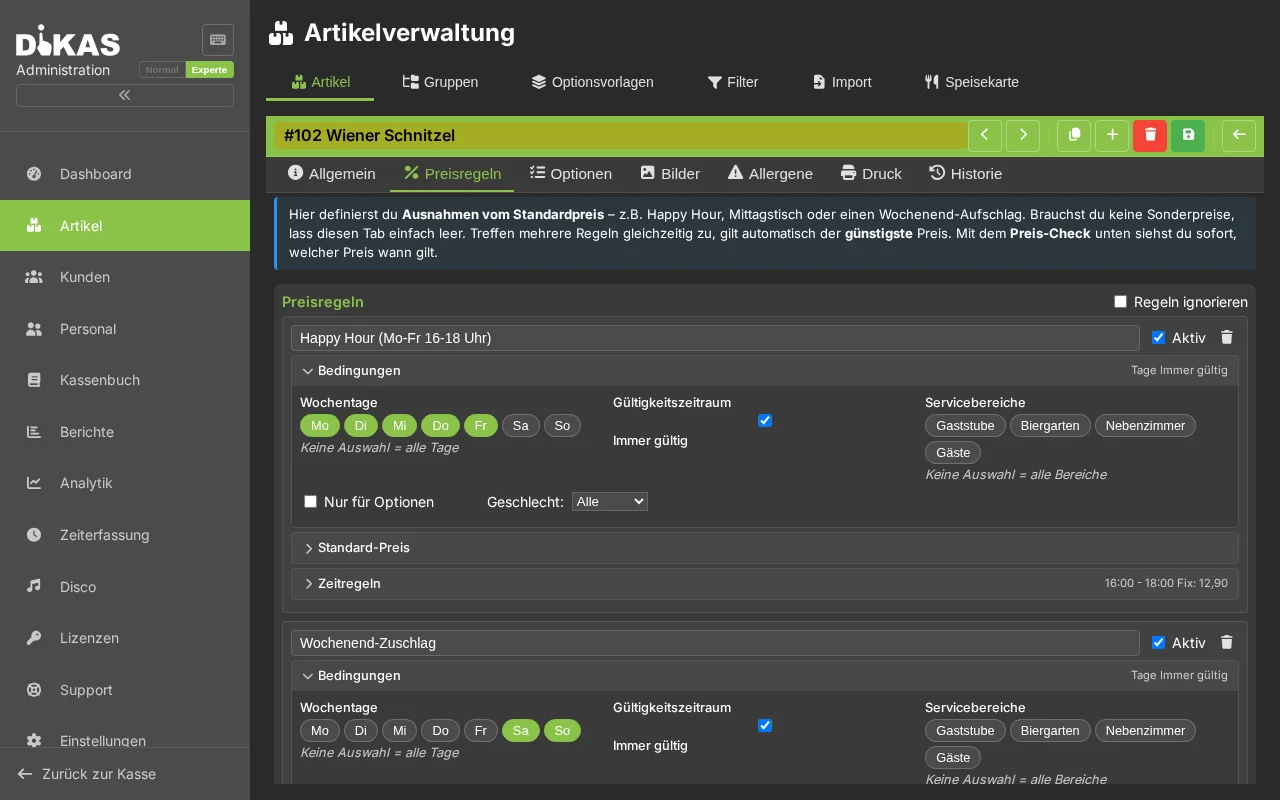
Price rules
Terrace price, happy hour, lunch deal – the area knows its price, fully automatically.
Learn moreTry the floor plan yourself
In the live demo you create tables and take payment in seconds.